
Essential Design Suites Adobe Photoshop and Illustrator remain industry standards for raster and vector workflows. Photoshop excels at photo editing, compositing, and texture work; Illustrator delivers precise vector illustrations and logo creation. Affinity Photo and Affinity Designer offer one-time-purchase alternatives with professional features and high performance. CorelDRAW still serves print-focused workflows where page layout and vector precision are critical. Choose primary suites based on project needs and team standards.
UI, UX and Prototyping Tools Figma’s cloud-native collaboration, real-time editing, and component system make it indispensable for interface designers. Sketch is popular on macOS for UI kits and plugins, while Adobe XD integrates with Creative Cloud and offers rapid prototyping and voice triggers. InVision and ProtoPie remain useful for advanced interaction design and high-fidelity prototypes. Pair these tools with Zeplin or Avocode to hand off assets and specs to developers.
Asset Management and Version Control Efficient asset organization prevents lost files and redundant work. Adobe Creative Cloud Libraries, Dropbox, Google Drive, and OneDrive provide cross-device storage and sync. For version control, Abstract or Plant extends Git-like branching to design files, enabling experiment tracking and safe merges. Tools like IconJar and Noun Project streamline icon libraries. Use consistent folder hierarchies, semantic file names, and a master asset index for team alignment.
Typography and Color Tools Typography and color set the visual tone. Google Fonts, Adobe Fonts, and FontBase make font management simple, while WhatTheFont and Identifont help identify typefaces from images. For color exploration and accessibility, Coolors, Adobe Color, and Paletton accelerate palette generation. Contrast checkers such as Stark or WebAIM ensure WCAG-compliant color contrast. ColorBlindly and Sim Daltonism previews help design for diverse vision.
Productivity, Automation and Plugins Automating repetitive steps saves hours. Photoshop Actions, Illustrator Scripts, and Figma plugins (Autoflow, Master) reduce manual labor. Productivity tools like Alfred, Raycast, and Keyboard Maestro on macOS, or PowerToys and AutoHotkey on Windows, streamline window management, snippets, and hotkeys. Plugin ecosystems for each design app extend capabilities: Craft by InVision for data population, Content Reel for mock content, and Iconscout for rapid asset insertion.
Collaboration and Communication Remote collaboration depends on clarity and responsiveness. Slack, Microsoft Teams, and Discord facilitate quick feedback loops. Use Loom or Recordit for visual walkthroughs; they reduce misunderstanding compared to text-only comments. Integrate design tools with project management platforms such as Jira, Trello, or Asana to track tasks and link design files to tickets. Annotated prototypes and versioned exports reduce iteration friction between designers, product managers, and developers.
Stock, Patterns and Resource Marketplaces High-quality assets reduce production time. Unsplash, Pexels, and Pixabay provide free photographic content; Shutterstock and Adobe Stock supply extensive paid libraries. For UI kits, templates, and mockups, Envato Elements and Creative Market offer ready-made resources. LottieFiles provides lightweight animations for web and mobile. Maintain a curated internal repository of frequently used assets to avoid repetitive licensing checks.
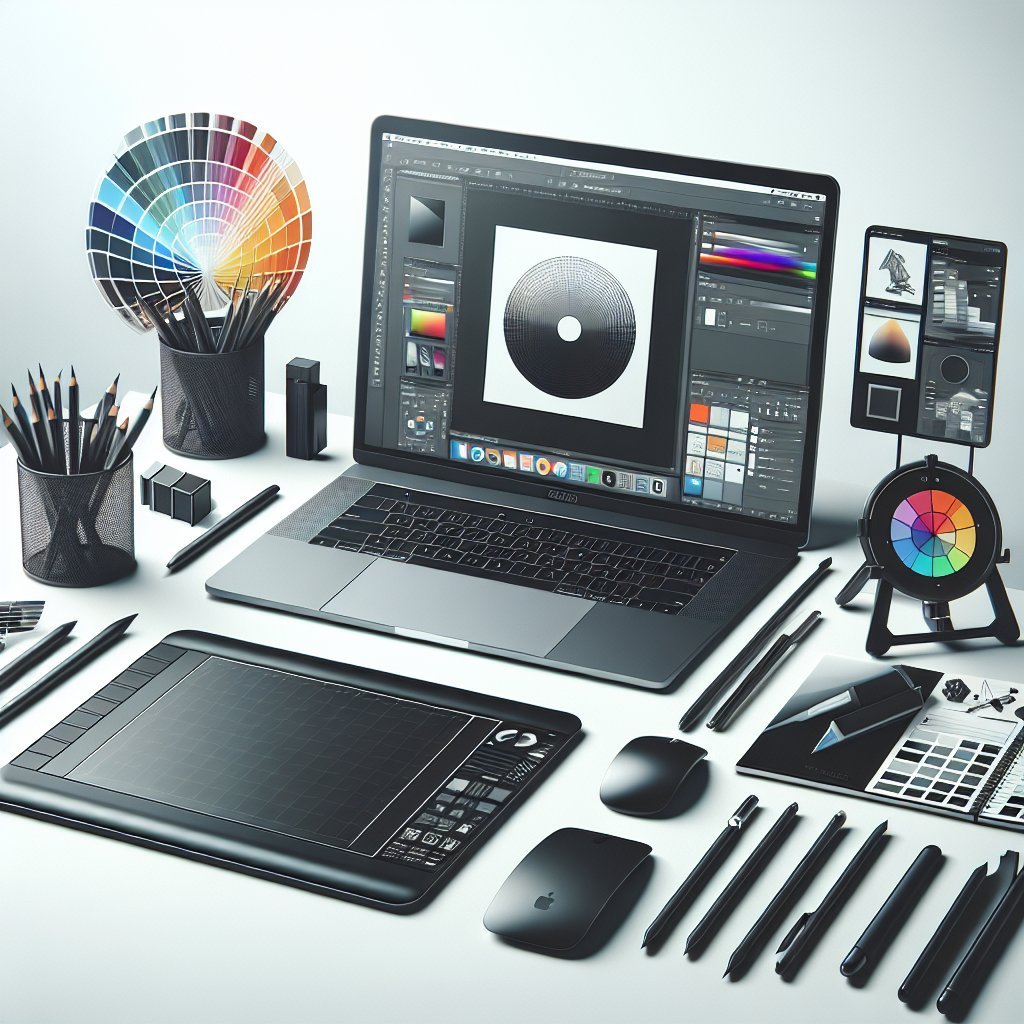
Hardware and Performance Optimization Design work benefits from reliable hardware. Color-accurate monitors (Eizo, BenQ) and hardware calibration tools (X-Rite, Datacolor) ensure consistent output across devices. Graphics tablets (Wacom Pro, Huion) improve precision for illustration. SSDs, 16–32GB RAM minimum, and multicore CPUs accelerate large PSDs and render tasks. External GPUs and modern discrete GPUs help with 3D and accelerated canvas performance. Invest in ergonomic peripherals to reduce fatigue during long sessions.
Exporting, Handoff and File Standards Standardized export workflows prevent mismatches across platforms. Define naming conventions, scale factors (1x, 2x, 3x), and export formats (SVG for vectors, WebP/PNG/JPEG for raster). Use tools like Squoosh for image optimization and SVGO for SVG cleanup. Maintain design tokens for color, spacing, and typography through style dictionaries or JSON exports to keep front-end parity. Provide annotated style guides and component documentation for developers.
Workflow Best Practices and Maintenance Keep a disciplined workflow: create reusable components, version templates, and document design decisions in a living style guide. Schedule regular asset audits to archive deprecated elements and prune unused fonts. Backup critical libraries automatically to offsite storage and enable file recovery options. Conduct periodic tool reviews to evaluate emerging software and plugin updates; prioritize security patches. Small, consistent improvements to tooling and habits compound into major efficiency gains.
Recommended Plugin Categories Extensions accelerate routine tasks and fill feature gaps. Prioritize plugins for content population, data-driven mockups, icon and image insertion, accessibility auditing, and developer handoff. Evaluate plugin performance, maintenance frequency, and security before team adoption. Maintain a vetted plugin list and a sandbox environment for testing updates.
Security, Licensing and Compliance Protect intellectual property with proper licensing, access controls, and audit trails. Use single sign-on (SSO) and two-factor authentication for cloud services. Keep a license registry for paid assets and fonts to prevent legal exposure. For client projects involving personal data, incorporate GDPR and privacy-by-design practices; anonymize sample data when prototyping.
Learning, Templates and Community Invest in continuous learning: subscribe to feed resources like Smashing Magazine, A List Apart, and CSS-Tricks, and follow tutorial channels for tools you use. Curated template libraries and internal onboarding decks reduce ramp-up time for new hires. Participate in community forums and plugin issue trackers to influence roadmap items and discover best practices.
Workspace Setup Checklist Standardize software versions and preferred plugins across the team. Configure cloud storage, backup schedules, and access permissions. Create a typography and color token set and publish it to libraries. Establish naming conventions for files, layers, and components. Document export presets and platform-specific asset rules. Schedule quarterly reviews of fonts, assets, and plugin hygiene.
Measuring Efficiency Track metrics such as time-to-first-prototype, number of iterations before development handoff, and percentage of reusable component usage. Combine qualitative feedback from stakeholders with quantitative data from task tracking to identify bottlenecks. Small experiments—like switching an export workflow or introducing a template—should be measured and iterated upon.
Adapting to Change A resilient workspace anticipates change: adopt interoperable formats, prefer open standards like SVG and CSS variables where possible, and design components that can be refactored without breaking consumers. Regularly revisit tool choices; what accelerates work today may be obsolete tomorrow. Document wins and lessons learned to refine future workspace decisions.