

The Ultimate Human-Centered Freelance Graphic Designer Workspace Guide
Defining a Human-Centered Workspace A human-centered freelance graphic design workspace is built around comfort, focus, and creativity rather than just […]
Defining a Human-Centered Workspace A human-centered freelance graphic design workspace is built around comfort, focus, and creativity rather than just […]

Apple MacBook Pro 16‑inch (M3 Max) For macOS-based graphic design, the 16‑inch MacBook Pro with M3 Max is a powerhouse.

Choosing and Setting Up Your First Digital Tablet Selecting the right tablet depends on budget, drawing style, and workspace. Entry-level

Choosing the Right Tablet for Design Sketching Selecting a tablet shapes your entire sketching workflow. Professional designers generally choose between

Prioritizing posture and neutral alignment Maintaining a neutral spine and relaxed shoulders is essential for long digital illustration sessions. Position

Display size and working area Choosing a suitable drawing tablet starts with understanding display size and active working area. Larger
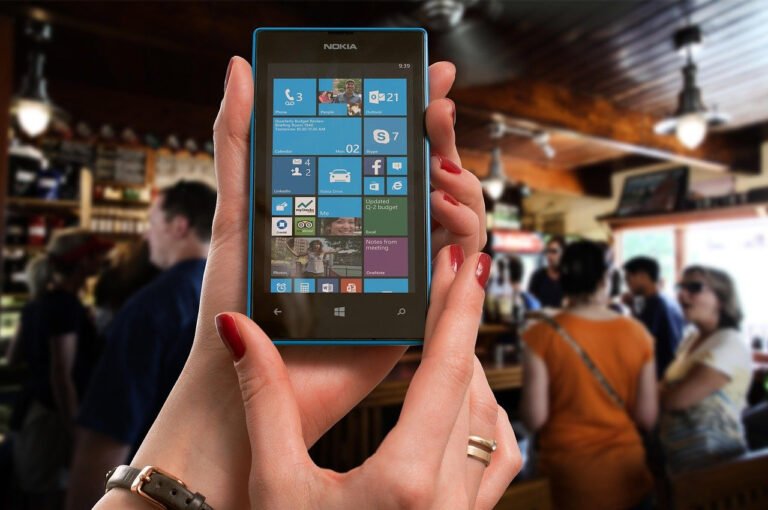
Prioritizing Clarity and Visual Hierarchy A modern creative design app must guide users’ eyes to what matters most. Clear visual

Why Responsive Dashboards Matter on Laptops Responsive dashboard design on a laptop focuses on optimizing interfaces for mid-sized screens, variable
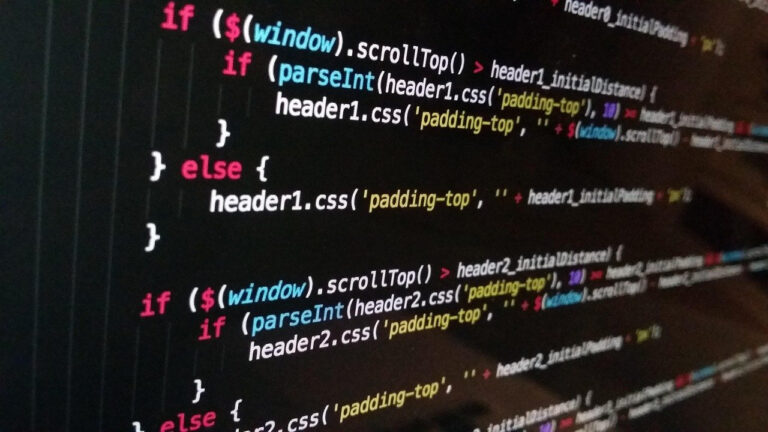
Prioritize a Distraction-Free Canvas The canvas is the heart of any digital illustration tool, and interface decisions should preserve focus

Figma for Collaborative, Responsive Interface Design Figma dominates modern UI/UX workflows because it runs in the browser, syncs in real

Understanding workspaces and layouts in graphic design software A workspace is the overall arrangement of tools, panels, and menus you
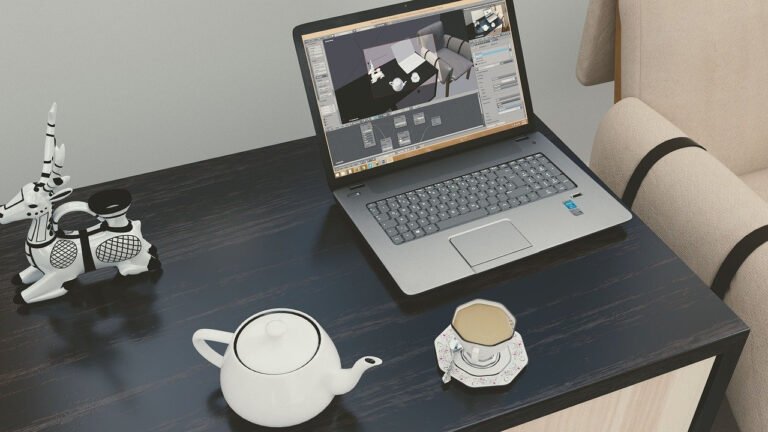
Choosing the Right Desk and Layout An ergonomic digital graphic design workspace begins with a stable, appropriately sized desk. Aim