

How to Create a Human-Centered Workspace for Freelance Graphic Designers
Understand the Core Needs of Freelance Graphic Designers Freelance graphic designers balance creativity, client expectations, and self-management. A human-centered workspace
Understand the Core Needs of Freelance Graphic Designers Freelance graphic designers balance creativity, client expectations, and self-management. A human-centered workspace

Define Your Creative Needs First Before comparing specs, clarify how you’ll use the tablet. Professional illustrators and designers need very
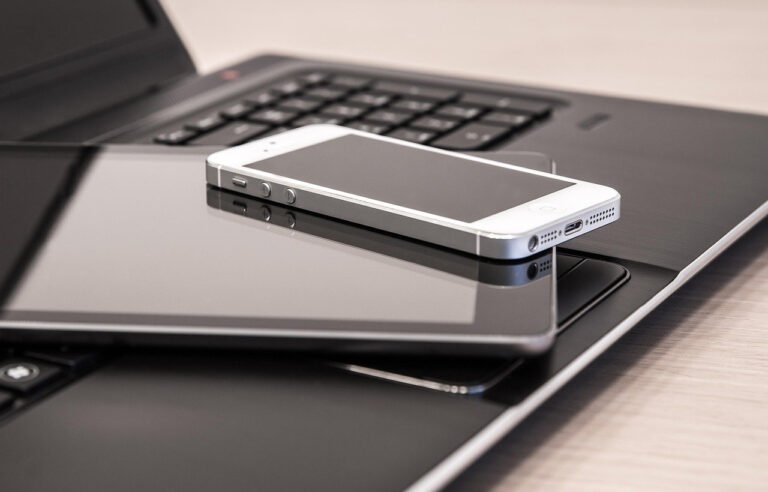
Choosing the Right Digital Tablet Selecting a tablet is the foundation of a modern illustrator’s toolkit. Display tablets like Wacom
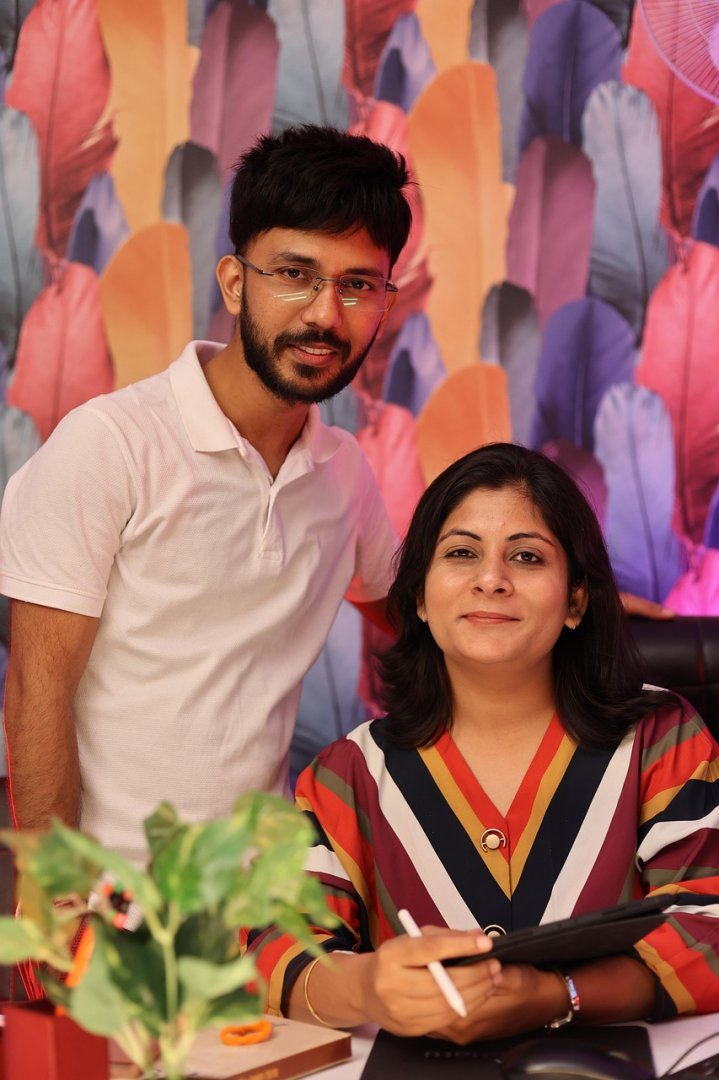
Choosing the right tablet for digital sketching Selecting hardware shapes your workflow, comfort, and final results. Entry-level options include budget

Ergonomic positioning for tablet and monitor Placing your digital illustration tablet and monitor at ergonomically sound positions prevents fatigue and

Choosing the right drawing tablet for beginners A beginner-friendly setup typically starts with either a non-display tablet (like a Wacom
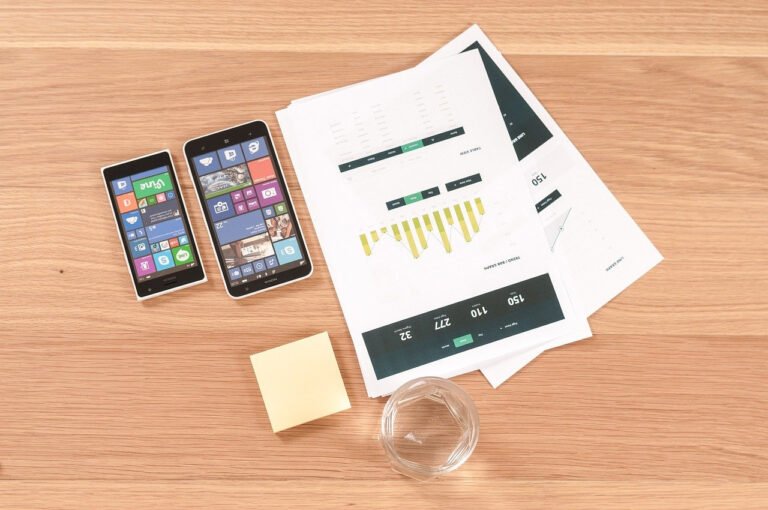
Emphasis on Microinteractions and Motion Feedback Microinteractions have evolved from subtle embellishments into core communication tools. Modern creative design apps

Choosing the right tools and technologies Selecting appropriate tools is the foundation of a modern analytics dashboard on a laptop.

High-Resolution Canvas and DPI Control A professional digital illustration workflow starts with a flexible, high‑resolution canvas. Artists need software that
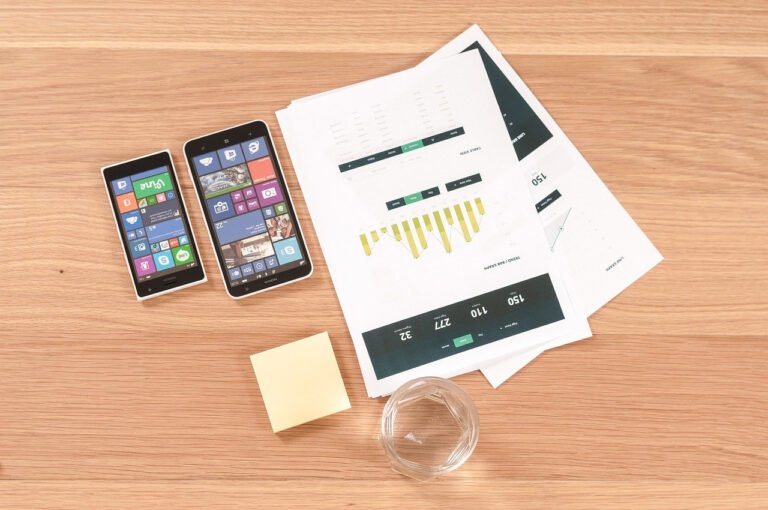
Define the user flow before opening any design tool Start by mapping the journey a user will take through your

UI versus UX in graphic design software often shows up most clearly in how the screen workspace is planned, organized,
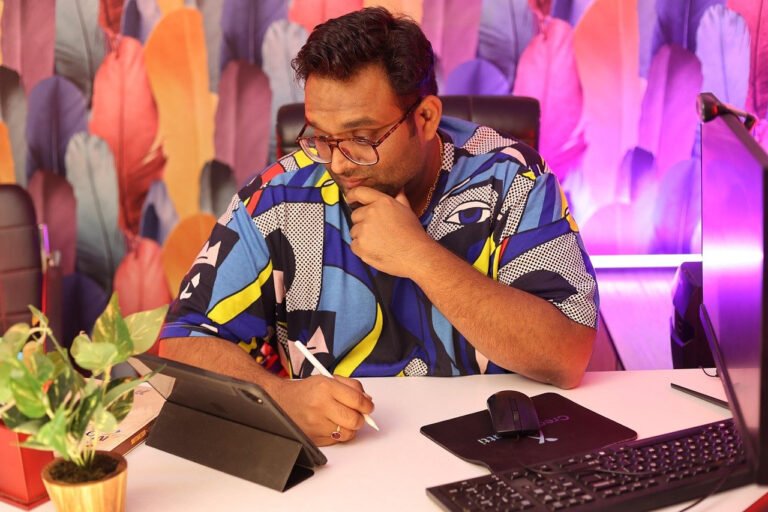
Designing an efficient digital graphic design workspace dramatically streamlines creative flow, reduces friction, and supports long-term productivity. Begin by defining