
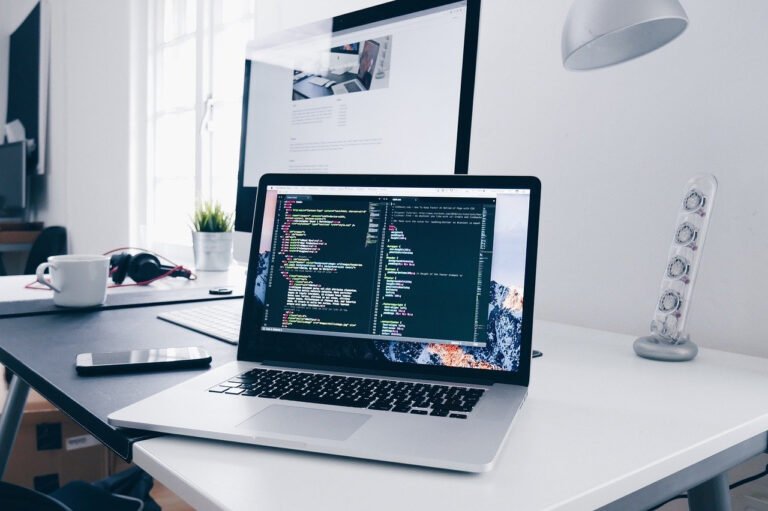
Best Dual Monitors for Designer Workspaces in 2026
Choosing dual monitors for design in 2026 means balancing color accuracy, resolution, and ergonomics with smart connectivity and workflow efficiency.
Choosing dual monitors for design in 2026 means balancing color accuracy, resolution, and ergonomics with smart connectivity and workflow efficiency.
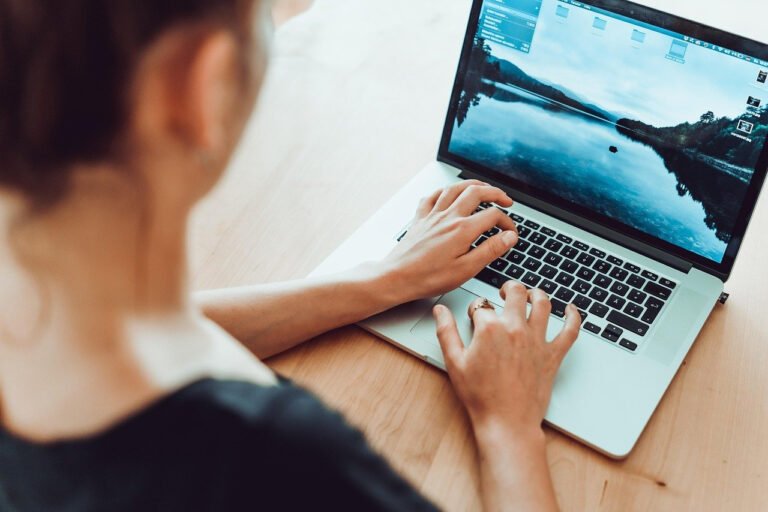
Prioritizing Neutral Posture and Spinal Alignment Maintaining a neutral spine while working on a laptop is challenging because the screen
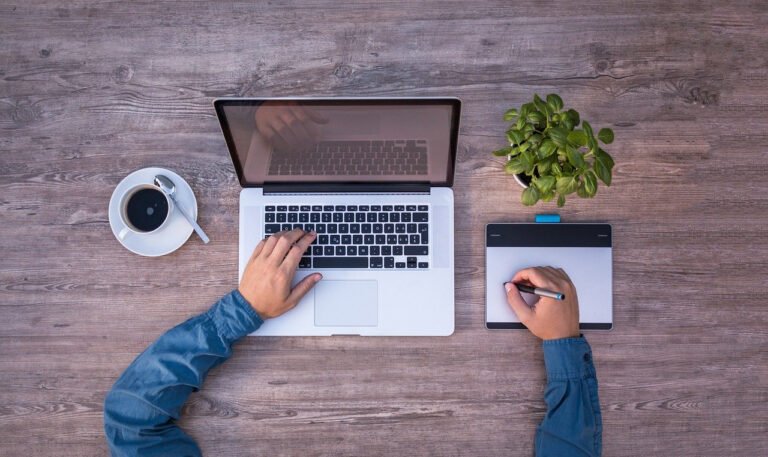
Powerful processors and GPU performance for design workloads Graphic design applications like Adobe Photoshop, Illustrator, InDesign, Figma, and 3D or
Maximizing vertical space for a small graphic design laptop workstation Vertical organization is crucial when floor space is limited. Use

1. Choosing the Right AI Music Tool for Your Workflow Matching a tool to your creative style is more important
What Creatives Should Know Before Choosing Generative AI Tools Generative AI tools vary wildly in output quality, licensing, learning curve,

Understanding Creative AI in Video Production Creative AI in video production refers to machine learning models that assist or automate
Workspace branding has evolved far beyond logos on doors and matching stationery. Organizations now view their physical and digital environments
Craft a clear studio positioning and niche Defining a sharp positioning is the foundation of a standout portfolio. Modern graphic
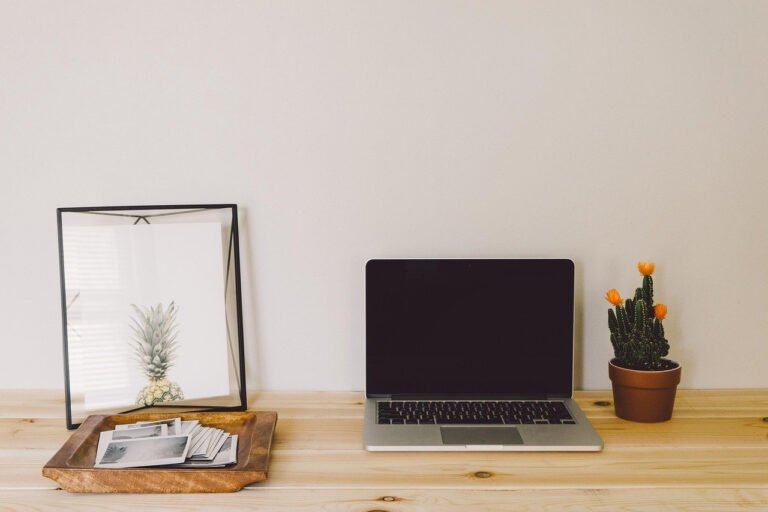
Define your purpose and space Designing a minimalist home studio starts with clarity of purpose. Before buying gear or rearranging
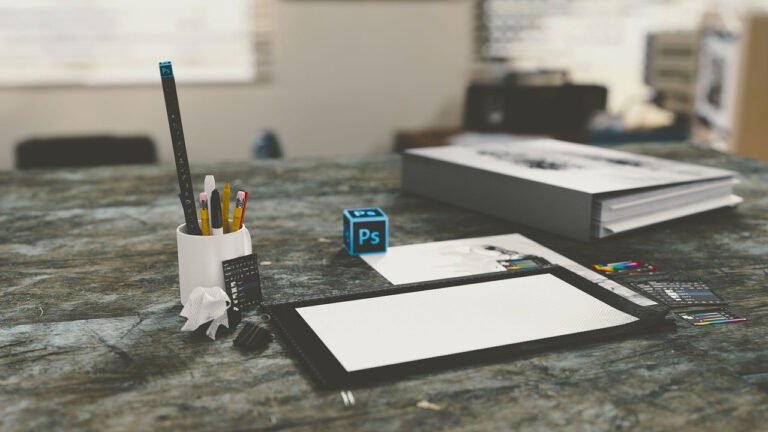
Maximizing Small Spaces with Smart Layouts A budget-friendly desk setup for graphic designers starts with understanding spatial flow. Position your
Defining a Human-Centered Workspace A human-centered freelance graphic design workspace is built around comfort, focus, and creativity rather than just