
-
Procreate: A polished iPad illustration screen with intuitive touch controls, pressure sensitivity and fast performance. Beginners appreciate the simplified layout, customizable brush sets and responsive Apple Pencil support. Canvas management, layers, color picker and gesture shortcuts reduce friction while learning. Brush Studio allows editing, importing and creating brushes to match traditional textures. Time lapse recording and easy export options streamline sharing and portfolio building. Procreate supports high resolution canvases and offers helpful community tutorials. Pricing is a one time fee, making it affordable for hobbyists. Tip: start with basic brushes, learn gestures and practice layer organization and experiment daily.
-
Adobe Photoshop: A versatile desktop and tablet illustration workspace combining raster painting, advanced selection tools and layer effects. Beginners benefit from vast tutorials, presets and smart guides that simplify composition and color correction. Brush engine supports realistic textures, mixer brushes and brush import from third parties. Integration with Creative Cloud, asset libraries and cloud documents streamlines cross device workflows. Non destructive layers, masks and blend modes support experimentation without losing progress. Photoshop’s learning curve is balanced by community resources and templates. Pricing uses subscription tiers, with discounts for students. Tip: customize the workspace, learn keyboard shortcuts and save brushes.
-
Clip Studio Paint: Favored by comic artists and illustrators, Clip Studio Paint blends vector and raster tools within an intuitive screen. Beginners can use specialized comic panels, perspective rulers and speech bubble helpers to accelerate storytelling. Brush stabilization, rich brush libraries and vector layers produce crisp linework that scales. Animation timeline and frame-by-frame tools introduce motion basics without overwhelming new users. Asset store offers downloadable brushes, tones and 3D models to compose scenes quickly. One time purchase or subscription options suit different budgets. Tip: learn layer types, use vectors for inks and explore pen-stabilizers to steady lines when practicing.
-
Krita: A free open source painting program tailored for illustrators, Krita provides a beginner-friendly canvas with professional features. Intuitive brush engines, stabilizers, wrap-around mode and resource manager make texture work straightforward. Dockers help customize the screen, with brush presets, palettes and color selectors easily accessible. Animation support, onion skinning and timeline provide introductory motion tools. Krita’s active community releases brushes and tutorials regularly, helping newcomers learn practical techniques. Being free and cross platform increases accessibility for learners on budget. Tip: explore brush packs, configure dockers for your workflow and save workspace layouts to reduce setup time and practice sketches.
-
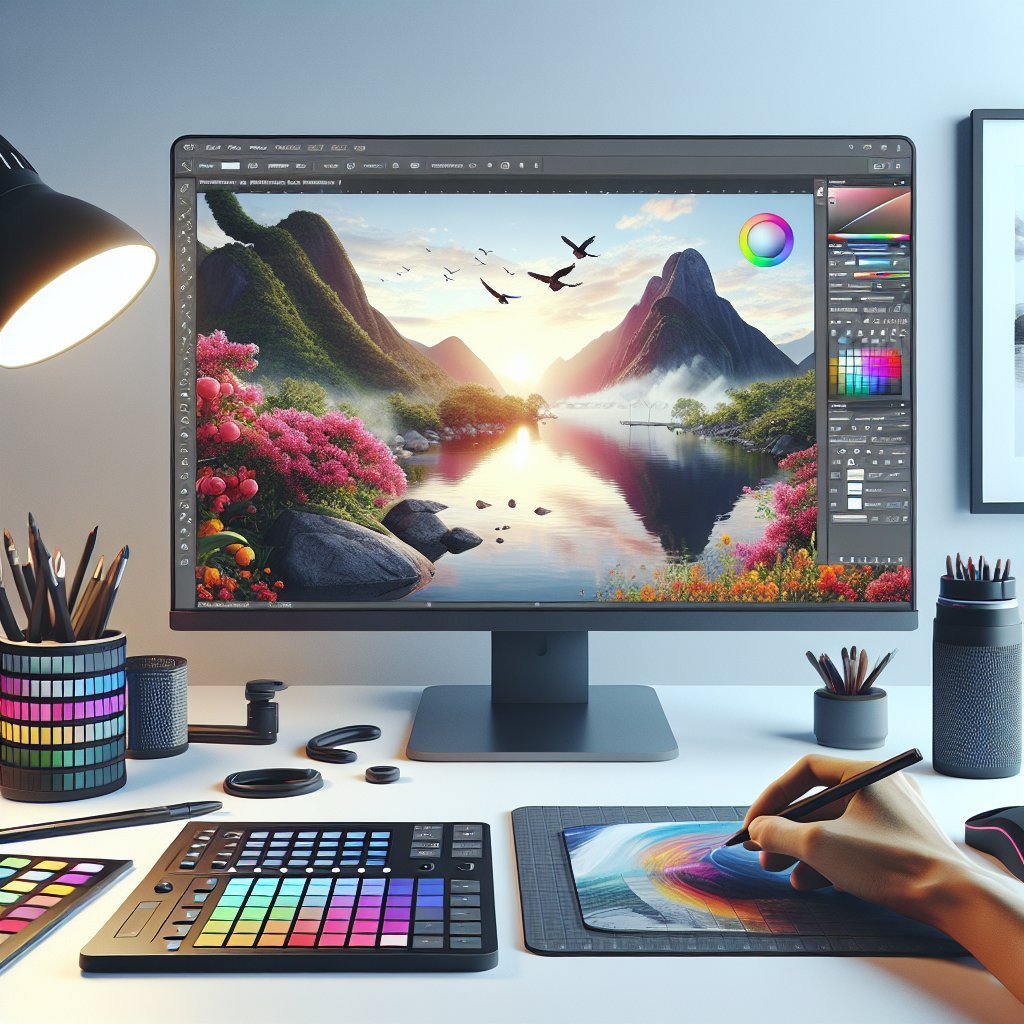
Affinity Designer: A cost effective vector and raster hybrid, Affinity Designer offers a clean interface suited to beginners shifting between illustration and graphic design. The Personas system separates pixel, vector and export workflows so learners focus on one screen at a time. Pen tool, node editing and snapping guides encourage precise vector work while pixel persona supports textured painting. Artboards, symbols and non destructive effects simplify layout experimentation. Rapid performance and one time pricing make it attractive for long term learning. Tip: start with vector basics, use grids and snapping, and maintain organized layers and named artboards for efficiency.
-
Adobe Illustrator: The industry standard vector illustration screen excels at logo design, icons and scalable art. Beginners benefit from precise Pen and Shape tools, Pathfinder operations and responsive artboard control. Live corners, width tool and brushes help achieve organic strokes while maintaining vector editability. Integration with Adobe Fonts, Creative Cloud assets and Illustrator templates accelerates learning and consistency. Illustrator supports variable export formats and SVG workflows for web and print. Subscription pricing applies but student plans reduce cost. Tip: master the Pen tool, use layers and groups, practice with shapes then combine them using Pathfinders to build complex forms.
-
MediBang Paint: A lightweight, free drawing screen geared toward manga and comic beginners, MediBang Paint is available on Windows, Mac, Android and iPad. Simple interface layouts, cloud saving and collaborative sharing reduce setup barriers for new users. Handy comic-specific tools like panel creation, screentones and text balloons speed production. Brush customization, pressure curve settings and layer management suit both sketching and finished art. Frequent updates and content packs from the community expand capabilities without cost. Cloud libraries allow switching devices smoothly. Tip: explore templates, use cloud backups for safety and customize hotkeys to match your workflow and practice daily.
-
Autodesk SketchBook: Known for a clean, distraction free screen, SketchBook offers natural brush behavior and a minimal UI that benefits beginners focusing on drawing fundamentals. The symmetry tools, predictive stroke and ruler guides make cleaner lines accessible. Layer blending, custom brushes and Copic color library support color exploration without complexity. SketchBook is free for most platforms with optional enterprise features. Pressure sensitivity and tilt support integrate well with styluses, offering organic mark making. Tip: enable predictive stroke for smoother lines, organize sketches into folders and export layered PSDs if you plan to finish work in other programs for practice.
-
Corel Painter: Built around realistic media simulation, Corel Painter provides a rich, tactile screen experience with natural media brushes and paper textures. Beginners exploring traditional painting digitally will appreciate media blending, particle brushes and clone painting for learning color mixing and composition. The interface is highly customizable, offering workspace presets tailored to painting, illustration or concept art. Performance improvements and brush tagging simplify resource management for newcomers. Painter is priced at premium tiers, often used by professionals, but educational discounts help students. Tip: start with basic media, study blending modes, use reference layers and save custom brush groups daily.
- Inkscape: An open source vector illustration screen ideal for beginners learning scalable graphics without cost. Inkscape includes Pen, Bezier and node tools, path operations and snapping options to master vector fundamentals. The interface is customizable with toolbars, dialogs and document templates that simplify common tasks. Extensions and community tutorials extend functionality, enabling beginners to try tracing, icon design and simple layout work. Inkscape exports SVG, PDF and PNG formats suitable for web and print. Performance varies by system, but frequent updates improve stability. Tip: learn node editing, practice boolean operations and save reusable symbol libraries to speed workflows daily.