
DESK ESSENTIALS FOR CREATIVE DESIGNERS
Choosing the right desk begins with identifying the work you do and the tools you use. For a laptop-based creative designer this often means prioritizing surface area for sketching, an external monitor or two, a drawing tablet, and space for color swatches or notebooks. Opt for a depth of at least 24 inches (60 cm) to accommodate a laptop plus peripheral devices and a width of 48 to 72 inches depending on available space. Materials matter: solid wood offers durability and a warm aesthetic, laminated MDF is budget-friendly, and metal or glass can deliver a modern look but may require padding for accessories. Consider adjustable-height or sit-stand desks for posture variety.
ERGONOMICS: POSITIONING AND POSTURE Ergonomics improves comfort and productivity. Position the laptop so the top of the screen is at or slightly below eye level; a laptop stand and external keyboard/mouse are usually necessary. Aim for an elbow angle of 90 degrees and feet flat on the floor. If you use an external monitor, place it directly in front and 20 to 30 inches from your eyes. For extended drawing sessions, support the forearm with a padded edge or armrest. Invest in an ergonomic chair with lumbar support and adjustable seat height.
LAPTOP DOCKING AND PERIPHERALS
A reliable docking station simplifies switching between mobility and a desktop layout. Choose a dock that supports power delivery, video outputs for one or two monitors, Ethernet, and multiple USB ports. Wireless peripherals reduce cable clutter; however wired connections can offer lower latency for creative tools. High-quality external keyboards and mice tailored to your workflow—mechanical keys for typing, precision mice or trackpads for design—can increase efficiency. For tablet users, a slim tablet stand that aligns with your monitor height keeps drawing gestures natural.
MONITOR ARMS AND SECOND SCREEN STRATEGIES
Adding a second screen boosts canvas space and reference capability. Monitor arms free up desk surface and enable precise height and tilt adjustments. Consider a portrait orientation for code or long documents and landscape for design canvases. If budget is limited, a portable USB-C monitor can act as a secondary display. Calibrate your external monitor for color accuracy using a colorimeter if color-critical work is central to your practice.
LIGHTING AND DISPLAY
Good lighting reduces eye strain and improves color perception. Combine ambient lighting with a task lamp that offers adjustable color temperature and brightness. Aim for neutral white light around 4000K for accurate color work, with the option to warm or cool the light for mood. Position task lighting to minimize glare on screens and reflections on glossy tablet surfaces. Natural light is valuable; place the desk perpendicular to a window whenever possible to avoid direct reflection.
STORAGE AND ORGANIZATION
A clutter-free surface supports creative focus. Designate zones: daily tools (tablet, stylus, sketchpad) within arm’s reach; files and reference materials stored in drawers or vertical file holders; and consumables like pens or markers in accessible trays. Use modular storage such as stackable trays, shallow drawers, and pegboards to customize organization. Label storage to expedite retrieval. Magnetic strips or adhesive hooks mounted on the desk side can hold frequently used metal tools or headphones.
CABLE MANAGEMENT AND POWER
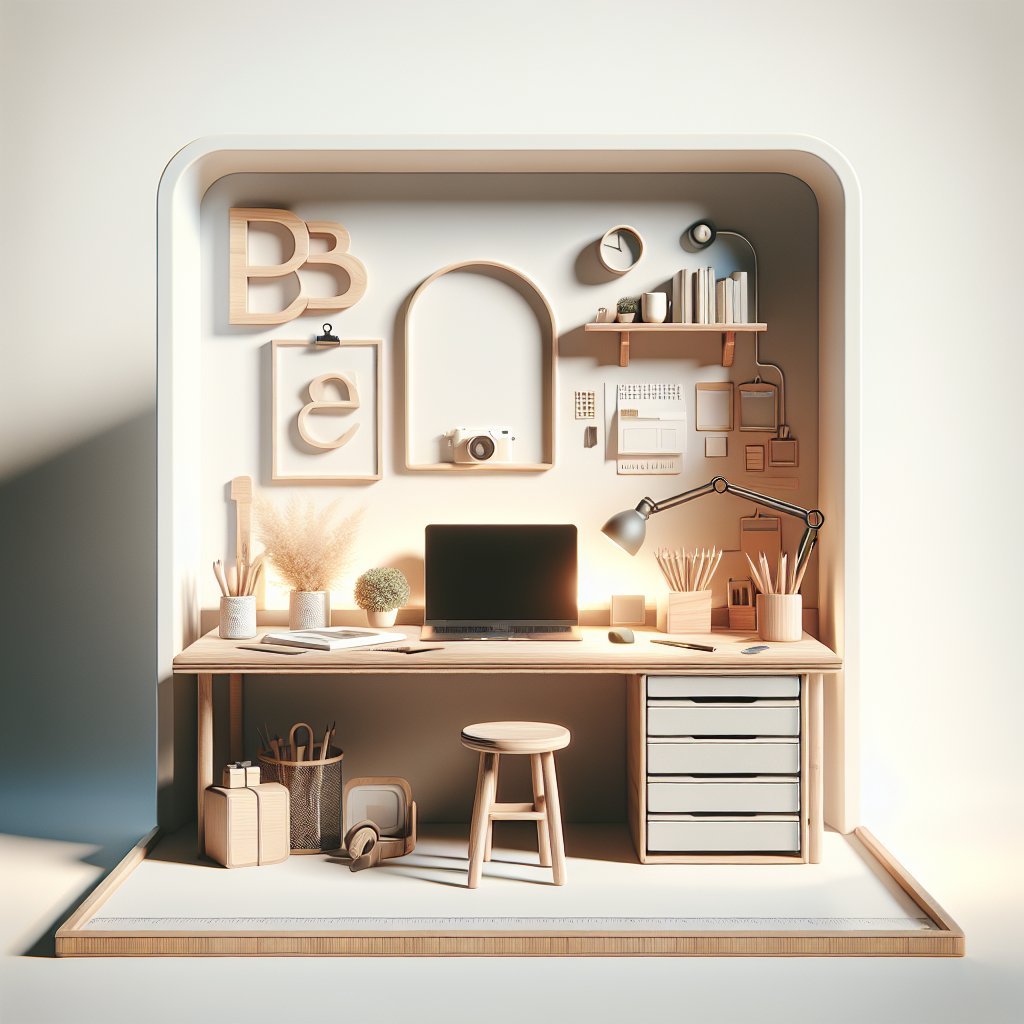
Efficient cable management both improves aesthetics and prevents tangles. Route power strips and chargers under the desk with a mounted cable tray or raceway. Use velcro ties, cable clips, and sleeves to group cables by device type. Consider a desktop power hub that includes USB-C, USB-A, and AC outlets for rapid connection. For a minimalist look, use a single docking cable to connect your laptop to power, monitors, and peripherals.
ACOUSTICS AND AMBIENCE
Sound affects concentration and creativity. Add soft materials—rugs, fabric pinboards, curtains—or acoustic panels to dampen annoying echoes. For open-plan spaces, noise-cancelling headphones can be essential. Personalize the space with inspiring imagery, a small plant for biophilic benefits, and curated objects that reflect your creative identity without creating clutter.
LAYOUT BLUEPRINTS Minimalist single-screen layout: Place the laptop on a low stand with an external keyboard centered. Monitor mounted on a single arm to the left or right. Mouse, tablet, and lamp in a linear arrangement to keep the surface clean. Storage drawers under the desk keep supplies hidden.
Dual-monitor creative studio: Center two monitors on arms with the main monitor directly in front and a secondary screen in portrait or landscape for references. Place the laptop on a side riser or docked beneath. Keep a large working area for tablet use and analog sketching. Use a shallow shelf above monitors for reference books and color samples.
Hybrid sit-stand layout: Use an adjustable-height desk with a dedicated standing keyboard tray. Place monitors on gas-spring arms for quick repositioning. Store frequently used tools on a rolling cart that tucks beneath the desk when seated. Integrate a cable management spine to accommodate height changes.
MAINTENANCE AND ITERATION
Reassess your setup quarterly. Swap out storage modules, reposition lighting, or change monitor orientation as projects evolve. Back up workspace configurations with photos and notes so you can replicate optimized layouts after moves or upgrades. Small iterative changes often yield significant boosts in comfort and creativity.
SEO TIPS FOR SHARING YOUR DESK SETUP
When publishing your setup use keywords naturally: “creative designer desk,” “laptop workstation layout,” “ergonomic desk setup,” and “creative desk organization.” Include high-quality images with descriptive alt text, step-by-step build photos, and a materials list for DIY readers. Tag your posts with related terms like “sit-stand desk,” “monitor arm,” “cable management,” and “lighting for designers” to improve discoverability.
QUICK BUILD CHECKLIST
Desk, adjustable-height frame, surface material, monitor arm(s), laptop stand, external keyboard and mouse, docking station, high-quality task lamp, color-calibrated monitor, cable tray, power hub, modular storage, pegboard or shelves, tablet stand, ergonomic chair, acoustic paneling, plant or artwork, rolling cart, velcro ties, labels, colorimeter, backup photos, and periodic reassessment. Start small, test one layout for two weeks, note pain points, then iterate with one change at a time to refine an efficient, inspiring laptop-centric creative desk that supports long-term work wellbeing.