
Smart assistants at your desk are no longer novelty gadgets; they are becoming central hubs for managing work, communication, and focus. Their always-on availability, natural language processing, and seamless integration with cloud tools mean they can quietly automate dozens of small tasks that previously drained time and attention.
One key way smart assistants transform productivity is by streamlining routine workflows. Instead of manually checking calendars, inboxes, and project boards, you can use simple voice or text commands to surface what matters most. Smart assistants can summarize your day, highlight deadlines, and pull key documents so you start work with a prioritized view rather than scattered browsing. This reduces the cognitive load of context switching and helps maintain momentum on high-value tasks.
Task management becomes more fluid when your assistant sits at the center of your planning. You can capture to-dos the moment they surface—during a call, while reading, or as you brainstorm—without navigating separate apps. Smart assistants can categorize these tasks, assign due dates, and sync them with project management tools like Asana, Trello, or ClickUp. Over time, machine learning models detect patterns in your workload, nudging you when tasks are at risk of slipping and suggesting optimal times to complete them based on your calendar and typical work rhythms.
Calendar optimization is another area where desk-based assistants excel. Rather than treating your calendar as a static schedule, smart systems actively negotiate time on your behalf. They can propose meeting slots that respect focus blocks, avoid time-zone confusion, and minimize fragmentation of your day. When integrated with team calendars, they identify the best common windows and automatically generate invites, agendas, and follow-up reminders. This shifts you from reactive scheduling to proactive time design that supports deep work.
Email and communication overload is one of the biggest productivity drains in modern work. Smart assistants can triage inboxes, flagging high-priority messages, summarizing threads, and drafting replies based on your past tone and decisions. They can also route communications to the right channels: urgent issues to chat, reference items to knowledge bases, and action items directly into task lists. This turns your assistant into a buffer that absorbs noise and surfaces only the messages that require your judgment.
Information retrieval at your desk becomes dramatically faster with an intelligent layer that understands context. Instead of remembering which folder, drive, or wiki page holds a document, you can ask the assistant to “pull the latest Q3 sales report” or “show the last design review notes.” Semantic search lets the assistant interpret intent, not just keywords, pulling from cloud storage, CRM systems, and internal knowledge bases. This reduces time spent hunting for files and improves consistency because teams access shared, up-to-date resources.
Knowledge work benefits from smart assistants that can process and synthesize content on demand. When you’re reading lengthy reports, research papers, or technical documentation, your assistant can generate concise summaries, highlight key metrics, and compare findings across multiple sources. For brainstorming, it can propose outlines, frameworks, or analogies drawn from large corpora, helping you overcome blank-page anxiety while still allowing you to apply your own expertise and judgment.
Meeting productivity is deeply enhanced by assistants that “attend” with you. They can record, transcribe, and tag meetings, then extract action items, decisions, and deadlines. Integration with calendars and project tools means those action items are automatically assigned and tracked, reducing the risk of follow-through gaps. Advanced assistants can even surface relevant documents during a meeting in real time, shortening the distance between discussion and execution.
Focus management is a subtle but powerful benefit of smart assistants at your desk. By analyzing your calendar, device usage, and task completion patterns, assistants can recommend focus windows, mute notifications, and set status messages that protect your time. They can bundle non-urgent communications into digest summaries delivered at designated intervals, limiting the constant pings that fragment attention. This supports sustained concentration, which research shows is crucial for complex problem-solving and creative work.
For hybrid and remote teams, smart assistants create more equitable access to information and coordination. They maintain consistent records of meetings, decisions, and project updates, reducing dependence on who was “in the room.” Team members in different time zones can query the assistant for updates rather than waiting for synchronous meetings. This asynchronous collaboration improves global productivity while reducing meeting fatigue and burnout.
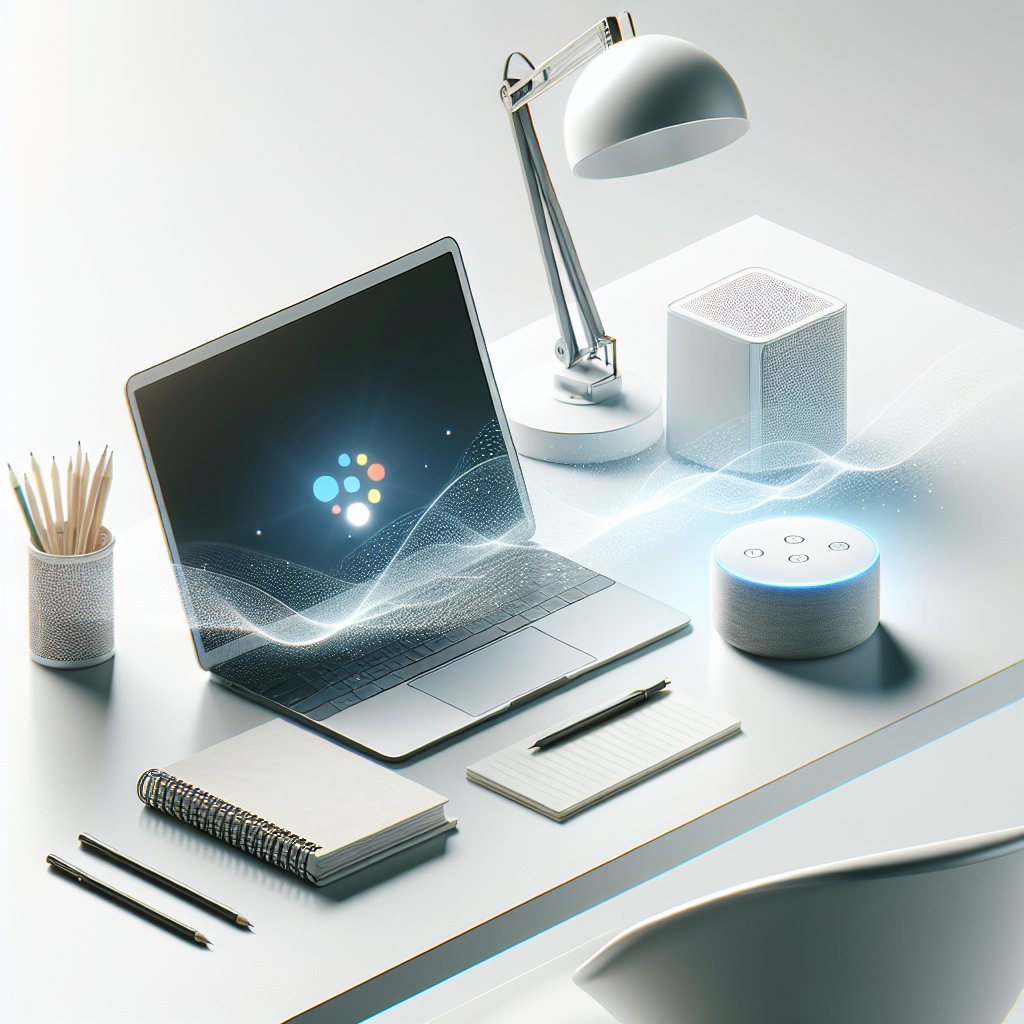
On the hardware side, desk-based smart assistants are increasingly integrated into monitors, docking stations, and peripherals. This physical proximity matters: a wake word, button press, or quick text input is all it takes to trigger assistance without disrupting posture or focus. Combined with multi-screen setups, assistants can display contextual panels—timers, outlines, reference notes—on secondary monitors, turning your desk into a command center orchestrated by voice and intent.
Security and privacy are critical considerations as these assistants gain more access to sensitive work data. Modern enterprise-focused assistants employ encryption, granular permissions, and role-based access controls to ensure data is used only as authorized. Local processing and on-device models are becoming more common, limiting what needs to be sent to the cloud. Understanding and configuring these controls is an important part of safely leveraging smart assistants in professional environments.
Personalization is what ultimately makes a smart assistant feel like a productivity partner rather than a generic tool. Over time, it learns your preferences: how you like your day structured, how formal your emails should sound, which projects take priority, and when you’re most creative. It can adapt suggestions based on feedback, allowing you to shape its behavior. This feedback loop turns the assistant into a dynamic system that evolves with your role, goals, and working style.
The future of desk-based productivity lies in orchestrating an ecosystem of tools through a single intelligent interface. Instead of bouncing between apps for notes, tasks, communication, and analytics, you interact primarily with your assistant, which coordinates everything behind the scenes. As natural language interfaces, multimodal capabilities, and automation frameworks advance, smart assistants will increasingly handle the glue work that has long bogged down knowledge workers, freeing people to focus on strategy, creativity, and meaningful collaboration.