
Workstation core components dictate performance for graphic designers, balancing CPU power, GPU capability, memory, and storage. Choose a multi-core CPU (6–12 cores is optimal) from recent families such as Intel Core i7/i9 or AMD Ryzen 5/7/9; prioritize clock speed for single-threaded tasks like UI responsiveness and prefer more cores for multi-threaded renders and batch exports. A discrete GPU accelerates accelerated features in Adobe Creative Cloud, Affinity, Blender, and other tools; select an NVIDIA GeForce RTX or an AMD Radeon RX with ample VRAM (6–12GB minimum; 8–16GB recommended for complex scenes and high-resolution composition). Prioritize 32GB RAM for most professional workflows; upgradeable motherboards let you expand to 64GB or 128GB when working with massive PSDs, 3D textures, or virtual machines. Fast storage improves load times and scratch performance: NVMe SSDs (1TB or larger) for OS and active projects plus a secondary SATA SSD or HDD (2TB+) for archives is a reliable combination. High-quality power supplies (80 Plus Gold or better) and efficient cooling prolong hardware lifespan under heavy creative loads.
Monitors are central: invest in at least one 27-inch IPS or OLED panel with 1440p or 4K resolution and factory or hardware calibration supporting 99–100% sRGB and wide-gamut coverage (Adobe RGB or DCI-P3) depending on print or motion priorities. Consider dual-monitor setups — a reference display for color-critical work and a secondary screen for tool palettes, references, or preview windows.
Input devices shape efficiency: ergonomic mechanical keyboards and precision mice with programmable buttons speed repetitive tasks and shortcuts. A dedicated graphics tablet or pen display (Wacom, Huion, XP-Pen) remains indispensable for illustration and retouching — battery-free pens with tilt and high pressure sensitivity (2048–8192 levels) produce natural strokes. Consider a secondary input like a dial, keypad, or Stream Deck for context-sensitive macros and timeline control.
Color management tools are non-negotiable: use a hardware colorimeter (X-Rite, Datacolor) to calibrate displays regularly and embed ICC profiles into workflows to ensure print consistency and client fidelity. Reliable backups protect creative work: implement a 3-2-1 strategy — three copies, two media types (internal drive + external backup), and one off-site or cloud copy with versioning. Fast external drives (USB-C 10Gbps, Thunderbolt 3/4) accelerate project transfers; network-attached storage (NAS) adds collaborative access and RAID protection for studios.
Ergonomics and environment reduce fatigue: an adjustable sit-stand desk, an ergonomic chair, and monitor arms for correct eye level prevent strain during long creative sessions. Soft, adjustable ambient lighting and an anti-glare screen filter maintain color perception without harsh reflections; avoid direct sunlight on displays.
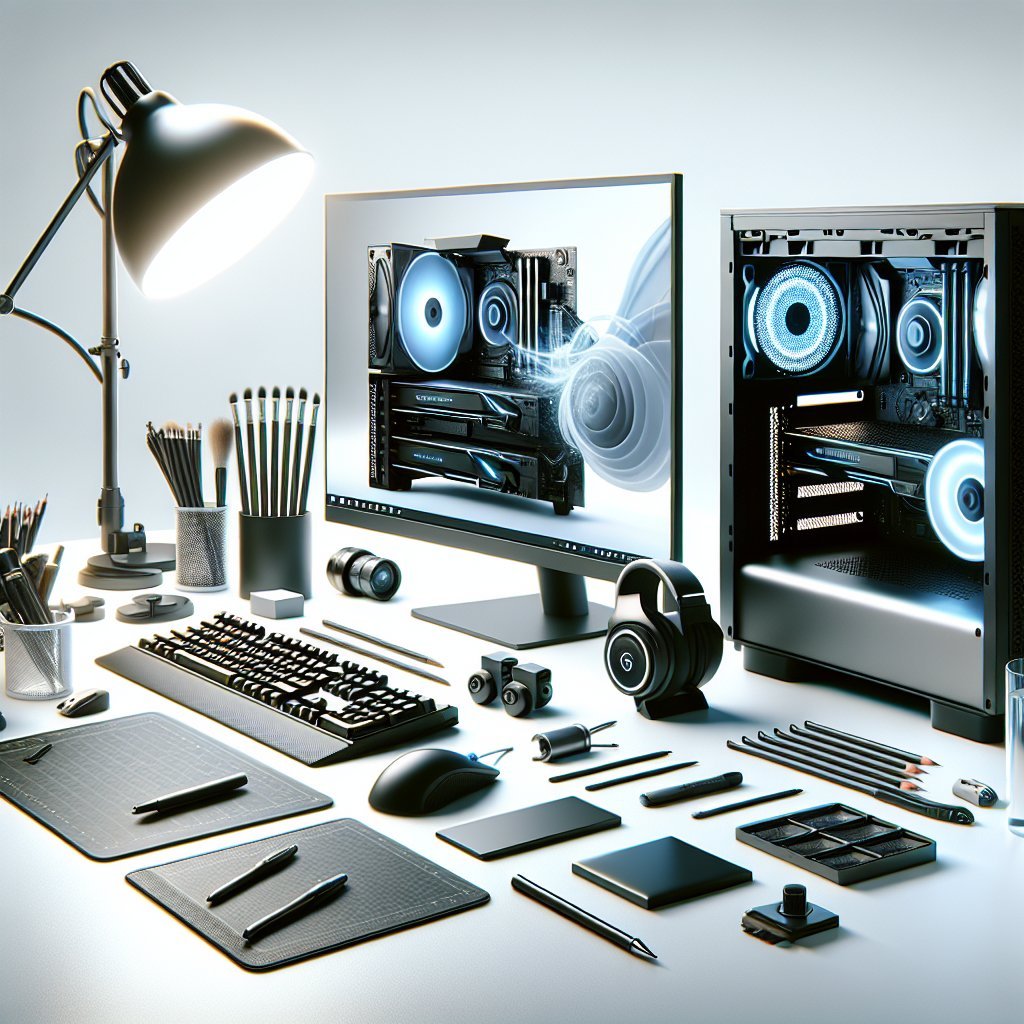
Connectivity matters: prioritize motherboards and laptops with multiple USB-C/Thunderbolt ports, full-size USB, HDMI/DisplayPort, and an SD card reader for photographers. USB hubs or docking stations centralize power and peripherals; high-quality wired Ethernet (1Gbps or 2.5Gbps) ensures stable large-file uploads to clients or cloud storage. Quality audio and video improve remote client work: invest in a directional USB microphone and a 1080p or higher webcam for clear presentations and critiques.
Software compatibility influences hardware choices: macOS remains popular for color and creative software ecosystems while Windows offers broader GPU options and upgrade flexibility; choose based on preferred apps and plugins. Keep OS drives lean, use scratch disks wisely in Photoshop and After Effects, and maintain updated drivers for stability and performance.
Budget allocation should prioritize monitor and GPU first, then CPU, RAM, and storage; peripherals like tablets, calibration tools, and backup solutions are essential but can be phased in. Plan for future upgrades: choose a case and motherboard with expansion slots, spare power headroom, and accessible drive bays to extend the investment. Routine maintenance—dusting fans, reapplying thermal paste when necessary, and monitoring drive health—prevents unexpected downtime and data loss. Use monitoring utilities (HWMonitor, iStat Menus, CrystalDiskInfo) to track temperatures, fan speeds, and SMART data; configure alerts for abnormal metrics.
Professional color workflows often require proofing devices: invest in a quality proof printer when producing client prints or select a reliable print house that matches your calibrated workflow. For motion designers and 3D artists, add workstation-class GPUs with CUDA/OptiX support, and consider dedicated render nodes or cloud rendering for heavy scenes to keep creative iterations fast. Collaboration benefits from version control tools (Perforce, Git LFS for assets) and clear folder structures; maintain naming conventions and color-managed asset libraries to reduce mistakes. Security measures like full-disk encryption, two-factor authentication for cloud services, and regular software updates protect client IP and personal data. Noise control matters in creative environments; choose quiet fans, use acoustic foam panels if needed, and separate noisy render machines in dedicated closets or remote locations.
Test realistic workloads before committing to hardware: trial render tests, large PSD edits, and timeline scrubs reveal bottlenecks so you can rebalance parts before purchase. Create a prioritized checkout list: monitor quality and calibration, GPU VRAM and drivers, CPU cores and clock, RAM capacity and speed, NVMe scratch disk size, backup redundancy, tablet responsiveness, and peripheral ergonomics. Consider sustainability: repairable cases, modular components, and energy-efficient parts reduce environmental impact and long-term costs. Shop refurbished workstations or certified pre-owned components to stretch budgets while ensuring warranty coverage and tested reliability.
Invest time in workflow automation: scripts, actions, and macros free hours for creative thinking; establish template files, standardized export presets, and batch processing pipelines. Training on color theory, print specifications, and hardware calibration maximizes the value of your investment and reduces rework. Leverage cloud-based collaboration when appropriate: shared asset libraries, cloud rendering, and remote desktops provide scalability and permit flexible teams without sacrificing performance. Document hardware configurations and software versions for each project to reproduce environments, onboard freelancers, and troubleshoot issues quickly. Allocate a small research budget yearly to evaluate emerging technologies such as AI-accelerated tools, real-time ray tracing, or faster memory standards that can significantly speed creative workflows. Test chairs, desks, and input devices in person where possible; tactile comfort impacts productivity more than specifications alone. Prioritize clear labeling of drives and partition schemes; maintain an active checklist for backups and updates so deadlines are met even when hardware hiccups occur. Smart setups equal faster creativity and satisfied clients.