
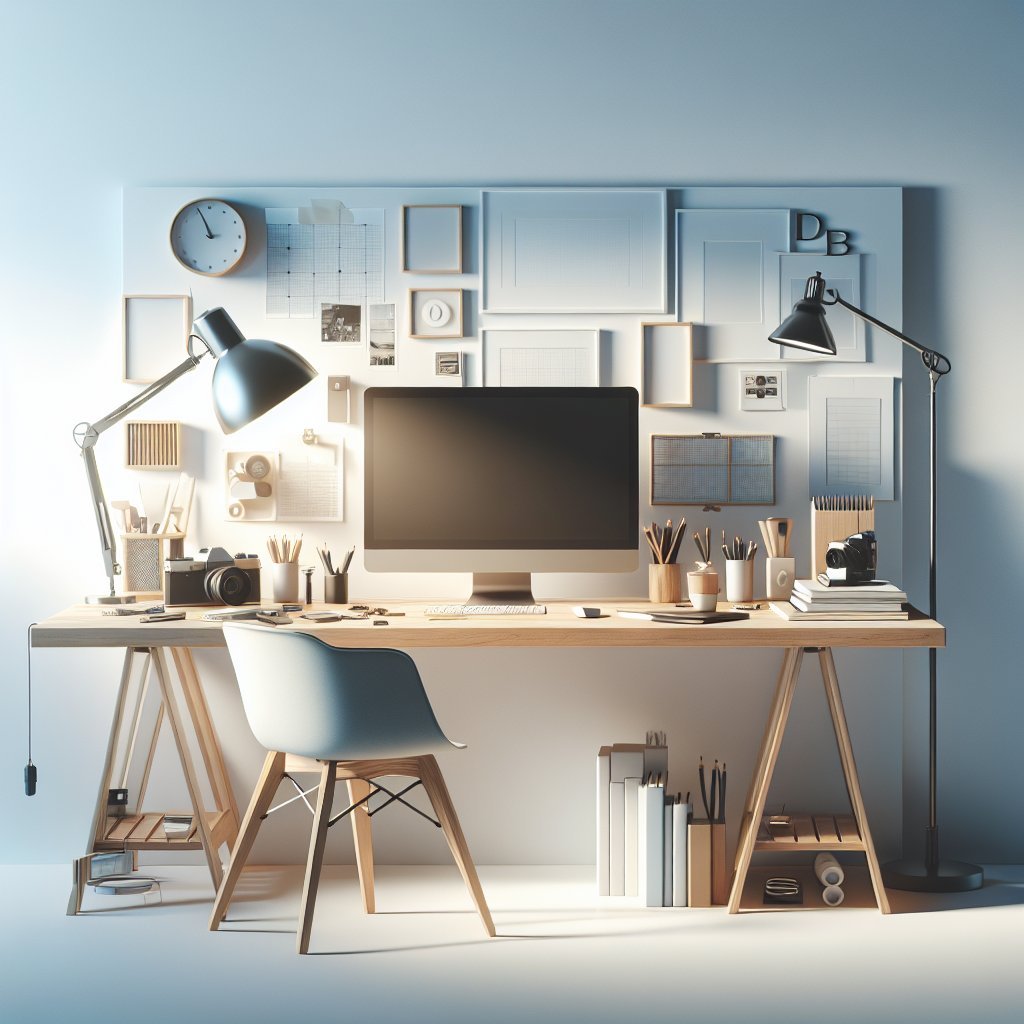
Workspace Layout and Ergonomics Choose an L-shaped or minimalist straight desk to maximize surface area while maintaining clean sightlines. Position the primary monitor at eye level, roughly an arm’s length away, and angle secondary displays toward your dominant hand. Keep an ergonomic chair and a keyboard tray to reduce neck and wrist strain. Leave a dedicated clear zone for sketching, paper mockups, and tactile materials.
Zoning for Focus and Play Divide your desktop into functional zones: digital production, analog sketching, and inspiration. Use a slim desk lamp to illuminate the sketch zone without creating glare on screens. Place frequently used tools in the production zone within arm’s reach and store reference books or tactile swatches in the inspiration zone. This spatial separation boosts task switching and preserves creative momentum.
Vertical Storage Techniques Install floating shelves or pegboards above the desk to free valuable tabletop space. Pegboards are flexible: add hooks, small bins, and clipboards to organize cables, pens, rulers, and moodboards. Magnetic strips can hold metallic tools or swatch chips. Use labeled baskets for materials you rotate seasonally, like fabric samples or limited-edition prints.
Cable Management and Power Planning Design a cable runway under the desk using adhesive cable channels or a simple cable tray. Use color-coded Velcro ties to identify power, data, and peripheral wires quickly. Position a power strip with surge protection within reach but off the desktop surface; mount it underneath the desk or to the side. For wireless peripherals, keep spare batteries or charging docks in a small desk drawer organizer.
Tool Organization and Accessibility Separate frequently used hand tools—stylus, pen tablets, color pencils—from consumables like masking tape and adhesives. Use a divided desktop tray or tiered organizer to keep digital and analog tools distinct. Clear acrylic drawers are ideal for visual inventory; translucent containers prevent overbuying and reduce decision fatigue.
Color Calibration and Reference Areas Create a dedicated area for color-critical tasks. Place printed color swatches and calibrated test prints near your monitor but shielded from direct sunlight. Keep a neutral gray mouse pad or mat to avoid unwanted color reflections. Use a small colorimeter device on the desk for periodic monitor calibration and store its pouch in a labeled drawer.
Inspiration Board and Workflow Visuals Install a cork or fabric pinboard to display briefs, timelines, and inspirational images. Rotate content weekly to keep ideas fresh and relevant to ongoing projects. Add a small whiteboard for sketching thumbnails and recording quick notes. Use magnetic clips or binder clips to layer moodboards without damaging originals.
Storage Solutions for Materials Maximize drawer efficiency with modular inserts sized for different materials: thin compartments for icemaking stencils? No — sized compartments for paper sizes, envelopes, and print proofs. Use vertical file organizers for sketchbooks and portfolios to reduce warping. For bulk supplies such as inks or paints, choose stackable containers with airtight lids and clear labeling.
Lighting and Ambiance Invest in adjustable LED lighting with color temperature controls. Cooler temperatures suit precision tasks during the day, while warmer tones foster relaxed ideation sessions. Add indirect bias lighting behind monitors to reduce eye strain and improve perceived contrast. Layer textures with a small plant, a tactile desk mat, and framed prints to personalize the area without clutter.
Portable and Multiuse Surfaces Keep a slim rolling cart or lap desk for flexible work locations. A compact cart can store printers, paper reams, and secondary tools while doubling as a mobile presentation stand. Consider a foldable drawing board for presentations or collaborative sessions; it maintains design control while freeing the main desk.
Maintenance Rituals and Habits Adopt a ten-minute end-of-day reset: clear coffee cups, refile proofs, and return tools to their assigned spots. Monthly inventory checks prevent supply overstock and remind you to back up digital assets. Use task management software integrated with visual cues on your pinboard to track deadlines alongside creative milestones.
Sustainable and Budget-Friendly Choices Repurpose vintage boxes or thrifted organizers to house supplies. Swap disposable materials for refillable options like fountain pens, refillable ink cartridges, and reusable palette cups. Source eco-friendly desk mats and locally made storage to align your workspace with sustainable design principles.
Personalization Without Clutter Curate a small number of meaningful objects—one to three—that inspire without overwhelming. Rotate a feature piece monthly to keep the environment stimulating. Use a single-color accent pallet for small accessories to maintain visual cohesion and reduce cognitive load.
Technology and Peripheral Placement Choose a single, color-accurate primary monitor and position it centrally. Place input devices, drawing tablets, and external hard drives on the dominant side for quick access. Store rarely used peripherals in labeled boxes beneath the desk and backup regularly to a cloud or external storage routine.
Workflow Optimization Tools Use visual timers, a simple kanban board, or a sticky-note sprint system to manage creative phases. Keep a physical folder for client deliverables ready for shipping to minimize last-minute scrambles. Allocate a dedicated scan or photo area for capturing process work, with consistent lighting and a neutral backdrop.
Material Tests and Prototyping Corner Designate a small shelf or bin for prototyping materials and a cutting mat on the desk for iterative mock-ups. Keep a compact trash and recycling station nearby to maintain quick cleanup. Use removable adhesive for temporary prototypes to avoid damaging surfaces.
Labeling and Inventory Label drawers, shelves, and containers with clear, concise tags. Maintain a simple spreadsheet for consumable inventory and reorder triggers. Color-code labels to match zones—blue for digital, green for analog, orange for inspiration—to speed retrieval and reduce friction.
Ergonomic Extras and Comfort Add a footrest, monitor arm, and wrist supports tailored to your posture. Keep a small humidifier or tabletop fan as needed for comfort. Rotating between sitting and standing with a height-adjustable desk improves circulation and creative output.
Collaborative and Client-Ready Areas Reserve a small tabletop area for client reviews that remains uncluttered and presentable. Provide physical sample kits in a labeled drawer for quick access during meetings. Keep a portable portfolio or tablet preloaded with case studies for impromptu pitches. Ready.