
Creating a Human-Centered Workspace for Freelance Graphic Designers
Understanding the Human-Centered Design Philosophy
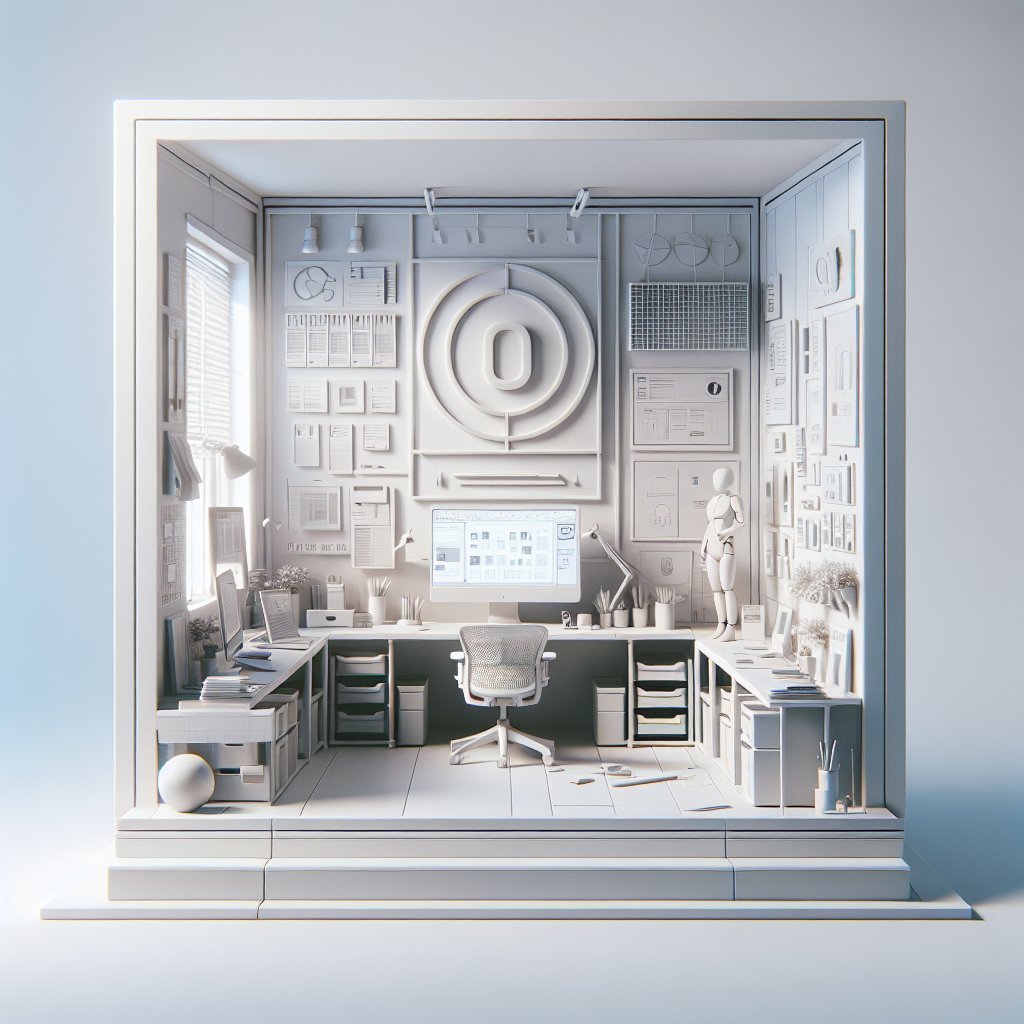
Human-centered design (HCD) focuses on optimizing environments, products, or services by prioritizing the needs, behaviors, and well-being of the people who use them. For freelance graphic designers, a human-centered workspace isn’t just about aesthetics; it’s about creating an ecosystem that nurtures creativity, boosts productivity, and supports mental and physical health. With the rise of remote and freelance work, having a thoughtfully designed space tailored to individual needs can significantly impact work quality and satisfaction.
Designing for Ergonomics and Physical Comfort
Ergonomics is foundational in human-centered workspace design. Prolonged hours in front of screens require a setup that minimizes physical strain:
- Chair and Desk Selection: Invest in an adjustable ergonomic chair that offers lumbar support and promotes proper posture. Pair it with a desk at the right height—standing desks or convertible sit-stand desks are excellent choices to alternate positions throughout the day.
- Monitor Placement: Position the computer screen at eye level and approximately an arm’s length away to reduce neck and eye strain. Dual monitors can increase workflow efficiency but ensure they are symmetrically aligned.
- Keyboard and Mouse: Use ergonomic keyboards and mice to prevent repetitive strain injuries. Wireless options reduce cable clutter, enhancing desk cleanliness and ease of movement.
- Lighting: Utilize natural light as much as possible, but complement with adjustable, warm LED lighting to avoid eye fatigue. Task lighting, such as desk lamps with adjustable brightness, helps focus during detailed work like illustration or photo editing.
Optimizing Workflow with Functional Organization
A clutter-free, well-organized workspace directly influences efficiency and creativity. Human-centered design embraces intuitive organization based on user habits:
- Zone Creation: Designate specific areas for different activities—creative brainstorming, digital execution, and administrative tasks. This mental separation aids focus and task switching.
- Storage Solutions: Use accessible storage for frequently used tools—pens, tablets, sketchbooks—while reserving less accessible areas for archival materials. Utilize drawer organizers, shelves, and magnetic boards to keep essential items within reach yet tidy.
- Cable Management: Proper cable organization reduces distractions and prevents workspace hazards. Clips, sleeves, or under-desk trays help maintain clean, safe work surfaces.
- Digital Organization: Complement physical tidiness with digital workspace organization. Use project management tools, cloud storage, and carefully curated folders to streamline file access and collaboration.
Incorporating Personalization to Foster Creativity
Human-centered workspaces reflect the designer’s personality and creative style, which contributes to an inspiring atmosphere:
- Visual Stimuli: Decorate with artwork, inspirational quotes, color swatches, or mood boards. Use colors that resonate with personal creativity—blues for calm, yellows for energy, or greens for balance.
- Tactile Elements: Include physical tools like sketch pads, textured surfaces, or tactile toys to engage different senses and spark ideas.
- Plants and Nature: Incorporating greenery improves air quality and adds a calming effect, reducing stress and enhancing focus.
- Sound Environment: Curate a soundscape that supports concentration—ambient music, white noise machines, or noise-canceling headphones depending on preference.
Technology Integration for Seamless Productivity
The right technology enhances productivity while reducing mental load and frustration:
- High-Performance Hardware: Invest in computers and tablets tailored for graphic design tasks, ensuring smooth performance with design software such as Adobe Creative Suite, Sketch, or Affinity Designer.
- Peripherals: Use color-calibrated monitors for accuracy, drawing tablets for precision input, and high-quality speakers or headphones for multimedia tasks.
- Software Workflow: Incorporate project management (Trello, Asana), cloud-based collaboration (Google Drive, Dropbox), and communication platforms (Slack, Zoom) for efficient workflow and client interaction.
- Backup Solutions: Automate backups and syncs to protect work and maintain peace of mind.
Supporting Mental Well-Being and Reducing Stress
Freelance graphic designers face unique challenges such as isolation, fluctuating income, and deadlines. A human-centered workspace addresses these to foster a healthy mind:
- Flexible Scheduling Area: Create a dedicated break zone within or near the workspace to encourage regular rest, meditation, or light exercise. Even a comfortable chair or yoga mat by a window can be beneficial.
- Natural Elements: As aforementioned, plants or nature-inspired décor reduce stress and improve mood.
- Visual Breaks: Position the workspace near windows or include artwork that provides visual respite, reducing cognitive fatigue from screen time.
- Mindfulness Tools: Incorporate items like stress balls, essential oil diffusers, or guided meditation apps to promote relaxation.
- Social Interaction: Although remote, include virtual co-working sessions or community spaces online to combat loneliness and boost morale.
Lighting and Color Psychology in Workspace Design
Lighting and color play significant roles in mood and productivity:
- Dynamic Lighting: Adjustable light temperatures simulate natural daylight, which supports circadian rhythms and energy levels. Avoid harsh fluorescent lighting that can cause headaches.
- Color Palette: Use colors intentionally—warm tones like red and orange stimulate energy and creativity but can also induce restlessness if overused. Cool tones such as blues and greens promote calm and concentration. A balanced combination or accent colors can optimize the environment.
- Accent Walls or Décor: Incorporate colors in artwork, furniture, or wall decals to subtly influence mood without overwhelming the senses.
Adapting to Ergonomic Trends and Future Changes
Human-centered workspaces should evolve with emerging ergonomic insights and personal growth:
- Regular Assessments: Periodically review comfort, productivity, and mental health related to workspace setup. Adjust furniture, tools, and layout accordingly.
- Modular Furniture: Use adaptable furniture that can be reconfigured as needs shift, accommodating different work styles or new equipment.
- Technological Advancements: Stay abreast of new software and hardware innovations that can streamline workflow or reduce physical strain.
- Skill Development Areas: Allocate space for learning, such as reading design books, watching tutorials, or practicing new techniques.
Balancing Professionalism and Comfort for Client Interaction
Freelance graphic designers often meet clients virtually or in person. A human-centered workspace ensures a professional yet welcoming environment:
- Background Aesthetics: Maintain a tidy, visually pleasing background for video calls. Neutral walls with tasteful, creative décor lend credibility and reflect design sensibility.
- Acoustic Considerations: Use soundproofing panels or rugs to reduce echo and outside noise, ensuring clear communication during calls.
- Seating Arrangement: For in-person meetings, have comfortable seating in a well-lit, distraction-free zone.
- Technical Setup: Ensure stable internet, good-quality webcam, and microphones to facilitate seamless interactions.
Incorporating Sustainability and Health-Conscious Materials
Eco-friendly choices align with human-centered design by promoting long-term health and environmental responsibility:
- Furniture Materials: Opt for sustainably sourced or recycled materials with low VOC (volatile organic compounds) emissions to improve indoor air quality.
- Energy Efficiency: Use LED lighting and energy-saving devices to reduce environmental impact.
- Waste Reduction: Incorporate a recycling system and digital-first workflows to minimize paper use.
- Reusable and Durable Tools: Invest in high-quality, refillable pens, notebooks, and accessories that limit disposability.
Utilizing Data and Feedback to Refine the Workspace
Data-driven decision-making can optimize the workspace over time:
- Time Tracking: Use software to monitor periods of high productivity and fatigue, then adapt schedules or environments accordingly.
- Posture and Movement Apps: Employ wearable or desk devices that provide feedback on posture and remind users to move, helping prevent injuries.
- Self-Reporting Tools: Maintain a journal or digital note of pain points, distractions, or creative blocks to identify patterns and solutions.
- Client Feedback: Note any feedback on professionalism or communication during virtual or in-person meetings and adjust workspace elements to improve impression and efficiency.
Encouraging Community and Collaboration Opportunities Within the Workspace
Human connection fuels creativity and provides emotional support:
- Networking Zones: Even in home offices, dedicate spaces (physical or digital) for brainstorming sessions or peer feedback groups.
- Collaboration Tools: Utilize platforms enabling remote collaboration (Figma, Miro) to enrich interaction.
- Local Co-working Spaces: Consider hybrid models where freelance designers spend some days in shared spaces to combat isolation and foster idea exchange.
- Workshops and Skill-Sharing: Organize or participate in workshops to sustain growth and community ties.
SEO Optimization Notes:
To maximize SEO, this article includes relevant keywords such as “human-centered workspace,” “freelance graphic designers,” “ergonomics,” “workspace organization,” “mental well-being,” “creative workspace,” “lighting and color psychology,” and “technology integration.” The content is structured with clear subheadings and bullet points to enhance readability and scan-ability—important factors for SEO ranking. Internal linking opportunities could include related posts on ergonomics, graphic design tools, and remote work strategies. Incorporating these elements ensures the article is both discoverable and valuable to freelance graphic designers seeking to improve their work environments.