
Key Features to Look for in AI Personal Assistant Apps
Choosing the best AI personal assistant for managing your schedule efficiently starts with understanding core features. Calendar integration is essential; the app should connect seamlessly with Google Calendar, Outlook, iCloud, and work calendars to prevent double-booking and missed events. Smart scheduling capabilities, such as suggesting optimal meeting times based on availability, time zones, and preferences, significantly reduce back-and-forth emails.
Natural language processing (NLP) is another must-have. You should be able to say or type, “Schedule a meeting with John next Tuesday afternoon” and the assistant should interpret the request correctly. Voice control via built-in or connected assistants (like Siri, Google Assistant, or Alexa) allows hands-free scheduling during commutes or multitasking.
Automated reminders and follow-ups keep you on track. Look for apps that adjust reminders based on task importance, location, or travel time. Advanced AI personal assistants also learn from your habits over time, prioritizing recurring tasks and suggesting when to block focus time. Integrations with email, task managers, and communication platforms (Slack, Teams, Zoom) elevate simple scheduling tools into full productivity hubs.
Data security and privacy should never be overlooked. The best AI assistant apps offer encryption, clear data policies, and granular permission controls. Cross-platform support—desktop, web, iOS, and Android—ensures you can manage your schedule wherever you are without friction.
Google Assistant: Best for Android and Google Ecosystem Users
Google Assistant excels as an AI personal assistant for users deeply integrated into Google Workspace. It syncs naturally with Google Calendar, Gmail, and Google Meet, making scheduling quick and intuitive. You can add events via voice commands such as, “Hey Google, schedule a meeting at 3 p.m. tomorrow,” and the assistant will create the event with relevant details.
For managing your schedule efficiently, Google Assistant offers proactive suggestions based on your typical routines. It can remind you when to leave for appointments using real-time traffic data from Google Maps, and it supports location-based reminders like “Remind me to call the client when I get to the office.” These context-aware reminders reduce cognitive overhead and help prevent missed commitments.
Integration with third-party apps, including Zoom and popular to-do list tools, extends its usefulness beyond simple calendar entries. On Android, Google Assistant is deeply integrated with the system, enabling always-on voice commands and on-screen context, while on iOS it works best in tandem with Google apps. For users who primarily live in the Google ecosystem, this assistant provides a powerful, free solution for smarter scheduling.
Apple Siri: Seamless Scheduling for Apple Device Owners
For iPhone, iPad, and Mac users, Siri is one of the best AI personal assistant apps for managing schedules across the Apple ecosystem. Because Siri connects directly to Apple Calendar, Reminders, and Mail, adding and adjusting events is seamless. You can use natural language like, “Hey Siri, schedule lunch with Sarah on Friday at noon,” and it will create a calendar entry synced across all your Apple devices.
Siri excels in hands-free operation. With features such as “Hey Siri” and integration into CarPlay, you can manage your schedule while driving, cooking, or working out. Siri Suggestions also play a role in efficient scheduling by recommending actions based on patterns—such as proposing calendar events from emails or messages containing time and date details.
Reminders tied to specific times and locations help streamline day-to-day activities. For example, “Remind me to send the report when I get home” automatically triggers when your device detects your home location. Although Siri’s third-party app integrations are more limited than some competitors, for Apple-centric users it remains a reliable, fast, and privacy-focused scheduling assistant.
Microsoft Cortana and Outlook: Ideal for Business Professionals
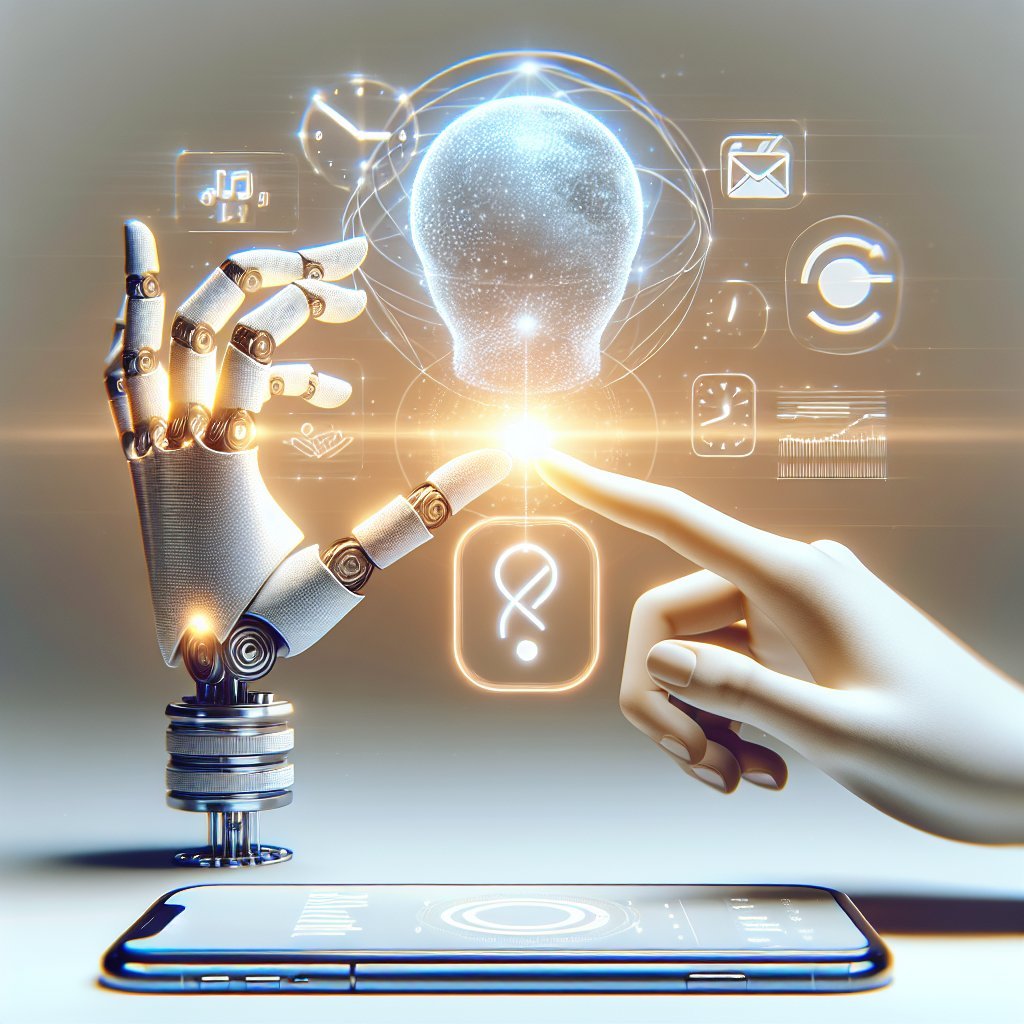
While Microsoft Cortana has shifted from consumer-facing voice assistant to more behind-the-scenes intelligence, it still powers helpful scheduling features within Microsoft 365 and Outlook. For professionals already using Outlook for email and calendar, this integration provides a powerful AI scheduling environment.
Outlook’s AI-driven features include suggested meeting times, automatic time zone adjustments, and intelligent reminders. Cortana can analyze your inbox to propose focused time blocks and manage meeting requests efficiently. The “Play My Emails” feature lets you hear your emails and agenda, making it easy to catch up on your schedule while traveling.
For busy professionals, the real strength lies in Microsoft 365 integrations. Cortana helps coordinate meetings by analyzing colleagues’ calendars, suggesting optimal slots, and even sending scheduling polls to external participants. It also surfaces relevant documents before meetings, saving prep time. Users embedded in the Microsoft ecosystem will find Cortana-enhanced Outlook one of the best AI personal assistant combinations for corporate scheduling and time management.
Replika and ChatGPT-Based Assistants: Conversational Planning
AI chatbots such as Replika and ChatGPT-based assistants are emerging as flexible tools for planning and schedule organization. While these platforms are not traditional calendar apps, they excel at conversational planning and structured brainstorming around time management. You can discuss your week, outline priorities, and then convert those into clear schedules with the assistant’s guidance.
ChatGPT-based tools can help break down large projects into smaller tasks, propose ideal time blocks, and suggest routines tailored to your energy levels and deadlines. When connected to third-party integrations or automation tools (like Zapier or custom plugins), these assistants can create tasks and events in your calendar automatically.
Replika focuses more on personal support and habit formation, but it can still help with reminders, daily check-ins, and accountability. The strength of these AI personal assistants lies in their ability to analyze your goals and constraints holistically and then translate that insight into practical scheduling strategies that align with your lifestyle.
TimeHero, Motion, and Clara: Specialized AI Scheduling Tools
Specialized AI scheduling apps like TimeHero, Motion, and Clara target users seeking automated, dynamic schedule management. TimeHero analyzes your tasks, deadlines, and calendar events to automatically build an optimized daily plan. When new meetings arrive or priorities change, it reschedules tasks in real time, ensuring nothing gets forgotten.
Motion takes a similar approach, using AI to create a time-blocked schedule that prioritizes deep work while fitting in meetings efficiently. By connecting to your existing calendars and task lists, Motion continuously rearranges blocks based on urgency, complexity, and your working hours. This automation reduces manual planning and helps maintain focus by always showing you the next important activity.
Clara, historically known as an AI scheduling assistant for email-based meeting coordination, specializes in handling back-and-forth communication. It reads and writes emails to propose times, follow up with participants, and finalize meeting details. For executives or teams that schedule frequent external meetings, Clara can act as a virtual assistant, minimizing the time spent negotiating availability.
Tips for Choosing the Best AI Personal Assistant for You
Selecting the best AI personal assistant app for managing your schedule efficiently depends on your ecosystem, work style, and privacy needs. Start by listing your primary tools—Google, Apple, or Microsoft—and choose an assistant that integrates natively with them. Next, consider whether you prefer voice-driven interactions, email-based coordination, or automated time-blocking.
Evaluate how much control you want over your calendar. Some users prefer intelligent suggestions they can accept or reject, while others enjoy fully automated scheduling that handles rescheduling and prioritization. Check how each app handles data security, especially if you manage sensitive client or corporate information.
Finally, experiment with trial versions. Test how well the assistant understands your natural language, how it responds to schedule changes, and whether its reminders and suggestions actually reduce your stress. The optimal AI personal assistant will feel like a natural extension of your workflow, quietly managing your time so you can focus on meaningful work instead of manual scheduling.