
1. Design a Single-Task Focus Zone
Create a defined area on your desk dedicated solely to deep-focus work. Place only the essentials within arm’s reach: laptop or monitor, notebook, pen, and water. Remove your phone, secondary screens, and unrelated documents from this zone. This visual simplicity reduces cognitive load, making it easier to enter a flow state. Use a minimalist desk mat to mark the boundary of your focus zone, signaling to your brain that this space is only for high-priority tasks. Pair this with noise‑canceling headphones and a preset “deep work” playlist to reinforce the habit. Over time, your environment becomes a cue: when you sit in that spot, you focus. This consistent association can significantly improve productivity, especially for knowledge work that requires concentration.
2. Upgrade to an Ergonomic Chair and Desk Height
Posture directly affects attention, energy, and long-term health. An ergonomic chair with lumbar support, adjustable armrests, and a breathable backrest prevents discomfort that can derail your focus. Adjust your desk and chair so your elbows rest at roughly a 90-degree angle, your feet lie flat on the floor, and your eyes align with the top third of your monitor. If your chair does not adjust sufficiently, use a footrest to maintain proper leg positioning. An improperly set height leads to back and neck pain, which subtly drains your mental bandwidth. Improving ergonomics may feel like a luxury, but in reality, it’s a foundational investment in sustainable productivity.
3. Implement a Dual-Monitor or Ultra-Wide Display Layout
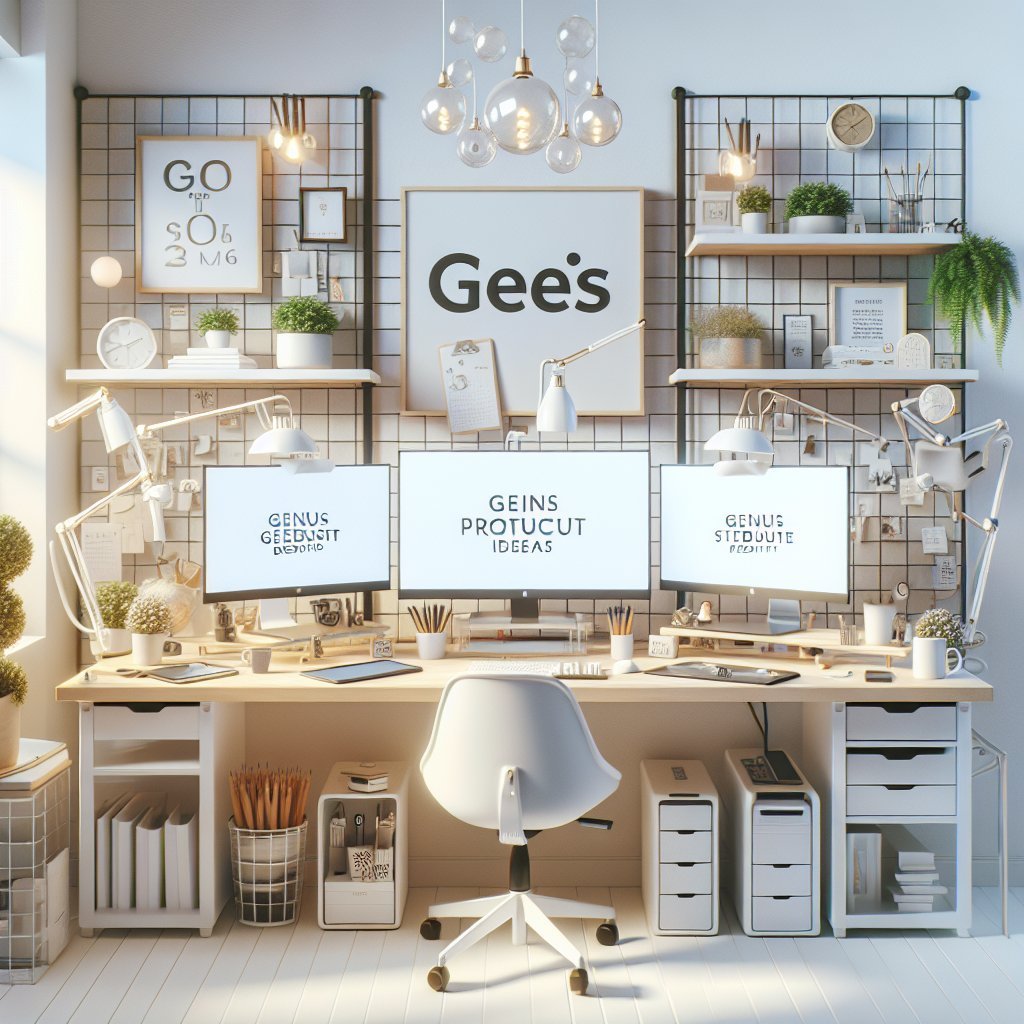
A well-planned multi-monitor setup can dramatically reduce time spent switching windows and hunting for information. Use one monitor for primary work—writing, coding, design—and the other for reference materials, calendars, or communication tools. For writers or analysts, this might mean your main document on the center screen and research sources on the side. Designers may keep their canvas in front and asset libraries or code panels on the second display. If you prefer a single screen, consider an ultra‑wide monitor and divide it into virtual zones using window management software. Keep a consistent layout—email always left, main task center, reference right—to create muscle memory and save microseconds on every context switch, which compounds over time.
4. Introduce Task-Based Lighting Layers
Lighting shapes mood, alertness, and eye comfort. Start with a bright, indirect ambient light to reduce contrast between your screen and surroundings, minimizing eye strain. Add a dedicated task light with adjustable brightness and color temperature, pointed at your work surface rather than straight at your eyes. Use cooler white (around 5000K) during morning and mid‑day to stimulate alertness, and transition to warmer tones in the late afternoon to reduce overstimulation. If you work late, pair warm lighting with blue‑light filters on your screens to protect your sleep cycle. Position your desk perpendicular to windows when possible to harness natural light without causing excessive glare on your monitor.
5. Use Strategic Desk Zoning for Different Work Modes
Divide your desk into three functional zones: Focus, Admin, and Creative. The Focus zone, directly in front of you, hosts your main device and core tools. The Admin zone, typically to one side, contains your planner, inbox tray, and any paperwork. The Creative zone might hold sketchbooks, sticky notes, or a whiteboard. Physically shifting to a different zone when you change tasks signals a mental context switch. For example, slide your chair slightly left to process email and paperwork, then return to center for deep work. This reduces mental clutter because each zone has a clear purpose, preventing admin tasks from bleeding into creative or analytical work time.
6. Adopt a “Reset to Zero” Desk Ritual
End every workday by returning your desk to a neutral, ready-to-work state. File or digitize stray papers, remove dishes, close all applications, and place your to‑do list or top three priorities in the center of your Focus zone. Coil cables and return tools like pens, headphones, and notebooks to assigned spots. This five- to ten-minute ritual prevents clutter from accumulating and provides a psychological sense of closure. The next morning, you sit down to a clean, purposeful space that encourages immediate engagement instead of low-level anxiety. Consistency is key; even small resets compound into a reliably friction-free start each day.
7. Optimize Cable Management and Tech Access
Visual chaos from tangled cables subtly increases stress and distraction. Use adhesive cable clips under your desk, a cable tray, or Velcro ties to route wires neatly out of sight yet within easy reach. Label chargers and adapters so you can quickly identify the right one. Position a powered USB hub or docking station on the desktop or just below it, letting you plug in peripherals without crawling under the table. Keep only daily-use tech on the surface—keyboard, mouse, primary dock, and maybe a tablet—while less-used accessories live in a nearby drawer. This clear, organized tech ecosystem reduces friction every time you connect or disconnect a device.
8. Integrate Analog Tools for Clarity and Memory
Digital tools are powerful, but analog elements often support deeper thinking. Place a mid-sized whiteboard or glass board near your desk for mapping ideas, project planning, and quick diagrams. Keep a dedicated notebook within reach for capturing fleeting thoughts, meeting notes, and next actions. Use a vertical paper stand to keep one key reference document visible without occupying flat desk space. Writing by hand activates different cognitive pathways, improving retention and clarity. Incorporate a simple visual task system—such as a small Kanban board with sticky notes—to track work-in-progress. Analog tools make abstract tasks tangible, which can greatly enhance motivation and follow‑through.
9. Personalize with Intention, Not Clutter
Personal touches can boost mood and intrinsic motivation when chosen deliberately. Limit desk décor to a small number of items that genuinely inspire or calm you—perhaps a plant, a framed photo, or a meaningful object. Greenery, especially low-maintenance plants like pothos or succulents, has been linked to reduced stress and better perceived productivity. Avoid turning your desk into a gallery; too many items reintroduce visual noise. Consider a color palette that supports your work style: cooler tones for focus, warmer accents for creativity. The goal is to create an environment that feels like yours while remaining streamlined enough to keep attention on your tasks.
10. Build Micro-Wellness Stations into Your Setup
Energy management is as critical as time management. Turn parts of your desk area into micro‑wellness stations that prompt regular breaks and physical care. Keep a water bottle in a consistent spot to encourage steady hydration. Store simple stretching aids—like a resistance band or massage ball—near your feet to use during short breaks or while on calls. If space allows, place a standing desk converter or sit–stand desk that lets you alternate postures throughout the day, reducing fatigue. Use a subtle visual cue, such as a small timer or habit tracker card, to remind you to stand, stretch, or breathe deeply every 60–90 minutes. These small environmental nudges help maintain consistent energy, improving productivity over long work sessions.