
Top Tips for Organizing Your Digital Illustration Tablet Workspace
Creating an efficient and inspiring workspace is essential for maximizing creativity and productivity when using a digital illustration tablet. A well-organized workstation not only streamlines your workflow but reduces distractions and physical strain. Below are expert tips to help you design the ultimate digital illustration tablet setup optimized for comfort, efficiency, and inspiration.
1. Select the Right Workspace Location
Choosing a suitable location is the foundation for an effective workspace. Ideally, pick a quiet area with minimal distractions and good natural light. Natural daylight reduces eye strain and improves color accuracy, which is critical when illustrating. Avoid spaces near noisy areas or heavy foot traffic. If natural light is limited, invest in adjustable daylight-mimicking LED lamps to maintain consistent lighting throughout your sessions.
2. Customize Your Desk for Optimal Ergonomics
Ergonomics should be a top priority to prevent fatigue and repetitive strain injuries.
- Desk Height: Your desk should allow your elbows to rest at a 90-degree angle when using the tablet.
- Tablet Position: Place the tablet at a flat or slightly inclined angle. Adjustable stands or tablet mounts can help fine-tune the height and tilt to your preference.
- Monitor Placement: If using an external monitor, position it at eye level and about an arm’s length away. This helps maintain proper neck posture.
- Chair Choice: Invest in an adjustable chair with good lumbar support and adjustable height. If possible, use a chair designed for creative professionals with seat swiveling and tilt options.
3. Invest in Cable Management Solutions
Cable clutter can slow your workflow and distract you. Keep all cables well organized using:
- Cable Clips and Ties: Secure cables along the edges or underside of your desk.
- Cable Sleeves: Bundle multiple cables into a single streamlined sleeve.
- Under-Desk Cable Trays: Hide power strips and excess cables underneath your desk.
- Wireless Peripherals: When possible, use wireless keyboards, mice, or even wireless charging tablets to reduce cables further.
Keeping cables tidy reduces wear and tear and makes your workspace look neater.
4. Allocate Dedicated Zones for Tools & Accessories
Create designated zones within your workspace for frequently used tools and accessories.
- Drawing Tools: Keep your stylus, spare nibs, and cleaning cloths on a small desk caddy or in a dedicated drawer.
- Reference Materials: Use a vertical file organizer or a tablet stand to hold reference books, printed sketches, or mood boards within easy reach.
- Storage Containers: Use modular drawer organizers or small bins to separate items like SD cards, chargers, USB drives, and adapters.
Having everything in its place saves time and mental energy while avoiding distractions.
5. Optimize Digital Workflow with Software Shortcuts
An organized physical workspace pairs well with a streamlined digital setup.
- Customize Stylus Buttons: Assign frequently used brush types, undo, or zoom functions to your tablet stylus buttons.
- Keyboard Shortcuts: Memorize or print out essential keyboard shortcuts for your illustration software (e.g., Adobe Photoshop, Clip Studio Paint, Procreate).
- Macro Tools: Use macro software or tablet-specific utilities to automate repetitive tasks.
- Layer Naming & Grouping: Keep your digital files organized by naming layers clearly and grouping related components.
This approach reduces time spent navigating software menus and boosts creative flow.
6. Maintain a Clean Surface and Screen
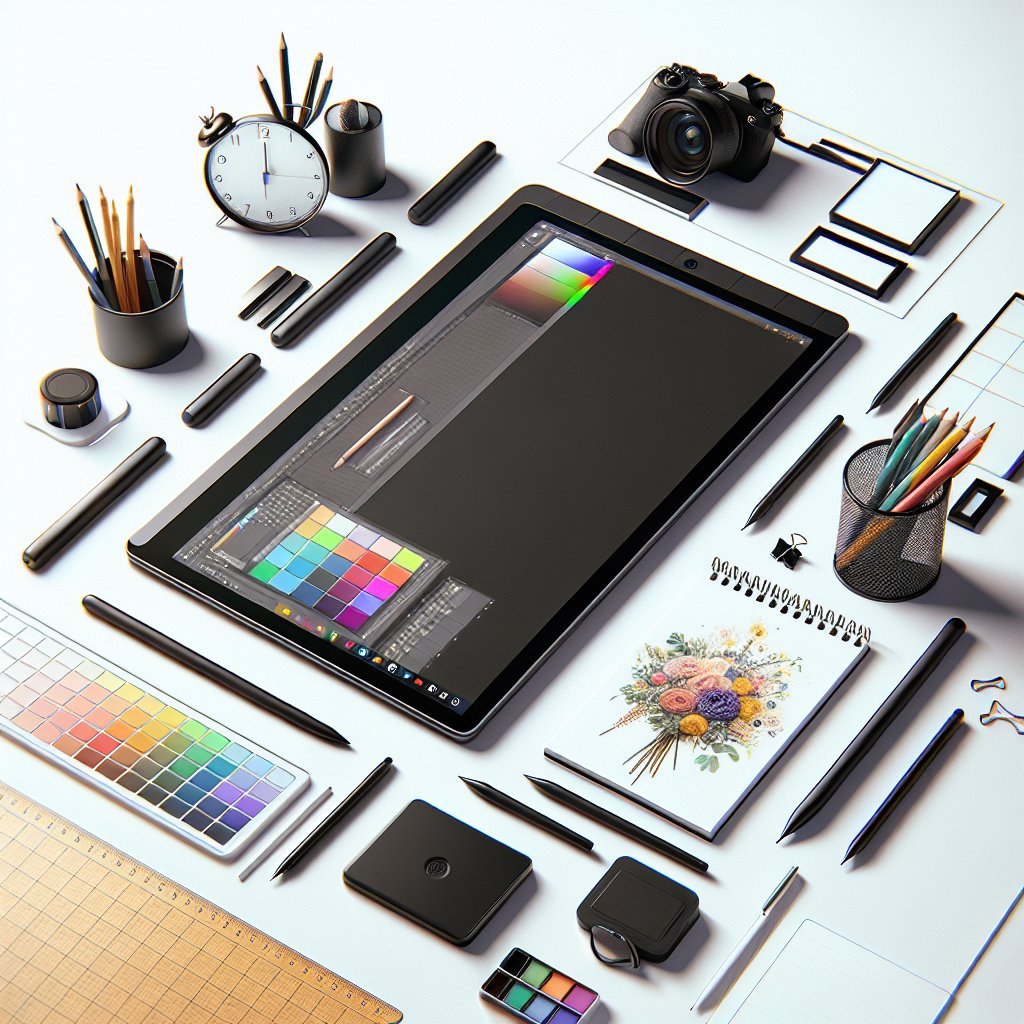
A clean workspace minimizes distractions and helps prevent hardware damage.
- Clean Your Tablet Regularly: Use microfiber cloths and screen-safe cleaning sprays to remove smudges and dust.
- Avoid Eating or Drinking Near Your Tablet: Protect the surface from accidental spills.
- Use Screen Protectors: Applying a matte screen protector not only shields the display but also mimics the feeling of drawing on paper, improving precision.
7. Use Adjustable Lighting for Reduced Eye Strain
Besides ambient lighting, incorporate adjustable, task-specific lighting.
- Desk Lamps with Dimmable Settings: Customize brightness depending on your environment.
- Color Temperature Control: Adjust color temperature to reduce blue light, especially for long work sessions or nighttime use.
- Anti-Glare Measures: Position lights to prevent reflections on your tablet screen.
Proper lighting reduces eye fatigue and helps maintain better focus.
8. Implement Efficient Backup and File Management Systems
Losing digital art because of hardware failure can be heartbreaking.
- Cloud Storage Services: Use platforms like Google Drive, Dropbox, or Adobe Creative Cloud to automatically back up files.
- External Hard Drives/SSDs: Keep local backups in case of internet issues.
- Organized Folder Structure: Create clearly labeled folders by project, client, date, and version number to quickly locate files.
Consistent backups and organized files reduce stress and protect your creative work.
9. Personalize Your Workspace for Inspiration
An organized workspace doesn’t need to be sterile. Personal touches can boost motivation.
- Inspiration Boards: Pin up colorful sketches, art prints, or quotes related to your favorite styles.
- Plants: Adding small indoor plants can improve air quality and add a refreshing natural element.
- Decor Elements: Use subtle items such as unique stationery, colored pens, or figurines that inspire creativity without distracting.
Balancing functionality with personality creates a pleasant atmosphere conducive to creative flow.
10. Regularly Declutter and Reassess
Workspaces evolve over time, and regular decluttering ensures your setup adapts to your needs.
- Weekly Tidying: Spend 5-10 minutes each week tidying up cables, sorting materials, and wiping surfaces.
- Monthly Review: Evaluate whether your setup supports your current workflow or if adjustments like adding new storage or rearranging tools are needed.
- Remove Unused Items: Keep only what you regularly use on your desk; store others away or discard.
This habit prevents accumulation of clutter and optimizes your focus.
Organizing your digital illustration tablet workspace is a blend of optimizing ergonomics, streamlining tools, and fostering an inviting creative environment. Incorporate these tips to build a space that supports artistic excellence and joy in every project.