
The Ultimate Guide to Using AI Tools for Graphic Design
Understanding AI in Graphic Design
Artificial Intelligence (AI) has revolutionized various industries, and graphic design is no exception. With the ability to streamline processes and enhance creativity, AI tools are gaining popularity among designers. AI can automate mundane tasks, generate artwork based on user input, and provide smart suggestions to improve designs.
Benefits of AI in Graphic Design
-
Enhanced Creativity: AI tools assist designers by offering a wealth of creative options. They can generate multiple design variations, enabling designers to explore uncharted territories.
-
Time Efficiency: Reducing repetitive tasks allows designers to focus on high-level creative decisions. From image editing to layout adjustments, AI optimizes workflows significantly.
-
Data-Driven Design: AI analyzes trends and consumer preferences, providing insights that guide design decisions. This data-driven approach ensures relevance and appeal in designs.
- Accessibility: Advanced AI tools make graphic design accessible to non-designers. With user-friendly interfaces, anyone can create professional-looking visuals without extensive knowledge or experience.
Key AI Tools for Graphic Design
1. Canva
Canva leverages AI to simplify design processes. Its smart suggestions help users select colors, fonts, and layouts that work harmoniously. The AI-driven background remover enhances image quality, making it a favorite among social media managers and small business owners.
2. Adobe Sensei
Adobe Sensei is integrated into Adobe Creative Cloud applications. It empowers users by automating complex tasks such as tagging images, smart cropping, and generating design variations. With features like Content-Aware Fill, it significantly speeds up the design process.
3. DeepArt
DeepArt utilizes neural networks to transform photographs into artworks that mimic the styles of famous painters. Users upload an image and select an art style, resulting in unique, stylized pieces. This tool exemplifies AI’s potential in creative development.
4. Artbreeder
Artbreeder combines images using genetic algorithms, allowing users to create new artworks by blending different styles. This innovative tool promotes collaboration, mimicking the natural evolution of ideas and art styles.
5. Runway ML
Runway ML is an AI software for video and image manipulation. It provides tools for background removal and style transfer, catering to filmmakers and graphic designers alike. Its ability to streamline visual effects demonstrates the power of AI in multimedia design.
6. Designhill Logo Maker
This AI-driven logo design tool is user-friendly and effective. By answering questions about style preferences, users receive logo designs that match their brand identity. The tool emphasizes the importance of branding in graphic design.
Integrating AI in Your Design Workflow
-
Start Small: Incorporate AI tools gradually. Use them to automate specific tasks like resizing images or enhancing colors before integrating larger tools into your workflow.
-
Experiment with Different Tools: Every tool offers unique features. Experimentation fosters familiarity and helps identify which tools align best with your design objectives.
-
Collect Feedback: Use AI-generated designs as initial drafts. Gather feedback from clients and team members to refine results, ensuring the final product aligns with expectations.
-
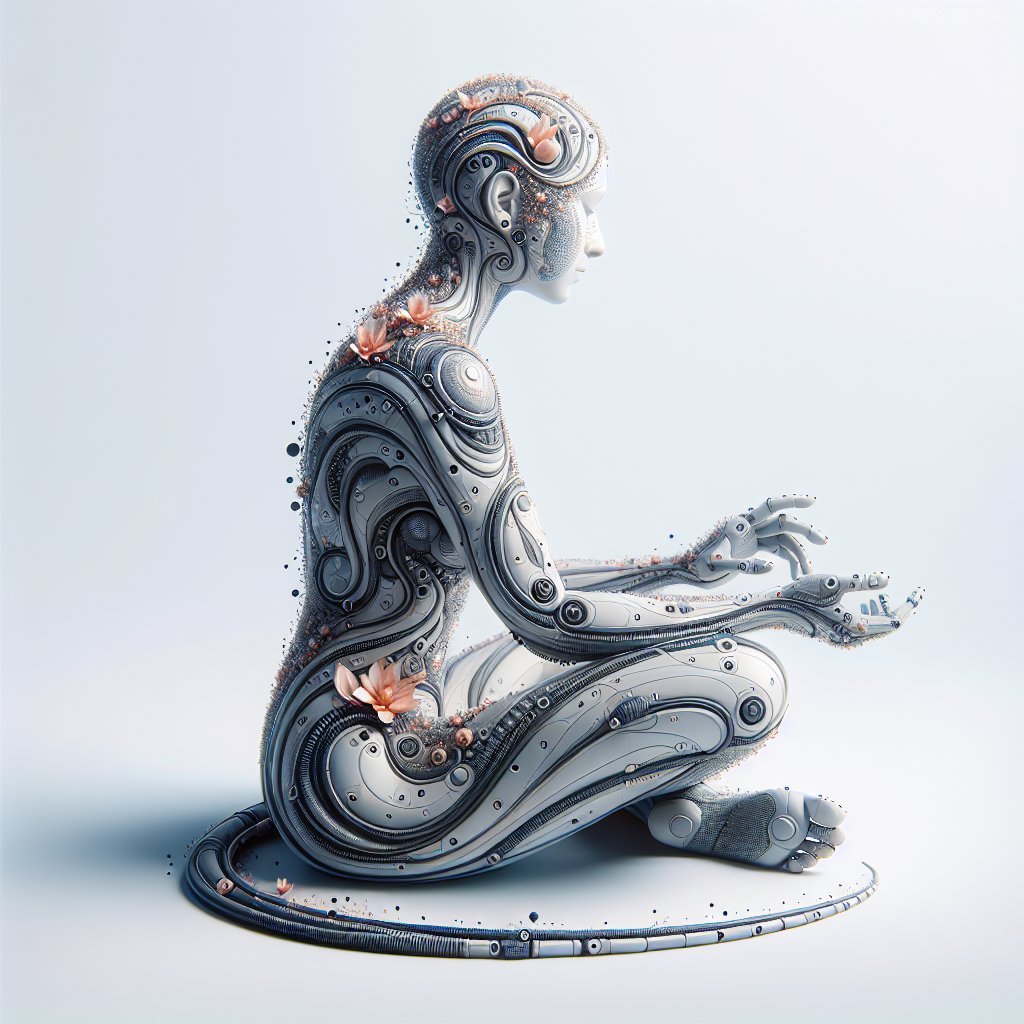
Combine Traditional and AI Methods: Blend traditional design skills with AI capabilities. This hybrid approach ensures a personal touch while benefiting from automation.
- Stay Updated: The landscape of AI technology is evolving rapidly. Stay informed about new tools and updates to existing tools to ensure you leverage the latest in the field.
Challenges of Using AI in Graphic Design
-
Creativity Limitations: AI can generate designs, but it may lack the nuanced understanding of human emotions and cultural contexts. Designers should be aware that AI-generated art may not always hit the emotional mark.
-
Over-Reliance on Tools: While AI can enhance workflows, designers must ensure they do not become overly dependent on these tools, risking their creative skills and originality.
-
Intellectual Property Concerns: The use of AI in creating designs raises questions related to ownership. Designers should ensure compliance with copyright laws when using AI-generated content.
- Skill Gap: With the rise of AI tools, there may be a shift in the required skill set for designers. Staying updated with both design principles and AI capabilities is paramount.
Best Practices for AI in Graphic Design
-
Understand Your Audience: Use AI insights to better understand what appeals to your target demographic. Tailoring designs toward user preferences can yield better engagement.
-
Integrate Feedback Loops: Establish a system for receiving feedback on AI-generated designs. Continuous improvement through user input enhances the final product.
-
Maintain Branding Consistency: Utilize AI tools while ensuring consistency in branding elements such as colors, fonts, and styles to work effectively across all platforms.
-
Embrace Collaboration: Leverage AI tools to work with other designers or clients in real-time. Tools that facilitate collaboration and feedback can improve project outcomes.
- Experiment Beyond Comfort Zones: Use AI tools to explore styles, patterns, and concepts outside your usual design approach. This experimentation can lead to breakthrough ideas and innovation.
Future Trends in AI and Graphic Design
-
Personalized User Experiences: As AI continues to evolve, expect more tools that offer highly personalized design experiences, adapting in real-time to user preferences.
-
AI-Driven Interactive Design: The future will likely see more AI-driven interactive elements in graphic design, creating experiences that adapt based on user interaction and feedback.
-
Sustainability in Design: AI tools are likely to integrate sustainability metrics, helping designers make environmentally conscious choices regarding materials, processes, and designs.
-
Augmented Reality Integration: The merging of AI with augmented reality (AR) tools will create new dimensions for graphic design, enabling designers to build immersive experiences.
- Greater Incorporation of Machine Learning: Machine learning will enhance design tools, allowing them to learn from user behaviors and preferences to offer more refined and relevant outputs.
Conclusion
AI tools in graphic design provide a wealth of opportunities to enhance creativity, streamline processes, and foster innovation. As the industry continues to evolve, understanding and effectively integrating these tools will be essential for designers aiming to stay ahead of the curve. Emphasizing both creativity and technology, the future of graphic design is reshaped by the boundless possibilities of AI.