
Smart lighting for effortless ambiance
Smart lighting systems do far more than turn bulbs on and off. Connected LEDs, smart switches, and motion sensors let you customize brightness, color temperature, and schedules to match your routine without lifting a finger. In the home, this means lights can gently brighten in the morning, dim automatically at night, and switch off when rooms are empty, cutting energy waste.
In the office, smart lighting boosts productivity by mimicking natural daylight and reducing eye strain. App‑controlled scenes allow you to set “Focus,” “Meeting,” or “Break” modes with one tap or voice command. Many platforms integrate with voice assistants like Alexa, Google Assistant, and Siri, so you can say “start work mode” and have lights, blinds, and even music adjust together.
Look for systems that support automation rules, occupancy sensors, and geofencing. These features ensure lights turn off when everyone leaves, or come on as you approach your home or office. Over time, the energy savings often offset the initial investment, especially when replacing halogens and older fluorescents.
Smart plugs and power strips to tame devices
Smart plugs are among the most flexible daily automation tools because they instantly upgrade “dumb” devices like lamps, fans, kettles, or printers. You simply plug them in, connect to Wi‑Fi, then schedule on/off times, create routines, or control them remotely from your phone.
In the home, this enables everyday conveniences such as:
- Turning on the coffee maker before you get out of bed.
- Scheduling space heaters to run only during specific hours.
- Automatically switching off entertainment systems at night.
In a home office or workplace, smart plugs and power strips help reduce phantom energy loads from monitors, docking stations, and chargers. Some models track electricity usage, giving you insight into which devices are driving your power bill. Group control lets you shut down an entire workstation or meeting room with a single command.
For the best results, choose smart plugs compatible with your existing ecosystem (HomeKit, Alexa, Google Home, or Matter) and ensure they support sufficient amperage for your devices.
Robot vacuums and mops for hands‑off cleaning
Automated cleaning tools are major time savers for both households and small offices. Modern robot vacuums and hybrid vacuum‑mops offer scheduled cleaning, room‑by‑room mapping, and self‑emptying bases that reduce daily maintenance.
At home, these devices handle:
- Daily crumb and pet hair cleanup in high‑traffic areas.
- Scheduled sweeps while you’re at work.
- Spot cleaning under tables and sofas.
In office or studio environments, robot vacuums keep floors tidy between professional cleanings, especially in open‑plan spaces and conference areas. Advanced models recognize carpets, avoid cables, and create virtual “no‑go” zones around sensitive equipment.
Look for robots with multi‑floor mapping, strong suction, and reliable obstacle detection. Wi‑Fi‑enabled models allow you to start or pause cleaning from your phone or via voice assistant, and to integrate vacuum runs into larger routines, such as “office closing” or “goodnight” scenes.
Smart thermostats and climate control
Heating and cooling are major energy expenses. Smart thermostats automate climate control, learning your patterns and adjusting temperatures automatically for comfort and efficiency.
At home, they:
- Warm the house before you wake up.
- Reduce heating and cooling when you’re away.
- Adjust temperatures based on weather forecasts and occupancy.
In offices and coworking spaces, smart thermostats avoid the common problem of conference rooms that are too hot or too cold. Zoning, motion sensors, and schedules allow you to adapt comfort levels to actual use, reducing complaints and utility costs.
Models with geofencing detect when the last person leaves and switch to eco mode, then restore your preferred temperature as you head back. Integration with smart blinds and fans extends automation even further, making your entire environment responsive and efficient.
Voice assistants as automation hubs
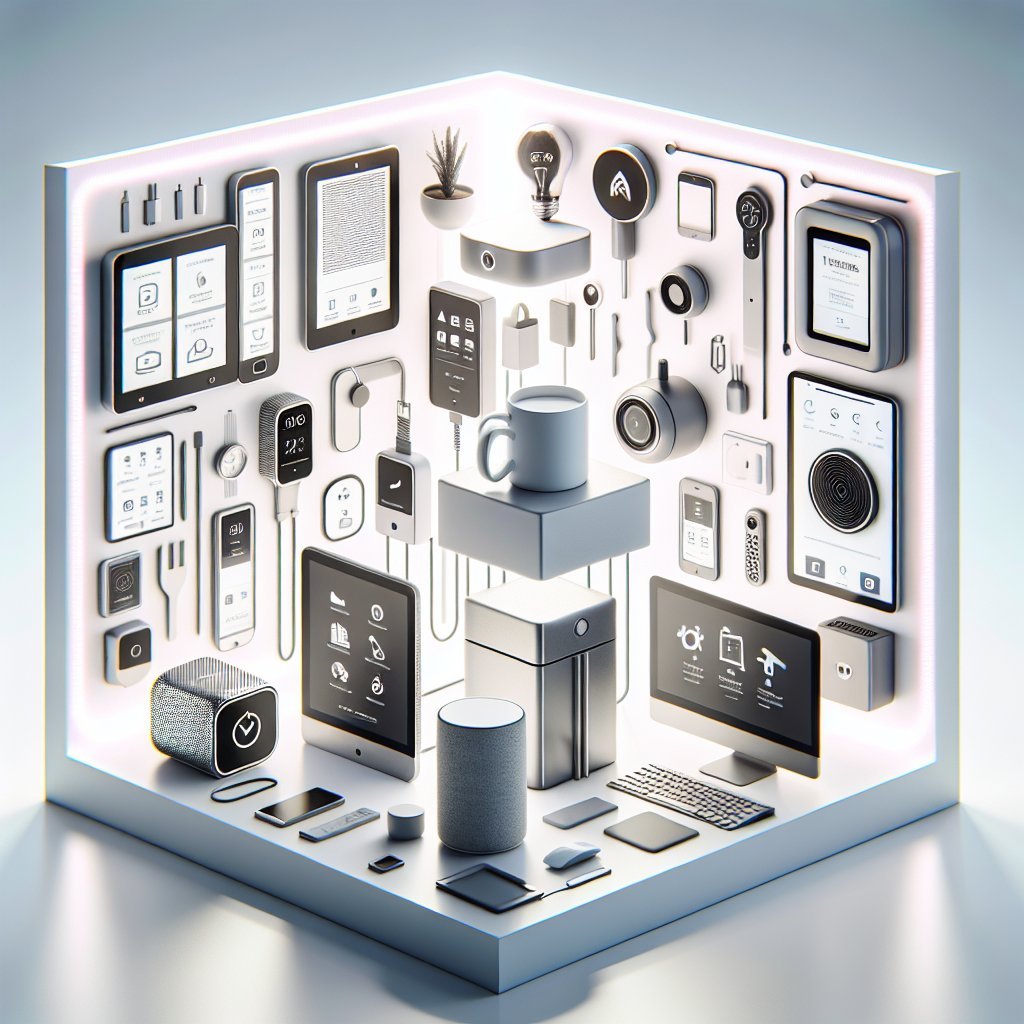
Voice assistants are the glue that connects different smart daily automation tools. Devices like Amazon Echo, Google Nest, and Apple HomePod Mini let you control lights, plugs, cameras, thermostats, and more with simple spoken commands.
In the home, this might look like:
- “Good night” to turn off lights, lock doors, and set alarms.
- “Movie time” to dim lighting, lower blinds, and start your TV.
- “I’m home” to activate a welcoming scene, complete with music.
In the office, voice assistants streamline meetings and tasks:
- “Start presentation” to turn on the projector and lower smart blinds.
- “Do not disturb” to mute notifications and adjust lighting.
- “Book a room at 3 p.m.” integrated with your calendar system.
The key is using routines. Most platforms allow multi‑step actions triggered by a single phrase, schedule, or device event. These routines transform individual devices into cohesive, automated experiences.
Smart security cameras, locks, and sensors
Security automation enhances both safety and peace of mind. Smart security cameras, video doorbells, locks, and contact sensors provide real‑time awareness of what’s happening at your home or office.
Common automations include:
- Door sensors that trigger lights when you enter.
- Smart locks that auto‑lock at night or after a set time.
- Cameras that send alerts only when humans are detected, reducing false notifications.
For home offices or small businesses, you can receive alerts if doors or cabinets open outside working hours, or if motion is detected in restricted zones. Some ecosystems support “armed” and “disarmed” modes that adjust behavior based on whether you’re present.
When choosing security tools, prioritize strong encryption, two‑factor authentication, clear privacy settings, and local storage options if remote cloud storage isn’t essential for you.
Workflow and task automation across devices
Beyond physical devices, software‑based automation tools like IFTTT, Zapier, and built‑in platforms such as Apple Shortcuts or Google Workspace Automations streamline repetitive digital tasks that consume daily time.
Examples for home life include:
- Automatically saving email receipts to a “Warranty” folder.
- Logging gym visits or smart scale readings into a spreadsheet.
- Sending you a notification if you leave home and the garage door is still open.
For office workflows, automations can:
- Create tasks from emails starred or labeled “Follow up.”
- Post messages in Slack or Teams when certain forms are submitted.
- Back up important files to cloud storage without manual effort.
Pairing physical smart devices with digital workflows creates powerful chains. A smart button on your desk could log your workday start, turn on your office lights, open key apps, and start a focus timer with one press.
Smart coffee, kitchen, and break‑area tools
Small quality‑of‑life upgrades can be surprisingly impactful. Smart coffee makers, kettles, and connected kitchen gadgets simplify daily routines.
In the home, you can:
- Schedule your coffee to be ready exactly when your alarm goes off.
- Receive phone alerts when the oven preheats or a timer finishes.
- Use smart scales and recipe apps to automate ingredient tracking.
In offices, connected coffee machines and water dispensers monitor usage, alerting managers when supplies run low. Smart fridges in shared spaces can send reminders before food expiration, helping reduce waste and keeping break rooms orderly.
Although these tools may seem like luxuries, they contribute to smoother mornings, fewer interruptions, and a more pleasant daily experience at both home and work.
Building a cohesive smart ecosystem
To get the most from your smart daily automation tools, focus on building an integrated ecosystem rather than buying isolated gadgets. Choose platforms that support common standards such as Matter and Thread, and ensure key devices can talk to each other through a central hub or app.
Start with your highest‑impact routines: waking up, starting work, commuting, prepping meals, and winding down. Then select devices and automations that remove friction from those moments. Over time, your home and office will feel more responsive, efficient, and tailored to how you actually live and work each day.