
Maximize Your Productivity with a Digital Planner Dashboard
Understanding Digital Planner Dashboards
A digital planner dashboard is an all-in-one tool designed to help users organize their tasks, set goals, and track progress toward achieving those goals. It combines various functionalities like calendars, to-do lists, habit trackers, and project management into a cohesive visual interface. By leveraging a digital planner dashboard, you can streamline your workflow, manage your time effectively, and boost overall productivity.
Benefits of Using a Digital Planner Dashboard
-
Centralization of Tasks
A digital planner dashboard centralizes all elements of task management, significantly reducing the need to switch between different applications. With everything in one place, you save time and energy while also minimizing distractions that can be caused by multiple tabs and apps. -
Enhanced Visualization
Visualization plays a crucial role in planning and productivity. Digital dashboards offer clear, colorful layouts that present your tasks, deadlines, and milestones visually. With Gantt charts, pie charts, and progress bars, you can easily see what needs your focus. -
Customizability
Unlike traditional planners, digital dashboards can be customized to fit your unique needs. You can create templates for recurring tasks, group projects, daily routines, and more, allowing for a more personalized planning experience. -
Real-time Collaboration
Many digital planner dashboards offer collaboration features that enable you to share your dashboard with others, whether for work projects or family organization. Collaborating in real time fosters better communication, enhances accountability, and ensures everyone stays on the same page. - Data Tracking and Analysis
Most digital planners allow users to track their activities over time, providing valuable insights into productivity patterns. By analyzing this data, you can identify peak productivity periods, distractions, and areas for improvement.
Key Features of an Effective Digital Planner Dashboard
-
Task Management System
A well-structured task management system is essential for any digital planner dashboard. This system should include options for task creation, categorization (such as personal, work, or urgent), and deadlines. Utilizing priority levels and labels can further enhance organization. -
Calendar Integration
Synchronization with calendars such as Google Calendar, Outlook, or iCal makes it easier to manage your schedule. A calendar view allows for a quick glance at deadlines and commitments, preventing last-minute scrambles. -
Habit Trackers
Building habits requires consistency. Incorporating habit trackers helps you stay committed to your goals. Whether you want to exercise more, read every day, or practice mindfulness, a visual tracker can make a significant difference. -
Goal Setting and Progress Tracking
Setting SMART (Specific, Measurable, Achievable, Relevant, Time-Bound) goals is simplified with a digital planner. You can break down long-term goals into manageable steps and assign deadlines, ensuring steady progress.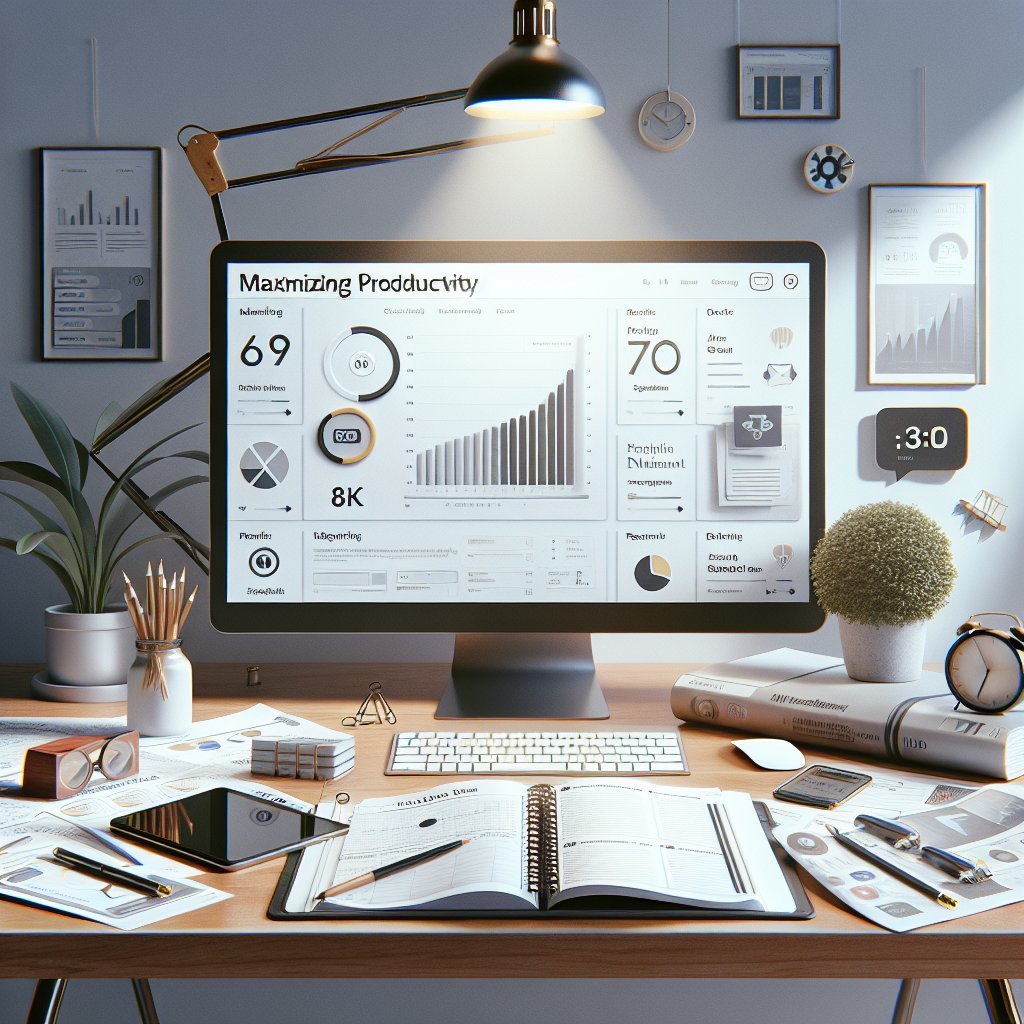
-
Note-taking and Journaling Features
Incorporating note-taking allows users to jot down ideas, thoughts, or reflections. Journaling can promote mindfulness and self-awareness and is integral to the personal growth process. -
Reminders and Notifications
To keep tasks at the forefront of your mind, reliable reminders are crucial. Setting prompts for upcoming deadlines or important meetings can significantly reduce the risk of forgetting critical responsibilities. - Visual Aids
Integrating visual aids, such as images, graphs, and color codes, can enhance your dashboard’s effectiveness. Visually engaging dashboards can increase motivation and help you quickly identify key areas requiring attention.
Tips for Maximizing Productivity with a Digital Planner Dashboard
-
Commit to Regular Updates
To get the most out of your digital planner dashboard, commit to regular updates. Dedicate a specific time daily or weekly to review and adjust your tasks, ensuring you remain on track. -
Set Daily or Weekly Themes
Infra-scheduling techniques can transform your productivity. Consider allocating specific days or parts of days to particular categories of tasks, such as ‘Marketing Mondays’ or ‘Financial Fridays,’ to create focused blocks of time. -
Leverage Automation
Automation features save time and effort. Set up recurring tasks, automate reminders, and integrate with other tools like email or project management apps for smooth operation. -
Limit Task Overload
While it’s important to be ambitious, overloading your dashboard can lead to feelings of overwhelm. Aim to keep your daily task list manageable by prioritizing essential tasks and deferring less important ones. -
Establish Milestones
Establishing milestones for larger projects can lend structure and maintain motivation throughout the journey. This approach can break complex tasks into more manageable segments, making them less daunting. -
Use Analytics to Adjust Strategies
Utilize built-in analytics to evaluate your productivity levels. Review your completion rates, average time spent on tasks, and any patterns in procrastination. Use these insights to adapt your strategies for better efficiency. - Focus on Personalization
Personalizing your digital planner dashboard can make it not just a tool, but an extension of yourself. Use colors, themes, and layouts that resonate with you. A personalized planner can boost motivation and engagement.
Choosing the Right Digital Planner Dashboard
With numerous options available, selecting the right digital planner dashboard can feel overwhelming. Here are some factors to consider:
- User Interface and Experience: Choose a dashboard that is easy to navigate and intuitive.
- Integration Options: Ensure it can integrate with the tools you already use.
- Collaboration Features: If you plan to use it for group projects, easy sharing and collaboration are vital.
- Price vs. Features: Assess whether the features offered justify the price—many planners offer free versions with essential functionalities.
By carefully assessing these factors and adopting the tips outlined in this article, you can leverage a digital planner dashboard to streamline your workflow, enhance accountability, and ultimately maximize your productivity.