
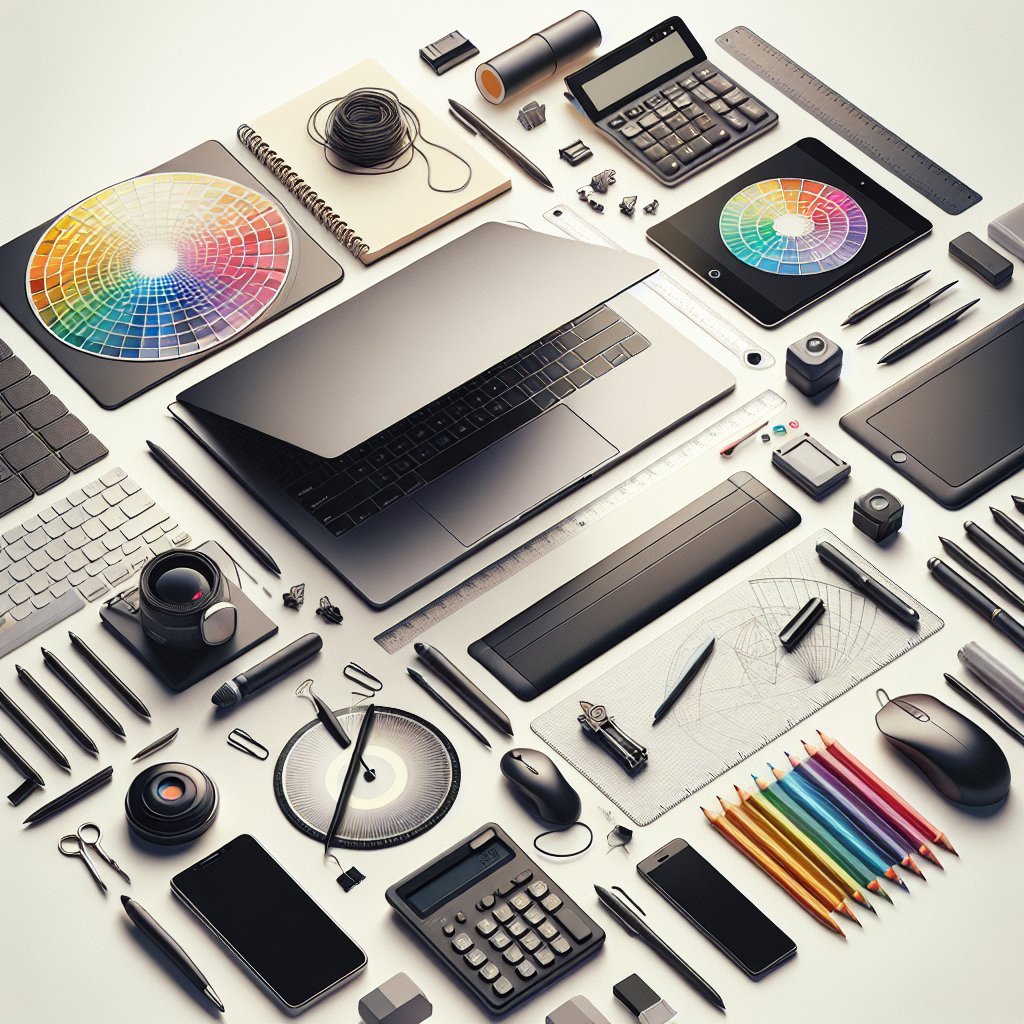
Workspace essentials: A clean laptop desk anchors creative workflows. Invest in a sturdy desktop surface with cable management channels to reduce visual clutter. An adjustable desk or a height-adjustable monitor arm supports ergonomics and encourages healthy posture. Good lighting is essential; a daylight-balanced LED desk lamp reduces eye strain and improves color perception.
Input devices: A high-quality keyboard and mouse are fundamental. Mechanical keyboards provide tactile feedback for typing and shortcut-heavy work. A programmable mouse with adjustable DPI and extra buttons speeds navigation. For illustrators, a pressure-sensitive graphics tablet or pen display such as Wacom or XP-Pen improves precision and natural brush control.
Display and color tools: Display and color accuracy determine design quality. Invest in a high-resolution external monitor with an IPS panel for wide viewing angles. Consider a 4K display if your work benefits from increased screen real estate. A color calibrator (X-Rite or Datacolor) ensures consistent color across devices, which is critical for print and brand work.
Audio and communication: Audio and communication tools support collaboration and content creation. A pair of closed-back headphones provides accurate monitoring and noise isolation. For voice calls and recording, a USB condenser microphone or a lavalier can deliver clean audio. Consider a compact audio interface if you work with external microphones or instruments.
Organization and ergonomics: Organization and ergonomics are vital for long-term productivity. A monitor stand or docking station keeps your laptop elevated and frees desk space. Use vertical file organizers or modular trays for frequently used accessories. A comfortable chair with lumbar support reduces back fatigue, and a wrist rest for keyboard and mouse protects hands during long sessions.
Software and backup: Software and reliable backup systems preserve creative work. Keep your operating system and creative applications up to date for security and performance. Use industry-standard software such as Adobe Creative Cloud, Affinity Suite, or Figma depending on your discipline. Implement a version control system for collaborative projects and automated cloud backup to prevent data loss. Local backups on external SSDs offer fast recovery.
Connectivity and power: Connectivity and power accessories ensure uninterrupted workflow. A USB-C dock or hub expands ports for displays, storage, and peripherals. Keep a multiport charger and high-quality power bank for remote work or travel. Fast external SSDs and NVMe enclosures provide portable high-capacity storage.
Accessories for productivity: Accessories for productivity fine-tune your setup. A quality surge protector protects gear from power spikes. A lap desk pad offers a comfortable surface and keeps items organized. Use noise-reducing panels or a white noise machine to maintain focus. Add a second monitor for expanded canvas and reference materials.
Maintenance and hygiene: Maintenance and hygiene extend equipment lifespan and performance. Regularly clean your keyboard, screen, and tablet with appropriate microfiber cloths and isopropyl alcohol in safe concentrations. Keep software and firmware updated and perform periodic hardware checks to catch issues early.
Mobility and remote work: Mobility and remote work demands portable solutions. Choose a lightweight laptop with high battery life and enough RAM for multitasking. Maintain a compact pack of essential cables, adapters, and a portable SSD for on-the-go project access. Cloud storage combined with local encryption gives both accessibility and security.
Sustainable and future-proof choices: Sustainable and future-proof choices maximize value and reduce waste. Opt for modular components that can be upgraded over time rather than replacing entire systems. Choose energy-efficient monitors and power supplies with good certificate ratings. Recycling old hardware through official programs reduces environmental impact.
Buying and budgeting tips: Buying and budgeting tips help you choose the right tools without overspending. Prioritize investments that directly impact output and comfort, such as monitors, chairs, and input devices. Look for refurbished professional equipment from trusted sellers to save money without sacrificing quality. Take advantage of bundle offers and seasonal sales to stretch your budget.
Workflow optimization: Workflow optimization and tool integration save time and boost creativity. Customize keyboard shortcuts, macros, and gesture controls to match your process. Use project management tools like Trello, Asana, or Notion to track tasks, deadlines, and assets. Automate repetitive tasks with scripts or IFTTT to maintain focus on creative work.
Health and wellbeing considerations: Health and wellbeing considerations protect long-term creativity. Incorporate regular breaks using the Pomodoro technique or similar methods. Stretching and eye exercises help combat repetitive strain injuries. Keep water nearby and consider a plant or two to improve air quality and boost mood.
Case studies and recommendations: Case studies and recommendations translate advice into action. A freelance graphic designer benefits from a dual-monitor setup with a calibrated display for color-critical work. An illustrator or digital painter prioritizes a pen display and a mechanical keyboard for precise strokes and fast shortcuts. A UX designer leans on prototyping tools and a laptop with ample RAM for simultaneous applications.
Vendor and warranty considerations: Vendor and warranty considerations protect your investment. Purchase from vendors that offer clear warranty terms and reliable support services. Extended warranties or service plans are useful for professionals who depend on their equipment daily. Check for return policies and manufacturer repair options.
Customization and personalization: Customization and personalization help tools fit your process. Create a template library for recurrent project types, and standardize file naming to save time. Personal ergonomic adjustments, lighting temperatures, and audio profiles create a tailored creative environment.
Quick checklist for setup: Essential items include a reliable laptop, external monitor, ergonomic keyboard, precision mouse, graphics tablet (if relevant), headphones, microphone, adequate storage, and a dock or hub. Prioritize good lighting, clean cable management, and comfortable seating. Regularly review software licenses and backup strategies to stay secure and efficient.
Practical tips: Test new hardware with trial periods or return windows to ensure compatibility. Document your preferred settings and shortcuts so you can quickly replicate a productive environment on new machines. Allocate time for hardware and software upgrades based on project needs rather than trends.
Track the performance impact of new tools by measuring time saved, error rates, and client satisfaction to make data-driven purchasing decisions. Engage with online communities and forums to discover trusted brands and real-world reviews.
Schedule quarterly maintenance for hardware cleaning and software updates. Plan for RAM and storage upgrades when project demands grow. A well-chosen set of laptop desk tools transforms creative processes into reliable and efficient routines. Invest in quality, customization, and maintenance to maximize creativity and workflow stability over time.