

How to Improve Your Workflow as an Illustrator Working on a Digital Tablet
Optimize Your Digital Workspace Layout Streamline your workflow by arranging your tools, panels, and references in a logical, repeatable way.
Optimize Your Digital Workspace Layout Streamline your workflow by arranging your tools, panels, and references in a logical, repeatable way.

Designers are redefining sketching on tablets in 2024 by treating them as fully integrated creative workstations rather than digital notebooks.
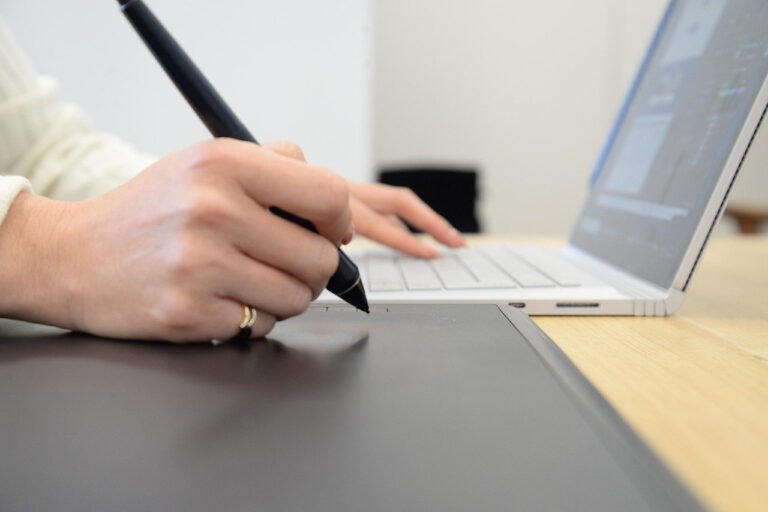
Choosing the right tablet and accessories The foundation of a perfect digital art workspace is the right tablet for your

Optimize your tablet settings for precision and comfort Calibrate your drawing tablet before starting any project. Use the driver software

Define the core user journey before designing anything. List the primary actions users must complete in a creative app: starting
Prioritize a Single, Clear Objective per Dashboard Every laptop dashboard should answer one dominant question, such as “How is today’s

Understanding Core User Needs and Workflows A professional digital illustration software screen layout should be driven by real artist workflows
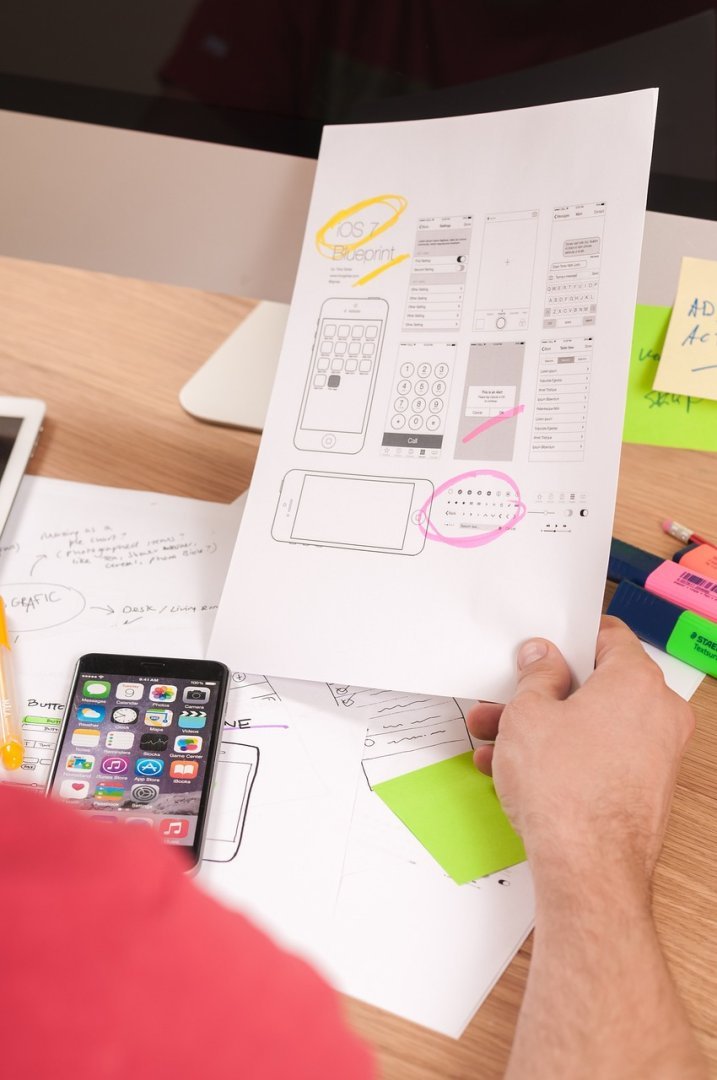
Understanding the anatomy of a high-converting app screen High-converting screens balance business goals with user intent. Each screen should clearly
Define Your Core Design Tasks and Output Needs Choosing the right interface starts with clarifying what you actually create. Branding
1. High-Performance Computer and Calibrated Monitor Every digital graphic design workspace starts with capable hardware. A multi-core CPU, dedicated GPU,
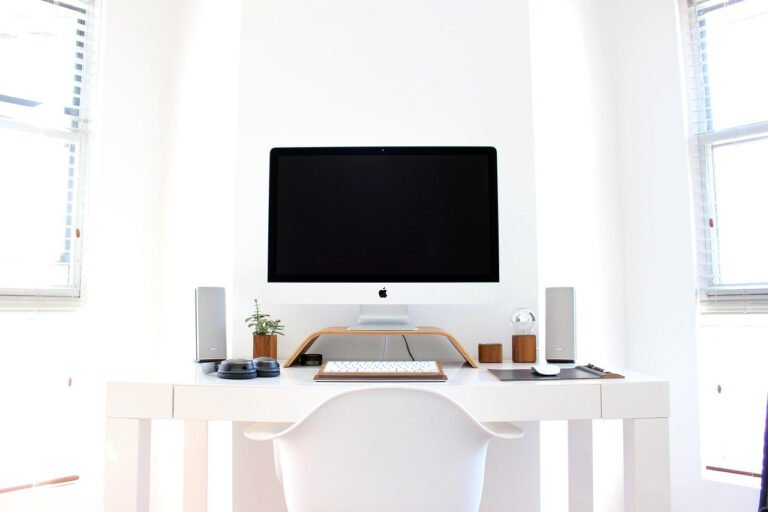
Horizontal Side‑by‑Side Setup for Wide Canvases A classic horizontal dual‑monitor layout is ideal for designers who work on wide artboards,
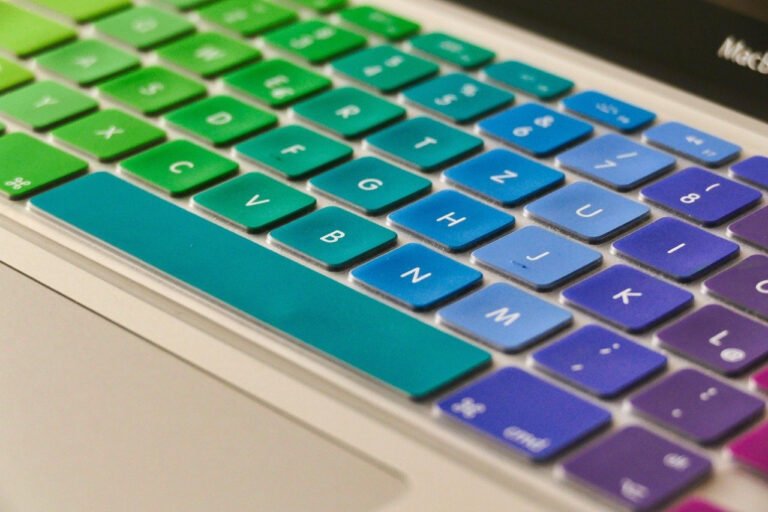
Ergonomic foundation: chair, posture, and viewing angles A productive designer desk setup starts with ergonomics. Choose an adjustable chair with