
Defining AI Assistants and Traditional Task Managers
AI assistants are intelligent, often conversational tools that understand natural language, learn from user behavior, and perform tasks proactively. Examples include ChatGPT-based tools, Google Assistant, Microsoft Copilot, and AI-integrated productivity platforms. They can interpret context, generate content, answer questions, automate workflows, and surface information at the right time.
Traditional task managers are structured apps focused on lists, deadlines, and organization. Think of tools like Todoist, Trello, Asana, Microsoft To Do, and paper or spreadsheet-based systems. They rely on manual input and explicit rules, providing predictability and clear visual organization, but little adaptability or autonomous decision-making.
Core Benefits of AI Assistants for Task Management
AI-driven assistants excel at understanding intent. Instead of manually creating projects and tags, you can say, “Plan my week around these three priorities and my existing calendar,” and the assistant suggests a schedule. They can break large goals into actionable steps, detect dependencies, and propose realistic time estimates based on your past behavior.
Context awareness is another advantage. When integrated with email, calendars, and documents, AI can surface tasks hidden in messages (“Can you send this report by Friday?”) and turn them into reminders automatically. It can flag conflicts, suggest rescheduling, and even draft replies or documents tied to those tasks, reducing friction and cognitive load.
AI assistants also support flexible input. Voice, chat, quick notes, or emailed prompts can all be processed and converted into structured plans. For teams, AI can summarize meetings, identify action items, assign owners, and update shared boards or project tools without manual transcription, saving time and reducing missed responsibilities.
Strengths of Traditional Task Managers
Traditional task managers offer reliability and transparency. Every task, date, and label is explicitly set by the user, creating a clear, predictable system. There is no ambiguity about how tasks are categorized or why something appears in a specific view; the logic is visible and controllable.
These tools typically emphasize visual structure—lists, kanban boards, calendars, and Gantt charts. For many people, the ability to “see everything at a glance” reduces anxiety and enables long-term planning in a way AI chat interfaces alone may not yet match. This is especially true for complex multi-month projects or compliance-heavy workflows.
Another strength is stability over time. Mature task managers evolve slowly and are often built around proven productivity methodologies such as Getting Things Done (GTD), Kanban, or time-blocking. Organizations can train teams on standardized workflows and trust that the core behavior of the tool will not change dramatically overnight.
Productivity and Cognitive Load: Which Wins?
AI assistants tend to outperform traditional tools where cognitive overhead is high. Instead of continuously deciding how to categorize, prioritize, and schedule, users can offload these meta-decisions to an intelligent system. This can be particularly effective for knowledge workers juggling many contexts, such as managers, consultants, or freelancers.
However, the benefit depends on trust and quality of recommendations. When AI suggestions feel misaligned—overly optimistic timelines, misunderstood priorities, or irrelevant reminders—users may second-guess the system and spend additional energy verifying its decisions. In such cases, the structured clarity of a task manager can actually reduce cognitive load.
A hybrid approach often maximizes productivity: AI handles interpretation, breakdown, and first-draft planning, while a traditional task manager serves as the authoritative “source of truth.” The assistant can populate and update that system, leaving humans to review high-level priorities rather than chasing details.
Collaboration and Team Workflows
For teams, AI assistants shine in preprocessing information. They can convert meeting transcripts into structured task lists, summarize lengthy email threads into key decisions, and highlight blockers mentioned across different channels. This reduces the friction of getting from “conversation” to “commitment.”
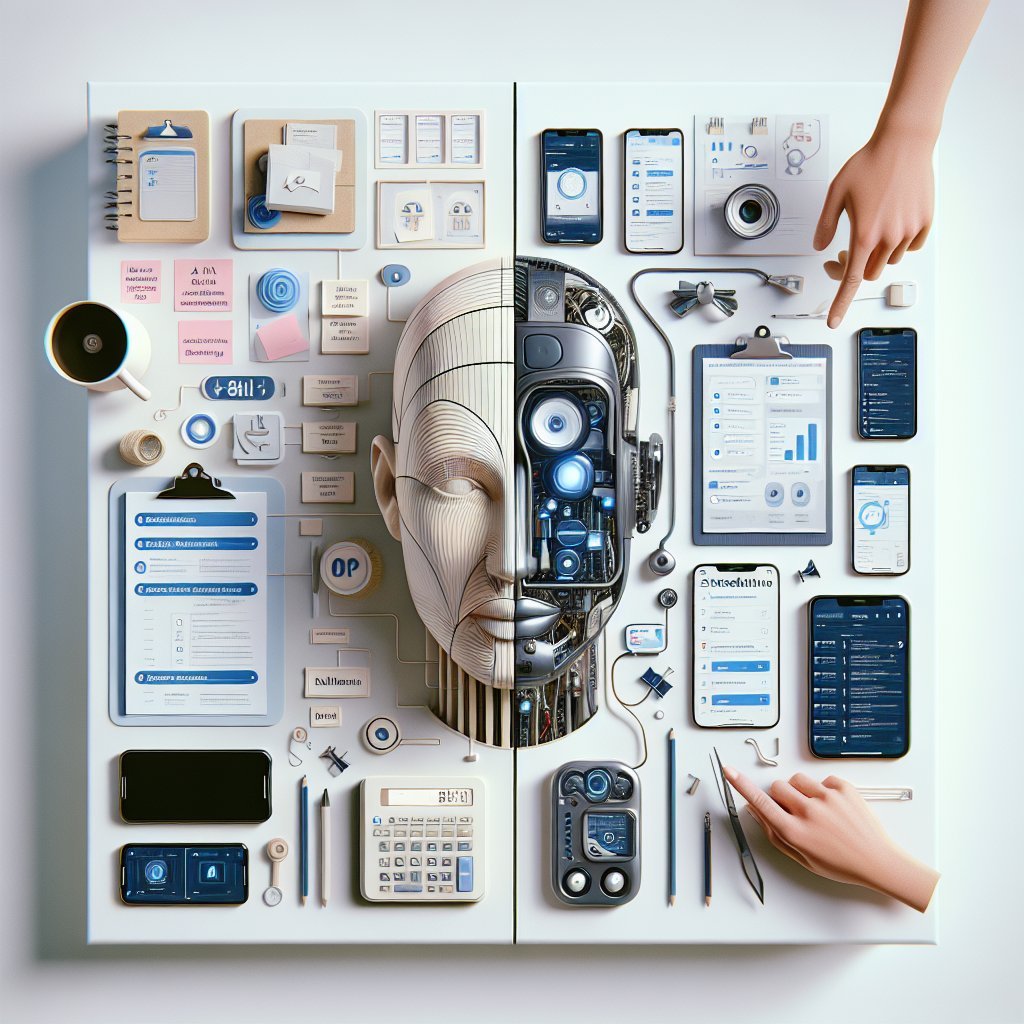
Traditional task managers, however, remain stronger for ongoing governance and accountability. Permissions, audit trails, dependencies, and reporting dashboards are mature features in project management platforms. Managers can track who owns what, monitor timelines, and run analytics on workload and throughput.
The most effective collaboration workflows increasingly combine both. AI listens and interprets, while the task manager stores and visualizes. For example, an AI assistant integrated with a project tool can propose sprint scopes, suggest reassignments based on capacity, and draft status reports directly from project data, but the official records still live in the task manager.
Personalization, Adaptability, and Learning
AI systems can adapt in ways traditional tools cannot. Over time, they can learn your working patterns, such as preferred focus hours, typical task duration, and procrastination triggers. An advanced assistant can recommend when to schedule deep work, when to batch emails, and how to reorder tasks based on your energy and calendar.
Traditional task managers offer customization through rules, filters, and manual configuration, but their logic is static. If your habits change, you must explicitly update the system. For users who appreciate fine-grained control, this can be an advantage; for those who prefer automation, it becomes a burden.
The trade-off is transparency. AI’s adaptive models can be hard to inspect. When an assistant rearranges your day, you may not fully understand the reasoning. Traditional task managers, by contrast, use straightforward rules you define yourself, making the decision-making process visible and auditable.
Data Privacy, Security, and Compliance Considerations
Organizations evaluating AI assistants must weigh privacy and regulatory risks. AI tools often require access to emails, documents, and calendars to be fully effective. If not deployed and configured correctly, this can raise concerns around data residency, model training on proprietary content, and exposure of sensitive information.
Enterprise-ready AI assistants increasingly support private deployments, zero-retention policies, and granular permission controls. Still, compliance in highly regulated industries may require strict boundaries around what data the assistant can access. Traditional task managers, especially on-premises or enterprise-hosted solutions, may be easier to integrate into existing governance frameworks.
For individuals, reading privacy policies and configuration options is essential. Turning off data logging, restricting integrations, and using organization-managed instances can mitigate many risks while still delivering AI-driven productivity benefits.
Cost, Adoption, and Learning Curve
AI assistants often come with subscription fees tied to compute-intensive models. While some are bundled into productivity suites, advanced capabilities—like deep document analysis or custom automation—may require premium tiers. The return on investment depends on usage intensity and time saved.
Traditional task managers range from free to enterprise-level pricing but usually have predictable costs and lower infrastructure demands. Many users already understand list-based tools, so adoption is straightforward. AI assistants, by contrast, require a shift in mindset: users must learn how to “prompt” effectively and trust conversational interfaces as a control surface.
The learning curve is eased when AI is tightly integrated into familiar tools. An assistant built into an existing email client, document editor, or project platform can be adopted more naturally than a standalone chatbot that users must remember to consult.
Choosing the Right Approach for Your Needs
For individuals seeking flexibility, idea generation, and help with loosely structured work, AI assistants can dramatically enhance productivity. They are especially powerful for planning, writing, research-heavy tasks, and dynamic daily scheduling.
For teams managing complex, repeatable workflows with strict deadlines and compliance needs, traditional task managers remain foundational. They provide stability, visibility, and standardized processes that AI alone cannot yet replace.
In most real-world scenarios, the best solution is not AI assistants versus traditional task managers, but AI assistants integrated with them—letting intelligent systems handle interpretation and automation while structured tools maintain order, accountability, and long-term visibility.