
Designing a workspace that supports deep focus and creativity starts with understanding how environment shapes behavior. For freelancers, the space you work in functions as both office and studio, so every element—from laptop placement to coffee rituals and AI tools—should be intentional. The goal is not aesthetic perfection but reliable productivity, reduced friction, and sustainable energy across long, unpredictable days.
Begin by choosing a dedicated work zone, even if you live in a small apartment. A consistent location trains your brain to associate that area with concentration, making it easier to enter “work mode” each day. Natural light is ideal; position your desk near a window to reduce eye strain and improve alertness. If natural light is limited, use a 4000K–5000K LED desk lamp that mimics daylight without harsh glare. Add indirect lighting behind your monitor to reduce contrast between screen and surroundings, helping prevent headaches during long laptop sessions.
Desk ergonomics matter as much as the hardware itself. A desk height around 28–30 inches works for most people, but the key is alignment: your elbows should be at roughly 90 degrees when typing, and your shoulders relaxed, not hunched. If you can, invest in a sit-stand desk so you can alternate positions throughout the day. This small shift improves circulation, reduces back pain, and can noticeably improve mental stamina, especially during intensive creative or analytical work.
Chair selection is just as important for a productive freelancer workspace. Look for a chair with adjustable seat height, lumbar support, and armrests you can raise or lower so your shoulders stay neutral. Your feet should rest flat on the floor; if they do not, use a footrest or even a sturdy box. Adjust the backrest so it supports your natural spine curve instead of forcing you to sit rigidly upright. Over time, these ergonomic details reduce micro-discomforts that silently drain your focus.
Your laptop is the core of your freelance toolkit, so prioritize performance, comfort, and reliability over flashy extras. For most freelancers, a modern CPU (such as an Intel i5/i7 or Apple M-series), 16 GB of RAM, and at least 512 GB SSD storage provide a strong baseline. Designers, video editors, and data professionals may need 32 GB or more and a dedicated GPU, while writers and marketers can comfortably work with lighter specs as long as the system remains responsive with multiple tabs and apps open. Reliability and a comfortable keyboard should take precedence over marginal spec differences.
Screen size significantly affects eye strain and posture. If you use a 13–14 inch laptop, consider adding a 24–27 inch external monitor to reduce squinting and constant zooming. This also supports better posture because you can raise the external display to eye level. Mount the monitor so the top of the screen is roughly at or slightly below eye height, and keep it about an arm’s length away. If you prefer working only on the laptop screen, use a stand to elevate it and add an external keyboard and mouse so you are not constantly craning your neck downward.
Laptop accessories can transform a basic setup into an efficient workstation. A quality mechanical or low-profile keyboard helps reduce fatigue while typing long emails, reports, or code. An ergonomic mouse or trackball can minimize wrist strain. A USB-C hub or dock keeps cables organized and allows you to connect storage drives, a microphone, webcam, and monitor without constant plugging and unplugging. Noise-canceling headphones are invaluable for freelancers working in shared apartments or cafes, allowing you to maintain focus even in noisy environments.
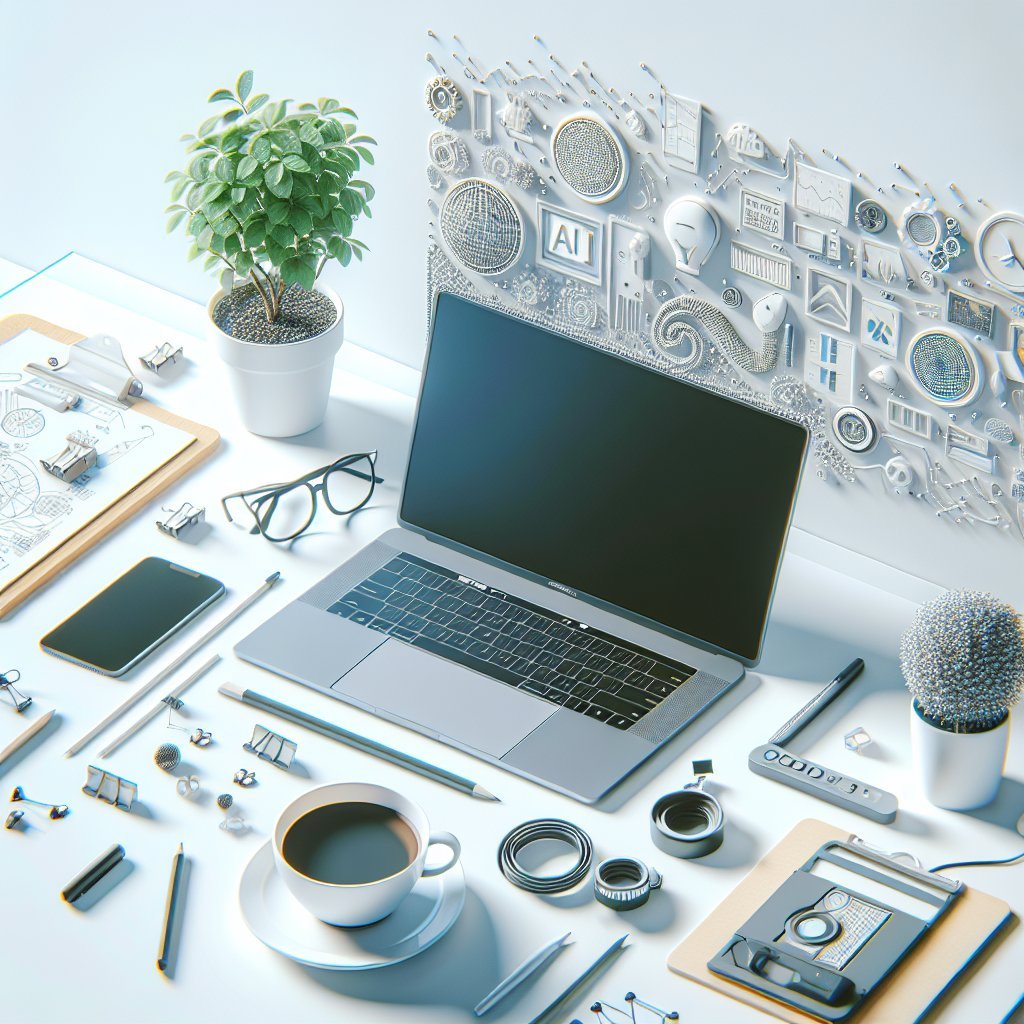
Coffee and other rituals play a powerful psychological role in freelancing, marking the transition from personal time to professional focus. Instead of mindlessly sipping all day, treat coffee as a strategic productivity tool. Aim to delay your first cup by 60–90 minutes after waking, allowing natural cortisol levels to rise and fall, which can prevent energy crashes later. A mid-morning cup often aligns well with your first deep-focus block, while a small early-afternoon coffee can support a second productive stretch without disrupting sleep, as long as you avoid caffeine in the late afternoon and evening.
At home, simple brewing methods can be both affordable and high quality. A pour-over setup or an Aeropress gives you control over strength and flavor, turning your coffee ritual into a mindful break rather than a rushed habit. If you enjoy visiting cafes, choose ones with reliable Wi-Fi, power outlets, and relatively stable noise levels. Use a laptop lock and privacy screen if you regularly handle client-sensitive data. Rotate locations occasionally to prevent boredom, but keep a few “go-to” spots where you know the lighting, seating, and acoustics support your style of work.
Hydration is as important as caffeine. Keep a water bottle on your desk and aim to drink consistently throughout the day. Dehydration, even mild, can mimic fatigue and reduce cognitive performance. Many freelancers find that alternating water and coffee or setting a simple rule—such as drinking a glass of water before each coffee—naturally balances intake and prevents jitters.
Artificial intelligence tools have become essential allies in a modern freelancer workspace, especially for writing, research, brainstorming, and organization. Use AI assistants to draft outlines, generate ideas, and summarize complex documents before deep dives. For writers, marketers, and consultants, AI can help transform rough notes into structured drafts, suggest alternative headlines, or translate content for international clients. For developers, AI-based code suggestions can speed up repetitive tasks, surface documentation snippets, and reduce context switching between browser tabs and code editors.
Treat AI as a collaborative partner, not a replacement for thinking. Always review, fact-check, and personalize AI-generated output. Search engines and social platforms increasingly prioritize originality, so use AI for structure and ideation while adding your unique voice, expertise, and examples. Combine AI tools with project management platforms like Notion, Trello, or Asana to plan content calendars, break projects into tasks, and maintain a clear pipeline of work from draft to delivery.
Workflow automation is another area where AI and simple scripts can save hours each week. Set up templates for proposals, invoices, and client emails, then use AI to customize them quickly for each new project. Tools that integrate with your email and calendar can auto-detect meeting requests, suggest time slots, and help you avoid double booking. Use text expansion utilities for repeated phrases, standard terms, and bio snippets to reduce typing time and maintain consistency across platforms.
Balancing focus and breaks is essential for sustaining productivity in any freelancer workspace. Techniques like the Pomodoro method—25 minutes of focused work followed by a 5-minute break—help structure your day, especially when combined with AI tools that maintain to-do lists or remind you of upcoming deadlines. During breaks, stand up, stretch, and look away from screens to reset your eyes and nervous system. Short walks, even indoors, can re-energize you more effectively than another cup of coffee.
Finally, keep your digital and physical environments decluttered. On your laptop, create a clear folder structure for clients and projects, limit your desktop icons, and close unused browser tabs to reduce cognitive load. On your desk, keep only essentials within arm’s reach: laptop, monitor, keyboard, mouse, notebook, pen, coffee, and water. Everything else can live in drawers or shelves. A tidy workspace, supported by well-chosen hardware, intentional coffee habits, and smart AI usage, enables freelancers to deliver high-quality work consistently while protecting their energy and creativity.