
1. Centralize communication with AI-powered inbox triage
Remote teams lose hours sorting messages across email, Slack, and project tools. Use AI assistants (e.g., Gmail’s Priority Inbox, Superhuman, or Missive) to automatically categorize, summarize, and prioritize conversations. Configure rules that surface customer issues, deadlines, and blockers at the top, while newsletters, FYIs, and low-urgency chats are collapsed into daily digests. Encourage everyone to pin critical channels and rely on AI-generated thread summaries before replying. This reduces context-switching, shortens response time, and keeps distributed teams aligned without constant manual monitoring.
2. Automate meeting notes, action items, and follow-ups
AI meeting assistants like Otter.ai, Fathom, Fireflies, and Zoom’s built-in tools can record, transcribe, and summarize your calls in real time. Instead of someone manually taking notes, let AI capture key decisions, risks, and next steps with owners and due dates. Configure the assistant to automatically send recap emails to attendees and post action items directly into tools like Asana, Trello, or Jira. Standardize a template: decisions, tasks, open questions. This makes meetings more focused, keeps remote teammates accountable, and ensures no one misses critical information, even if they join asynchronously.
3. Use AI for smart task planning and time-blocking
Distributed work often blurs boundaries, making it hard to prioritize deep work. Use AI-powered scheduling tools such as Motion, Sunsama, or Reclaim to convert your task lists into realistic calendars. These tools analyze deadlines, estimated durations, and personal work preferences, then automatically time‑block focused sessions. Integrate calendars across time zones so AI can propose collaboration windows that respect working hours. At the start of each day, have AI generate a “daily plan” that balances meetings, focused work, and admin tasks. This prevents overcommitment and supports sustainable productivity for remote workers.
4. Turn rough ideas into polished documents with AI drafting
Brainstorming, documentation, and reporting dominate remote collaboration. Use AI writing assistants (like this one, or tools such as Notion AI, Jasper, or GrammarlyGO) to transform bullet points, voice notes, or outlines into first‑draft content. Standardize prompts: specify target audience, tone, length, and structure. Have AI create project briefs, product specs, knowledge base articles, and client updates based on your notes. Then edit for nuance, accuracy, and brand voice. This reduces blank‑page anxiety, speeds up asynchronous documentation, and keeps written communication clear and consistent across the team.
5. Create instant multilingual communication and localization
Remote teams often span regions and languages. Use AI translation tools (DeepL, Google Translate, or built‑in features in Slack, Microsoft Teams, and Notion) to make communication inclusive and fast. Encourage team members to write in their preferred language, then rely on AI to translate messages, docs, and support tickets. For customer‑facing content, have AI generate localized versions of FAQ pages, onboarding guides, and outreach emails, then have native speakers or reviewers verify nuances. This accelerates global collaboration while maintaining clarity and cultural sensitivity.
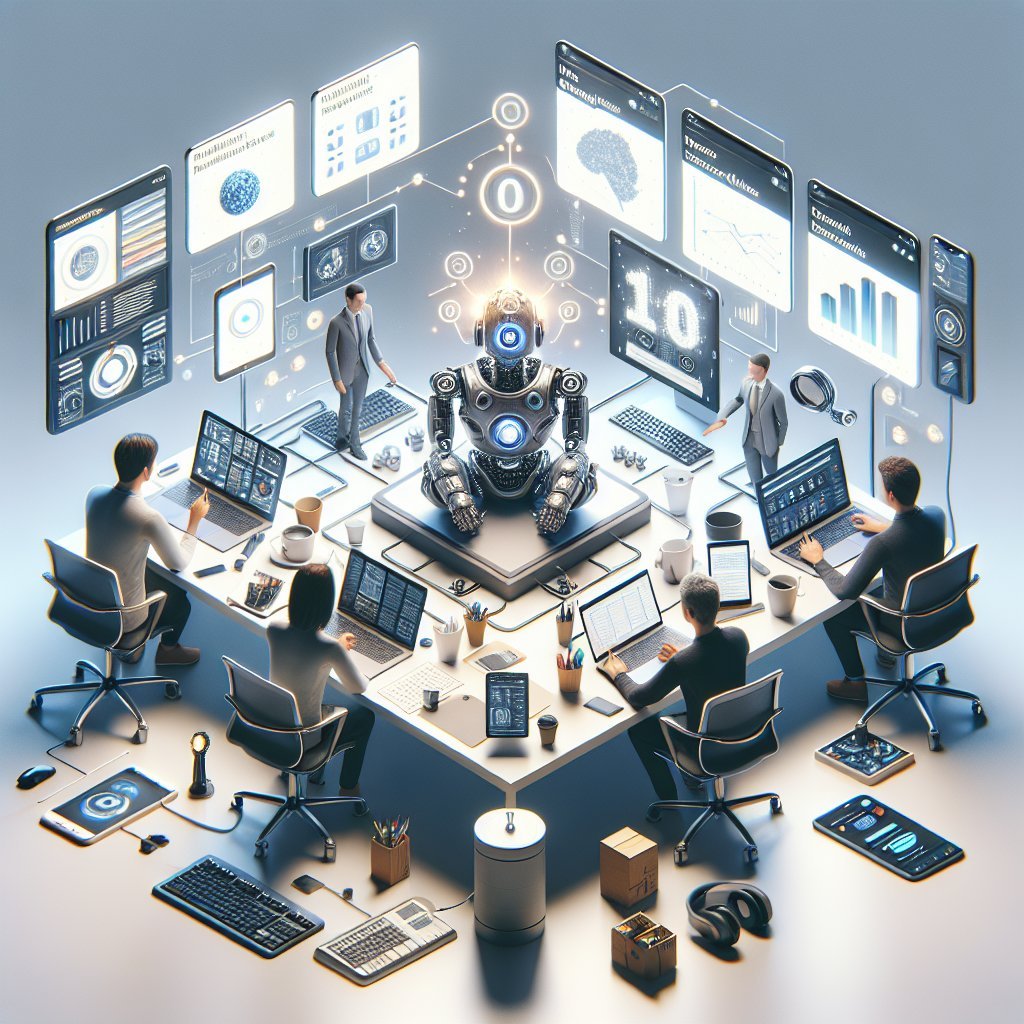
6. Build AI-powered knowledge bases for instant answers
Information sprawl is a major remote productivity killer. Connect AI search tools (Notion AI, Confluence with AI, Guru, or custom RAG-based systems) to your documentation, wikis, and shared drives. Instead of manually searching folders, teammates can ask natural-language questions like “What’s our refund policy?” or “How do we deploy to staging?” and get direct, cited answers. Establish documentation standards and tag important pages for better retrieval. Encourage everyone to update the knowledge base after major projects, and use AI to summarize long docs into quick reference guides. This cuts onboarding time and prevents duplicate questions.
7. Use AI to streamline project management and reporting
Project managers in remote setups often juggle status updates across multiple tools. Integrate AI into platforms like ClickUp, Asana, Monday.com, or Jira to auto-summarize progress, highlight risks, and forecast workload. Use AI-generated weekly summaries for each project: completed tasks, overdue items, upcoming milestones, and blocked owners. Feed comments and issue descriptions into AI to categorize work, estimate effort, or suggest next steps. This makes standups and status meetings faster, gives leadership visibility without micromanagement, and keeps distributed contributors aligned on priorities.
8. Deploy AI chatbots for internal support and onboarding
Remote employees frequently wait for answers about HR, IT, or operations. Train internal AI chatbots on your policies, process docs, and FAQs so team members can get instant guidance 24/7. Common use cases include vacation policies, expense rules, onboarding checklists, and security procedures. Integrate the bot inside Slack or Teams so it’s accessible where people already work. For new hires, create AI-driven onboarding flows that surface the right documents, training videos, and tasks over their first weeks. This offloads repetitive questions from managers and HR while giving remote workers autonomy.
9. Enhance creative collaboration with AI brainstorming tools
Ideation can be harder without in-person whiteboards. Use AI-assisted brainstorming platforms like Miro with AI, FigJam with widgets, or standalone tools such as ChatGPT and Ideanote to spark ideas for campaigns, features, naming, and problem-solving. Start sessions with clearly defined prompts, constraints, and goals. Let AI generate variations, user stories, or user journey ideas, then have the team vote and refine asynchronously. Combine this with AI image tools (Midjourney, DALL·E, Canva’s AI) to quickly prototype visuals, mockups, and slide concepts. This keeps creativity high even across time zones and communication styles.
10. Monitor well-being and workload with AI insights
Remote work can hide burnout and overload. Leverage AI analytics within tools like Microsoft Viva Insights, Google Workspace, or Timeular to detect patterns in meetings, after-hours work, and focus time. Configure alerts when individuals or teams face excessive context-switching, back-to-back calls, or chronic overtime. Use anonymized data to adjust norms: fewer recurring meetings, larger focus blocks, or “no-meeting” days. Encourage employees to use AI-powered wellness tools for micro‑break reminders, energy management, and task batching. A healthier cadence improves long-term productivity, retention, and overall team engagement.