
AI assistants now sit at the center of modern task management, turning scattered to‑do lists into coordinated, dynamic workflows. By combining natural language processing, automation, and data analysis, they help professionals prioritize effectively, reduce manual effort, and maintain focus in environments overloaded with information and constant notifications.
One of the most significant ways AI assistants enhance productivity is through intelligent task capture. Rather than relying on users to manually enter every item, AI can convert voice commands, emails, meeting notes, and chat messages into actionable tasks. When someone says, “Remind me to send the proposal to Sarah on Tuesday,” the assistant identifies the verb, object, and timing, then schedules a reminder in the appropriate app. This frictionless capture dramatically reduces the chance of forgetting commitments and makes it easier to keep a complete, accurate list of responsibilities.
Smart prioritization is another core capability that transforms task management. Traditional task lists treat every item as equal, but AI can rank tasks based on deadlines, estimated effort, dependencies, and historical behavior. For instance, it may push forward work related to key projects or upcoming meetings while deferring low‑impact administrative tasks. Some systems analyze calendar density, focus time blocks, and typical productivity patterns to suggest the “three most important tasks” for a given day, helping users move from reactive to strategic work.
AI assistants also excel at scheduling and time blocking. Instead of manually dragging tasks into open calendar slots, users can ask the assistant to “find two 90‑minute blocks this week for deep work on the design document.” The AI evaluates meetings, commute times, personal events, and energy patterns (like known morning productivity peaks) to recommend optimal windows. When deadlines shift or new priorities arise, the assistant can automatically reshuffle tasks, update reminders, and flag potential conflicts before they become crises.
Automation of repetitive workflows is a major driver of productivity gains. AI assistants connect email, calendars, project management tools, and document platforms to trigger actions without manual intervention. When an email includes phrases like “please review by Friday,” the assistant can create a task, link the original message, attach the relevant file, and assign a due date. Status updates, recurring reminders, and handoffs between team members can happen automatically, freeing humans to concentrate on higher‑value thinking and creative problem‑solving.
Context‑aware recommendations further streamline task execution. By analyzing current location, time of day, device, and ongoing work, AI can surface the most relevant tasks at the right moment. On a smartphone during a commute, it may highlight quick phone calls or reading tasks; at a desktop during a scheduled focus block, it might emphasize complex planning or analysis. This just‑in‑time presentation reduces decision fatigue and prevents users from wasting time scanning long lists for the “right” thing to do.
Collaboration and team coordination also benefit from AI‑enhanced task management. Assistants can listen in on meetings (with consent), transcribe discussions, and automatically generate action items with owners and due dates. They ensure that decisions translate into trackable tasks in project boards or shared to‑do lists. When dependencies arise—such as one task requiring another to be completed first—the assistant can map relationships, alert stakeholders, and update timelines, improving transparency and reducing miscommunication.
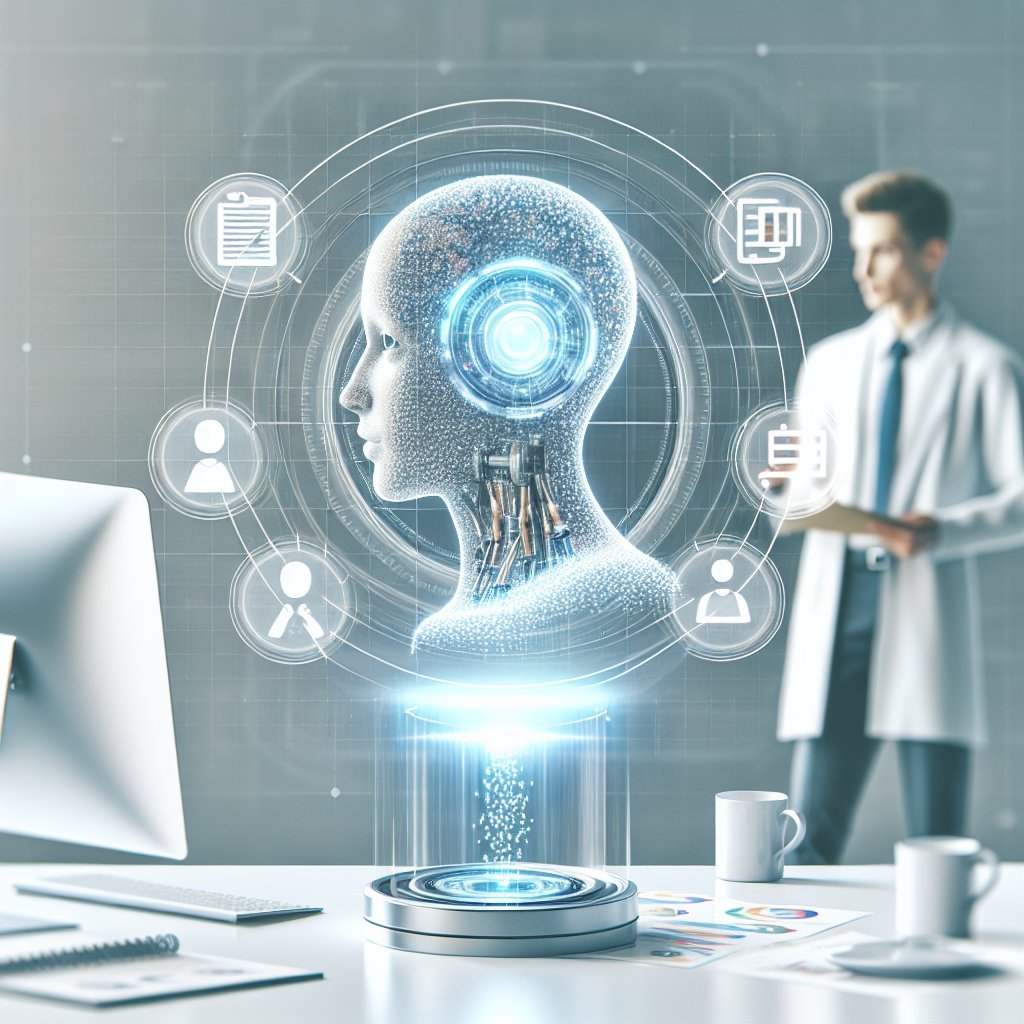
Natural language interaction makes task management more accessible and less intimidating. Many knowledge workers resist complex project management systems because they feel heavy or rigid. With AI, users can say or type plain language instructions like “move the blog draft deadline to next Wednesday and notify the marketing team,” and the assistant performs the necessary updates across tools. This conversational interface lowers the barrier to consistent task tracking, especially for non‑technical users or busy leaders.
AI assistants also help maintain focus by managing interruptions. They can apply rules to screen notifications, only surfacing urgent items while hiding low‑priority alerts during deep work sessions. When a message or request arrives, the assistant can route it into a task list instead of demanding immediate attention, reducing context switching. Some systems monitor focus time metrics and gently nudge users when multitasking or frequent app switching starts to undermine performance.
Analytics and insights play an increasingly important role in optimizing task management workflows. AI can track how long tasks take, which categories dominate a user’s schedule, and where bottlenecks occur. From this data, it generates dashboards and recommendations: rebalancing workload, delegating repetitive tasks, or rescheduling recurring meetings that consistently interrupt high‑value work. Over time, these insights guide better planning and more realistic commitments.
Personalization is key to making these capabilities truly effective. AI assistants learn from individual habits, preferences, and historical behavior to refine suggestions. For example, they may notice that a user consistently postpones complex analytical work in the late afternoon but completes it reliably in the morning. The assistant can then automatically schedule similar tasks earlier in the day, align reminders with natural energy cycles, and suggest breaks when productivity metrics decline.
For remote and hybrid teams, AI‑driven task management supports alignment across time zones and work styles. Assistants can summarize daily activity, highlight overdue items, and compile progress updates for managers without requiring manual reporting. Automated stand‑up summaries, task rollovers, and cross‑tool synchronization reduce administrative overhead and help everyone see the same source of truth, even when team members rely on different preferred tools.
Security and privacy remain crucial considerations as AI becomes more deeply embedded in workflows. Modern systems increasingly incorporate on‑device processing, granular permission controls, and encryption to protect sensitive information. Organizations can define which systems the assistant can access, what data it can analyze, and how long records are retained, balancing powerful automation with compliance requirements.
As AI assistants continue to evolve, their role in task management will likely expand from reactive support to proactive strategic guidance. Instead of simply handling reminders and scheduling, they will help individuals and teams align daily actions with long‑term goals, simulate different planning scenarios, and recommend the most impactful use of time in rapidly changing environments.