
Top Freelancer Workspace Essentials: Laptop, Coffee, and AI Tools
In the dynamic realm of freelancing, efficiency and comfort are paramount. Creating an ideal workspace is more than just aesthetics—it directly impacts productivity, creativity, and overall work satisfaction. Three cornerstone elements every freelancer swears by are the laptop, coffee, and AI tools. Each plays a distinct yet interconnected role in crafting an effective work environment tailored to meet the demands of today’s freelance economy.
Laptop: The Ultimate Freelance Command Center
A freelancer’s laptop is much more than a device; it’s a compact powerhouse that fuels creativity, communication, and project execution. Selecting the right laptop depends on the nature of your freelance work—whether it’s graphic design, writing, coding, or digital marketing—but certain essentials remain universally critical.
Key Features to Look for in a Freelancer Laptop
-
Performance & Speed: Prioritize laptops with robust processors (Intel i5/i7 or AMD Ryzen 5/7 and above) and at least 16GB of RAM. This ensures smooth multitasking, whether juggling multiple tabs, running design software, or conducting video calls.
-
Portability: Freelancers often work from cafes, co-working spaces, or while traveling. Lightweight models (around 2.5 lbs) with extended battery life (8+ hours) prevent workspace restrictions.
-
Display Quality: A high-resolution screen (Full HD or higher) with accurate color reproduction is essential for creatives. Matte or anti-glare finishes reduce eye strain.
-
Storage: SSD (Solid State Drive) storage is a must for faster boot times and application launches. Depending on workflow, 512GB or more is ideal.
- Connectivity: Versatile ports (USB-C, Thunderbolt, HDMI) and Wi-Fi 6 compatibility facilitate seamless connectivity for external devices and stable internet access.
Recommended Laptops for Freelancers in 2024
-
Apple MacBook Air M2: Known for its exceptional battery life, crisp Retina display, and powerful M2 chip, this is a top choice for creatives and writers who prefer macOS.
-
Dell XPS 13: Featuring a compact design, stunning screen, and strong performance, it suits a range of freelance professionals.
-
Lenovo ThinkPad X1 Carbon: Praised for durability and excellent keyboard—a boon for heavy typists and business consultants.
- Microsoft Surface Laptop 5: A versatile Windows machine with a sleek design, touchscreen, and solid performance.
Coffee: The Freelancer’s Fuel
For many freelancers, coffee transcends being a mere beverage—it’s an integral component of their productivity ritual. The stimulation from caffeine enhances cognitive functions such as alertness, concentration, and creativity, which are crucial during long work sessions.
Choosing the Right Coffee Setup
-
Coffee Type: Whether you prefer espresso, drip, cold brew, or instant coffee matters. Quality beans, preferably single-origin or specialty blends, elevate taste and offer richer antioxidants.
-
Brewing Equipment: Investing in quality equipment like a French press, AeroPress, or espresso machine allows customization and superior flavor compared to pre-packaged coffee pods or instant varieties.
- Eco-Friendly Options: Reusable filters and ethically sourced coffee beans align with sustainable freelancing ethics and conscious consumption.
Effects of Coffee on Freelance Productivity
-
Enhanced Focus: Caffeine stimulates the central nervous system, temporarily warding off fatigue and enhancing mental clarity.
-
Mood Booster: Coffee consumption is linked to increased dopamine production, improving motivation and mood—key for managing the highs and lows of freelance work.
- Creativity Catalyst: The ritual of brewing and sipping coffee can also serve as a mental reset or brainstorming trigger, helping ideas flow.
Creating a Coffee Nook in Your Workspace
Setting up a dedicated coffee station within your workspace can create mini breaks without leaving your desk. This minimizes downtime and encourages brief, rejuvenating pauses that maintain momentum during intensive tasks.
AI Tools: Revolutionizing Freelance Productivity
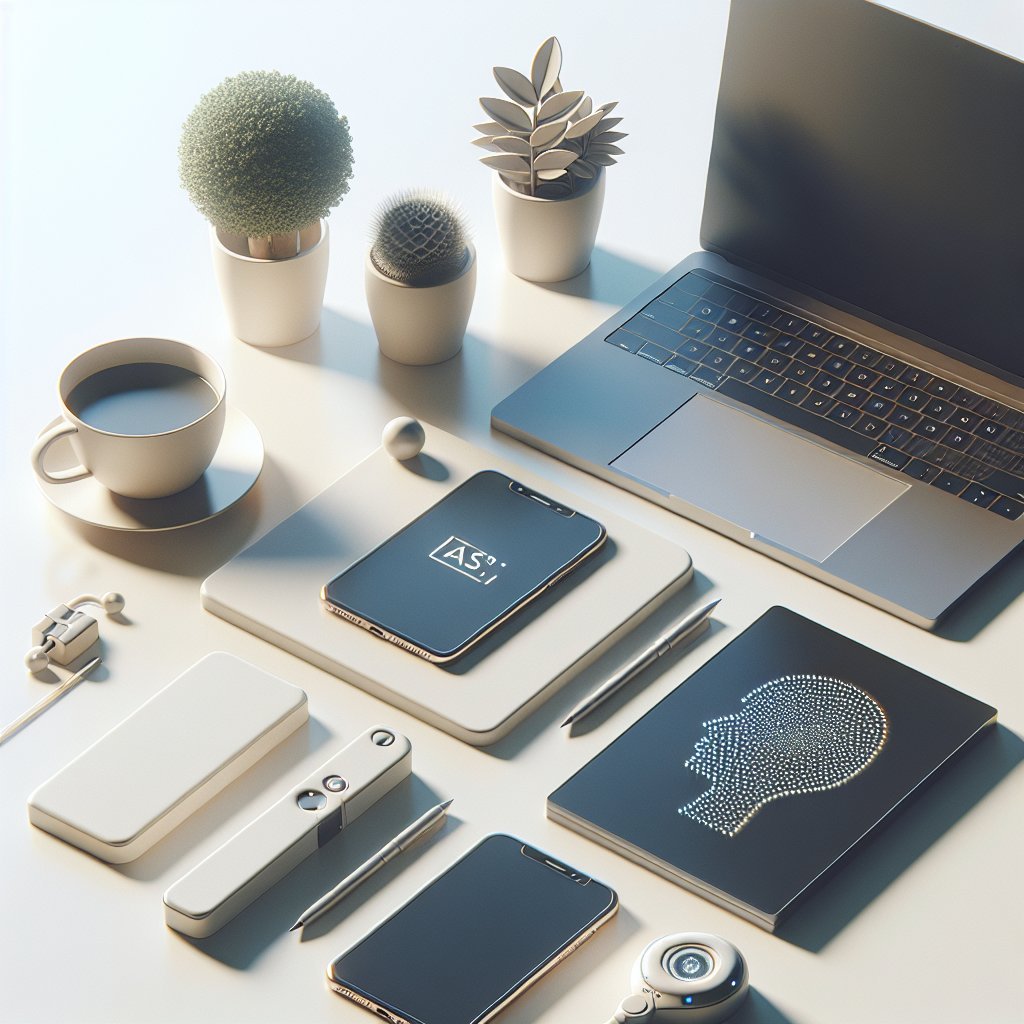
AI-powered tools have increasingly become indispensable in the freelancer’s toolkit. These solutions automate mundane tasks, optimize workflows, and unlock creativity, ultimately saving time and enhancing output quality.
Essential AI Tools for Freelancers
-
Content Creation and Writing:
-
ChatGPT / GPT-4: Generative AI like GPT-4 assists with brainstorming ideas, drafting articles, writing emails, or coding snippets—drastically reducing time spent on initial drafts.
- Grammarly: Goes beyond basic spellcheck to provide grammar, tone, and style suggestions to polish professional communication and content.
-
-
Design and Multimedia:
-
Canva’s AI Features: Canva integrates AI to automate design elements, suggest layouts, and generate graphics, making professional visuals accessible even without advanced software skills.
- RunwayML / DALL·E 2: AI-powered creative tools that generate images or video editing enhancements based on prompts, expanding visual content possibilities.
-
-
Project Management and Organization:
-
Notion AI: Enhances the popular Notion workspace by summarizing notes, generating task lists, and aiding knowledge management with AI insights.
- Trello with Butler Automation: Automates workflows and task assignments, improving focus on creative aspects instead of repetitive administrative work.
-
-
Marketing and SEO:
-
SurferSEO: Employs AI to provide data-driven SEO analysis, keyword optimization, and content strategy tailored to freelancers managing their own digital presence.
- HubSpot’s AI Tools: Facilitate automated email marketing campaigns, lead generation chatbots, and personalized customer communications.
-
Benefits of Integrating AI Tools into Freelancing
-
Time Efficiency: Automating repetitive tasks such as scheduling, editing, and data analysis frees up hours weekly.
-
Improved Accuracy: AI reduces human error in grammar, calculations, and SEO optimization, raising project quality.
-
Access to Data Insights: AI analytics enable freelancers to make informed decisions about client projects, social media performance, or market trends.
- Scalability: AI tools support workload expansion without compromising quality, allowing freelancers to take on higher volumes or more complex projects.
Optimizing Your Workspace Around These Essentials
To harness the potential of laptops, coffee, and AI tools effectively, freelancers should personalize their workspace setup by prioritizing ergonomics, ambiance, and connectivity.
-
Ergonomic Setup: Invest in a comfortable chair and adjustable desk to avoid strain during marathon laptop sessions.
-
Ambient Lighting: Natural or warm lighting enhances mood and reduces eye fatigue, complementing your laptop screen’s brightness.
-
Organized Space: Keep coffee essentials and AI resource shortcuts within easy reach, minimizing disruptions.
- Reliable Internet: Invest in a fast, stable Wi-Fi connection to support cloud-based AI tools, online meetings, and uninterrupted browsing.
A thoughtfully crafted workspace where technology meets comfort and creativity makes freelancing more sustainable and rewarding.
SEO Keywords Incorporated:
- freelancer workspace essentials
- best laptop for freelancers
- coffee for productivity
- AI tools for freelancers
- freelance productivity tips
- ergonomic freelance workspace
- AI content creation tools
- best coffee setup for freelancers
- gig economy workspace
- freelance digital tools
This detailed guidance empowers freelancers to select and optimize their laptops, coffee habits, and AI tools, setting the stage for enhanced productivity and sustained success in the evolving freelance landscape.