
Top 10 Digital Illustration Software Screen Features for Creative Professionals
Digital illustration has become an integral part of the creative industry, allowing artists to bring their visions to life through various software platforms. With a multitude of options available, creative professionals should focus on specific screen features that enhance their workflow, boost creativity, and streamline their processes. Below are the top ten essential screen features to consider in digital illustration software.
1. Customizable User Interface
One of the most important aspects of digital illustration software is the ability to customize the user interface (UI). A customizable UI allows artists to arrange tools and panels according to their preferences, which can significantly enhance productivity. For example, software like Adobe Illustrator and CorelDRAW enables users to create workspace layouts tailored to specific tasks, making it easy to switch between tools and focus on creativity without distraction.
2. Layer Management Tools
Effective layer management is crucial for any digital artist. Advanced layer management features, such as grouping, stacking, and blending modes, help artists organize their artwork. Software like Procreate and Clip Studio Paint provide intuitive layer functionalities that allow for smooth transitions between different elements. Users can easily adjust opacity, duplicate layers, and apply clipping masks, ensuring that their workflow remains organized and efficient.
3. Artboard Flexibility
The ability to create multiple artboards within a single document is an invaluable feature for illustrators working on complex projects. Software like Adobe XD and Affinity Designer allows users to design multiple versions of a project, making it easier to compare styles and refine designs. This feature is particularly beneficial for projects that require various layouts or formats, allowing for seamless navigation between artboards to maintain consistency.
4. Brush and Texture Customization
An expansive library of customizable brushes and textures is essential for creating unique artworks. High-quality digital illustration software, such as Krita and Adobe Fresco, offers a vast selection of brushes that mimic traditional media like watercolor, oil, and ink. Users can also create their own brushes, adjust pressure sensitivity, and manipulate texture settings, providing endless creative possibilities that can enhance personal style and expression.
5. Vector Editing Capabilities
For illustrators focused on precision and scalability, robust vector editing features are a must. Software like Inkscape and Adobe Illustrator excels in vector graphics manipulation, allowing users to create clean and scalable designs. With features like path editing, anchor point manipulation, and Boolean operations, artists can refine their illustrations without compromising quality, ideal for projects requiring high-resolution outputs.
6. High-Resolution Canvas Options
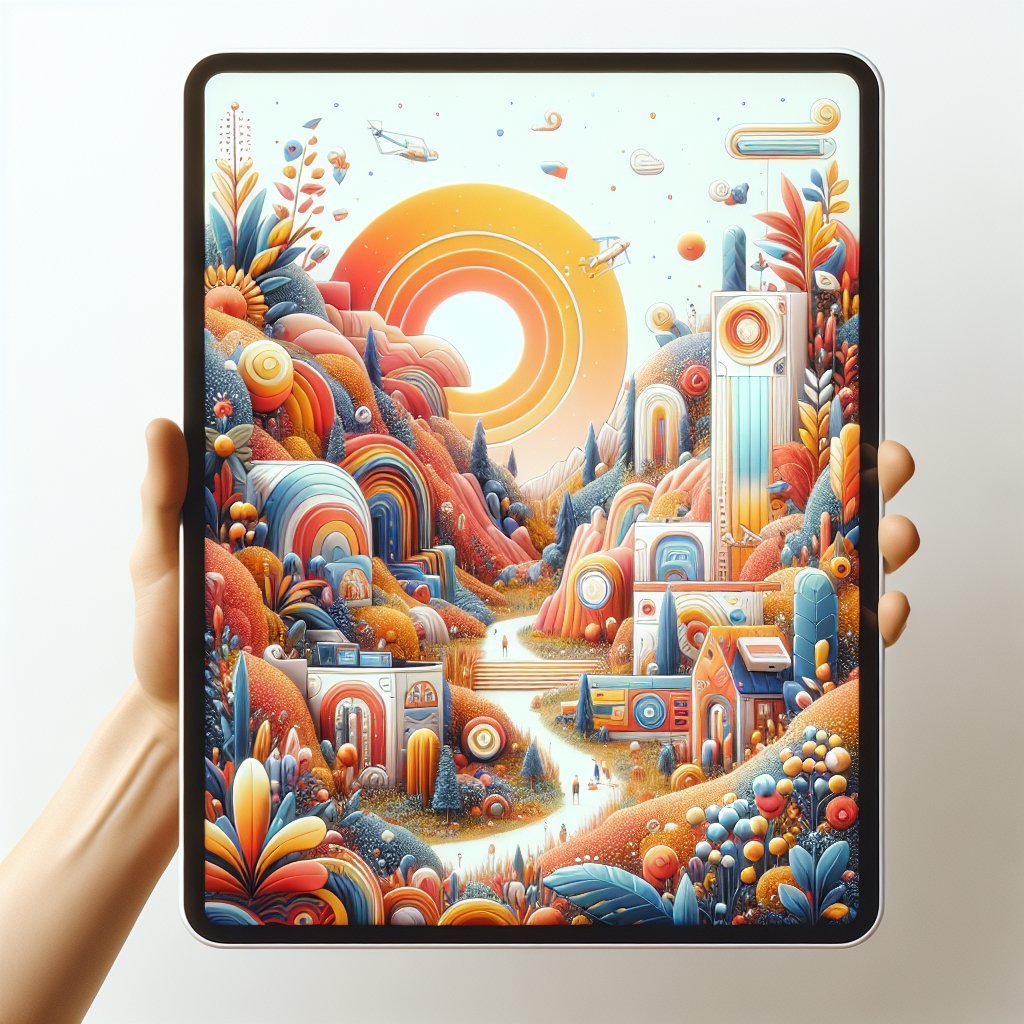
Working with high-resolution canvases enables illustrators to produce detailed and intricate designs. Many contemporary digital illustration software options provide the ability to customize canvas size and resolution, ensuring that the final product meets professional standards. Programs like Paint Tool SAI and Corel Painter allow artists to maximize their canvas space without sacrificing quality, facilitating a more immersive creative experience.
7. Real-Time Collaboration Features
In an increasingly collaborative digital landscape, real-time collaboration tools are becoming essential. Software like Figma and Adobe Creative Cloud allows multiple users to work on the same project simultaneously, making it easier to implement feedback and share ideas instantly. This unity fosters teamwork and communication, helping to expedite the design process and ensuring that all creative voices are effectively represented.
8. Integration with Other Applications
Seamless integration with other design and productivity applications is a distinguishing feature among leading digital illustration software. Programs like Affinity Designer and Adobe Creative Suite allow artists to import and export files effortlessly between platforms, ensuring compatibility with tools like Photoshop, After Effects, and various 3D modeling software. This level of integration streamlines the workflow, making it easier to manage projects across different media.
9. Export and File Compatibility
The versatility of file formats and export options can significantly impact a project’s final presentation. High-quality digital illustration software provides a range of export formats, including JPEG, PNG, SVG, PSD, and PDF. This ensures compatibility with various platforms and devices. Software like CorelDRAW and Sketch allows users to optimize their illustrations for print, web, or presentation, enhancing project adaptability across diverse applications.
10. In-Depth Color Management Tools
For an illustrator, color fidelity is paramount. Advanced color management features enable users to achieve accurate and vibrant colors in their work. Software like Adobe Photoshop and Clip Studio Paint offers in-depth color profiles, palettes, and gradient tools that facilitate the effective application of color theory. With features like color blending modes and the ability to work in RGB or CMYK spaces, artists can ensure their illustrations maintain their intended colors across media.
Final Thought
Each of these ten features caters to the unique needs of digital illustrators, allowing them to harness their full potential while working on creative projects. By focusing on essential screen features, creative professionals can select the right tools that enhance their artistic experience and productivity. Whether it’s customizable interfaces, high-resolution canvases, or real-time collaboration features, understanding how these elements influence workflow is crucial for success in the digital illustration realm.