
Understanding Your Workflow
To maximize productivity in your digital graphic design workspace, it is vital to start by analyzing your workflow. Each designer has a unique process, so documenting each step can help identify potential bottlenecks. Create a clear map of:
- Project Initiation: Starting with brainstorming ideas and rough sketches.
- Design Development: Developing concepts into digital formats.
- Client Feedback: Collecting and implementing feedback from clients or team members.
- Finalization: Preparing files for print or digital distribution.
By breaking down these stages, you can pinpoint where inefficiencies lie and focus on improving them. Streamlining these phases is crucial for enhancing overall productivity.
Organizing Your Digital Workspace
A cluttered workspace can hamper creativity and productivity. Digital organization can significantly impact your efficiency.
- Folder Structure: Use a well-defined folder structure on your computer. Create dedicated folders for each project, complete with subfolders for assets, drafts, and final designs.
- File Naming Conventions: Use consistent naming conventions for easy retrieval of files. Including dates, version numbers, and project names in file names can save time and enhance organization.
- Cloud Storage Solutions: Utilize cloud storage platforms like Google Drive, Dropbox, or Adobe Creative Cloud for remote access and backups. This not only mitigates data loss risks but also ensures all project collaborators can access necessary files seamlessly.
Utilizing Design Software Efficiently
Investing time in learning the shortcuts and features of your design software can drastically improve productivity.
- Keyboard Shortcuts: Familiarize yourself with keyboard shortcuts in software like Adobe Illustrator, Photoshop, and InDesign. This will streamline tasks that would otherwise require cumbersome navigation through menus.
- Customizable Workspaces: Take advantage of customizable workspaces. Tailor your layout in design software to suit your specific projects, ensuring frequently used tools are easily accessible.
- Templates: Creating or using pre-made templates can save time for recurrent tasks or projects. Whether it’s social media graphics, brochures, or presentations, templates can provide a strong foundation to build on, allowing you to focus on creativity.
Effective Time Management
Time management is crucial for graphic designers. Consider implementing strategies like:
- The Pomodoro Technique: This technique involves working in sprints of 25 minutes followed by a short break. This can help maintain focus and prevent burnout.
- Task Prioritization: Use tools like Trello or Asana for tracking tasks. Prioritize projects based on deadlines and importance to ensure that critical tasks are completed on time.
- Set Clear Goals: Define daily, weekly, and monthly goals. Setting achievable milestones keeps you motivated and engaged in your work.
Collaboration and Feedback Processes
Graphic design often involves collaborating with clients or team members. An efficient feedback loop can enhance output quality.
- Utilize Online Collaboration Tools: Employ platforms like Slack or Figma for real-time collaboration, allowing you to share designs and get instant feedback.
- Structured Feedback Sessions: Schedule regular feedback sessions to discuss projects at critical milestones. Use structured formats to ensure feedback is constructive and specific.
- Client Briefs: Establishing a thorough client brief from the start can greatly reduce misunderstandings and rework later in the design process.
Incorporating Productivity Tools
Leverage productivity tools that can aid your design process and enhance your creative capabilities.
- Color Palettes: Use tools like Adobe Color or Coolors to create harmonious color schemes efficiently.
- Asset Management: Tools like Adobe Stock and Creative Market allow for swift integration of high-quality assets, reducing time spent on sourcing.
- Note-taking and Idea Management: Apps like Evernote or Notion offer versatile platforms for capturing ideas, research notes, and inspiration.
Maintaining a Healthy Work-Life Balance
To maximize productivity, maintaining a healthy work-life balance is essential.
- Set Boundaries: Establish specific work hours to avoid burnout. Effective separation between work and personal time enhances creative thinking during work sessions.
- Take Breaks: Regular breaks can improve overall concentration. Step away from your computer to refresh your mind, which can lead to better design solutions.
- Physical Well-being: Invest time in regular physical activity and maintain a healthy diet to boost energy levels and creativity. Simple exercises can be a great way to incorporate movement throughout the day.
Continuous Learning and Skill Enhancement
In the fast-paced world of graphic design, continuous learning is vital. Engaging with new trends, techniques, and technologies keeps your work fresh and inspired.
- Online Courses: Explore platforms like Skillshare or Coursera for courses that cater to your learning needs from renowned instructors.
- Follow Design Blogs and Podcasts: Staying updated on design trends and methodologies keeps your skills sharp and can inspire creativity in your projects.
- Networking: Engage with design communities on social media platforms like LinkedIn or Instagram. Networking can lead to valuable feedback, new opportunities, and collaborative projects.
Ergonomics and Comfort in Your Workspace
A comfortable workspace can significantly enhance productivity.
- Ergonomic Furniture: Invest in an ergonomic chair and desk to support long design sessions. Proper posture can reduce fatigue and discomfort.
- Lighting: Ensure that your workspace is well-lit. Natural light is ideal, but if that’s not possible, consider bright, adjustable LED lighting to reduce eye strain.
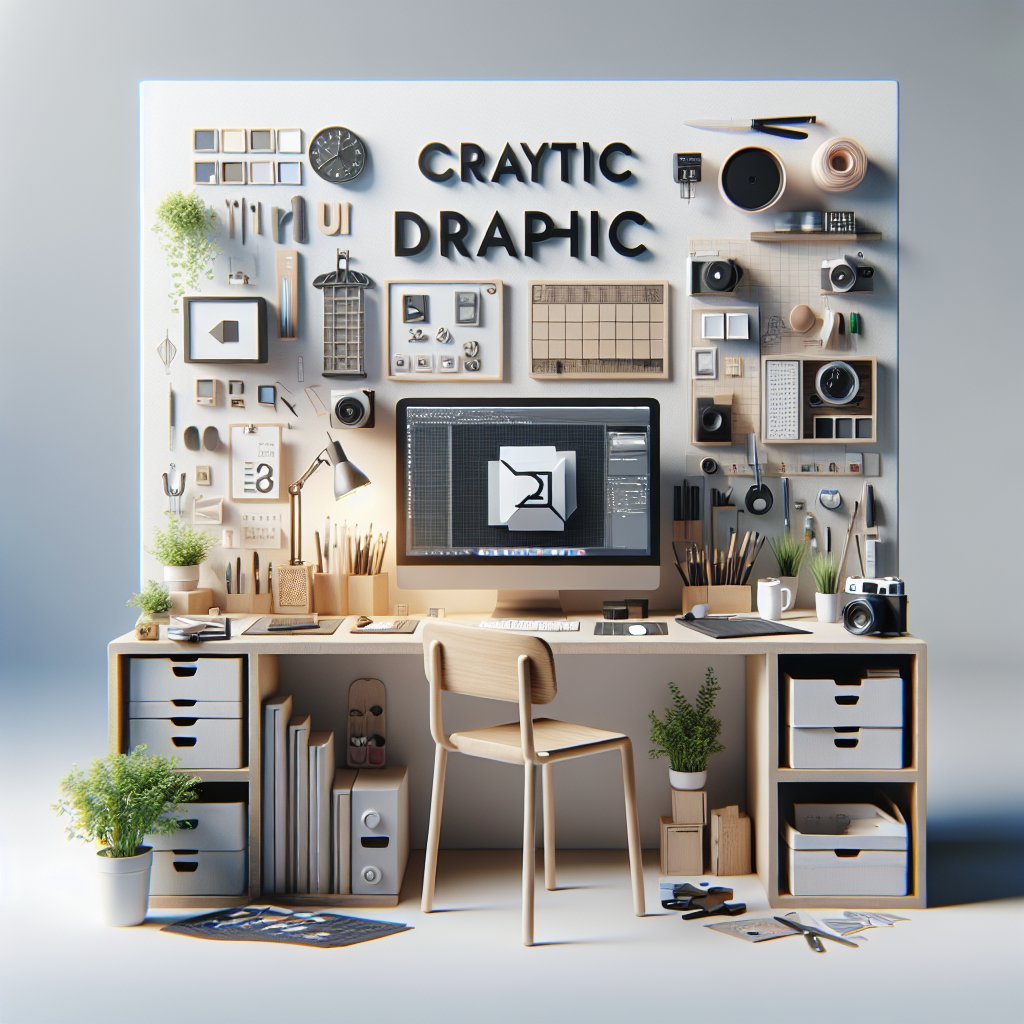
- Personal Touch: Surround yourself with inspiring visuals such as artwork, plants, or personal items that stimulate creativity and joy in your workspace.
Keeping Up with Design Trends
Staying aware of current trends in graphic design can improve your work quality and relevance. Engage in:
- Design Challenges: Participate in online design challenges that stimulate creativity and skill development.
- Social Media Trends: Follow influential designers and platforms on social media to keep up with evolving practices and aesthetic preferences.
- Design Competitions: Entering design contests not only showcases your work but provides feedback and inspiration from industry professionals.
Implementing these strategies can lead to a more productive and fulfilling graphic design practice. This meticulous approach to organization, time management, collaboration, and continuous learning will enhance efficiency and creativity in your workspace.