
Enhance Productivity with a Designer Workspace Dual Monitor Setup
The Power of a Dual Monitor Setup
In today’s fast-paced digital workspace, professionals require efficient tools to optimize their productivity. A dual monitor setup is one of the most effective configurations, especially for designers, programmers, and content creators. Studies reveal that utilizing dual monitors can increase productivity by up to 30%. This article explores how to effectively set up a productive designer workspace using dual monitors, focusing on ergonomics, organization, and software integration.
Benefits of Dual Monitors
Multitasking Efficiency
One of the primary advantages of a dual monitor setup is multitasking. Designers often juggle multiple applications simultaneously—such as Adobe Creative Suite for graphic design and project management software like Trello or Asana. With two screens, designers can have their design software open on one monitor while referencing resources or collaborating with team members on the other. The seamless transition between tasks minimizes time spent switching windows and enhances workflow continuity.
Enhanced Visual Real Estate
A dual monitor setup provides extensive screen real estate, enabling designers to view more content at once without the clutter of multiple tabs. This benefit is particularly critical for tasks that require detailed visual accuracy, such as web design or video editing. Designers can keep their palettes, toolbars, and reference images visible, streamlining their work process and reducing eye strain.
Optimal Ergonomics for a Designer Workspace
Monitor Placement
Achieving the best ergonomic setup starts with appropriate monitor placement. Monitors should be positioned at eye level, roughly an arm’s length away, to prevent neck strain and enhance comfort during long design sessions. For optimal setup, the primary monitor should be directly in front, while the secondary monitor can be angled slightly to avoid twisting the neck. User-adjustable monitor stands can help in maintaining this ideal position.
Chair and Desk Selection
Investing in a high-quality ergonomic chair and desk is crucial for a designer’s health. An adjustable chair with lumbar support ensures that the user maintains proper posture while seated. A standing desk option can also be beneficial, allowing designers to alternate between sitting and standing while working, promoting better circulation and reducing discomfort.
Organizing Your Dual Monitor Workspace
Cable Management
A clutter-free workspace is vital for productivity. Poor cable management can lead to distractions and a chaotic environment. Solutions such as cable clips, sleeves, or cable boxes can help keep cords organized and out of sight, contributing to a more focused working atmosphere.
Application Organization
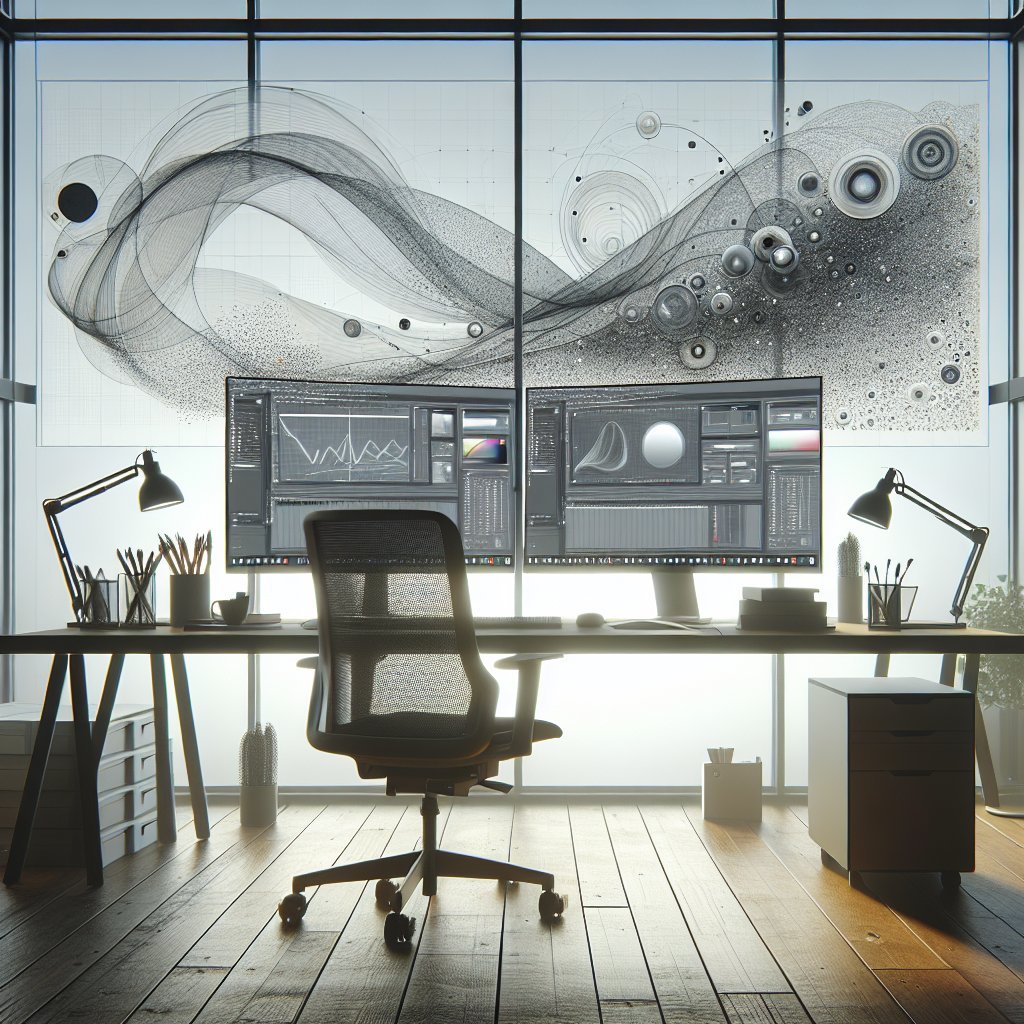
To maximize productivity, designing a structured workspace layout on both monitors is essential. Use one screen for primary workflow applications and the other for secondary tasks, such as communication or project management tools. For instance, keep your design software on one screen and your web browser or email client on the other. Utilizing virtual desktops can also help in keeping unrelated tasks segregated, further enhancing focus.
Software Integration for Seamless Workflow
Multi-Monitor Productivity Tools
Software tools that support dual monitor setups can significantly enhance productivity. Applications like DisplayFusion allow users to customize taskbars, wallpaper, and window management across multiple screens. This can transform a standard dual monitor experience into a tailored workspace, making it easier to navigate between various applications.
Keyboard Shortcuts and Customization
Familiarizing oneself with keyboard shortcuts across different applications can drastically reduce the time spent on repetitive tasks. Customizing shortcuts to facilitate movement between screens ensures a fluid workflow. Many design tools, such as Adobe Photoshop or Illustrator, allow for shortcut customization, which users should exploit to fit their working style.
Best Practices for a Dynamic Workspace
Utilizing Third-Party Applications
Consider integrating third-party applications that support workflow enhancement. Tools like Figma for collaborative design and Slack for team communication can be effectively used across a dual monitor setup. This not only encourages real-time collaboration but also keeps the primary design tools uninterrupted.
Regular Workspace Optimization
To maintain an efficient workspace, regularly evaluate how the dual monitor setup is functioning. Are applications grouped effectively? Is the information flow intuitive? Periodically rearranging your workspace can lead to fresh perspectives and workflow improvements, thereby promoting continued productivity enhancement.
Integration of Visual Design Principles
Color and Design Harmony
In a designer workspace, aesthetics play a significant role. Choose monitor stands and peripheral accessories that complement the overall design theme. Neutral colors promote focus, while splashes of creativity can invigorate the workspace. Personalized elements such as art, plants, or thematic decor not only enhance visual appeal but can provide motivational boosts during creative blocks.
Utilizing Dark Mode
For graphic designers, opting for dark mode in applications can be beneficial. Dark backgrounds reduce eye strain and enhance visibility for bright design elements, making the workspace more enjoyable to work in for extended periods.
Conclusion: Striving for Continuous Improvement
By harnessing the full potential of a dual monitor setup, designers can elevate their productivity and creativity. Ensuring ergonomic comfort, implementing organized structures, and leveraging effective software tools are essential to creating a focused and efficient workspace. Regularly innovating workspace practices and incorporating personal style will help maintain engagement and motivation in a designer’s daily workflow. With this in mind, one can expect a noticeable increase in the quality of work produced, paving the way for greater success in a competitive landscape.