
1. Adobe Creative Cloud Suite
The Adobe Creative Cloud Suite is an industry standard for graphic designers. This all-in-one package includes Photoshop for image editing, Illustrator for vector graphics, InDesign for layout design, and several other tools like After Effects for motion graphics and XD for user experience design. Subscription-based, it offers regular updates, comprehensive features, and seamless integration across applications, making it indispensable for anyone serious about graphic design.
2. Figma
Figma is a powerful web-based design tool that excels in UI and UX design. Its collaborative features allow multiple users to work on projects in real time, which is particularly beneficial for design teams. With an intuitive interface, prototyping capabilities, and vector editing, Figma streamlines the design workflow. Its cloud storage ensures that designs are accessible anywhere, eliminating the hassle of file management inherent in traditional software.
3. Sketch
Sketch is a favorite among UI and web designers, focusing primarily on digital design. With a user-friendly interface, it simplifies vector editing and features reusable components, making it easier to maintain design consistency. Integrated with many plugins, Sketch can be customized to fit various workflows, helping designers to create scalable and efficient designs for interfaces and websites.
4. CorelDRAW
CorelDRAW is another well-regarded graphic design software, popular for its robust vector illustration and layout tools. Its unique features, such as the PowerTRACE tool that converts bitmaps to editable vectors, boost productivity. CorelDRAW’s compatibility with various file formats allows designers to collaborate effortlessly with clients and other creatives. The software’s user-friendly interface makes it accessible for beginners while still offering advanced tools for seasoned professionals.
5. Procreate
While primarily an iPad app, Procreate is essential for graphic designers who work on illustrations and digital painting. Its intuitive touch interface allows for a natural drawing experience, with features like brush customization and high-resolution canvases. Many designers use Procreate to create illustrations that can be easily imported back into desktop applications, enriching their graphic design projects with hand-drawn elements.
6. Canva
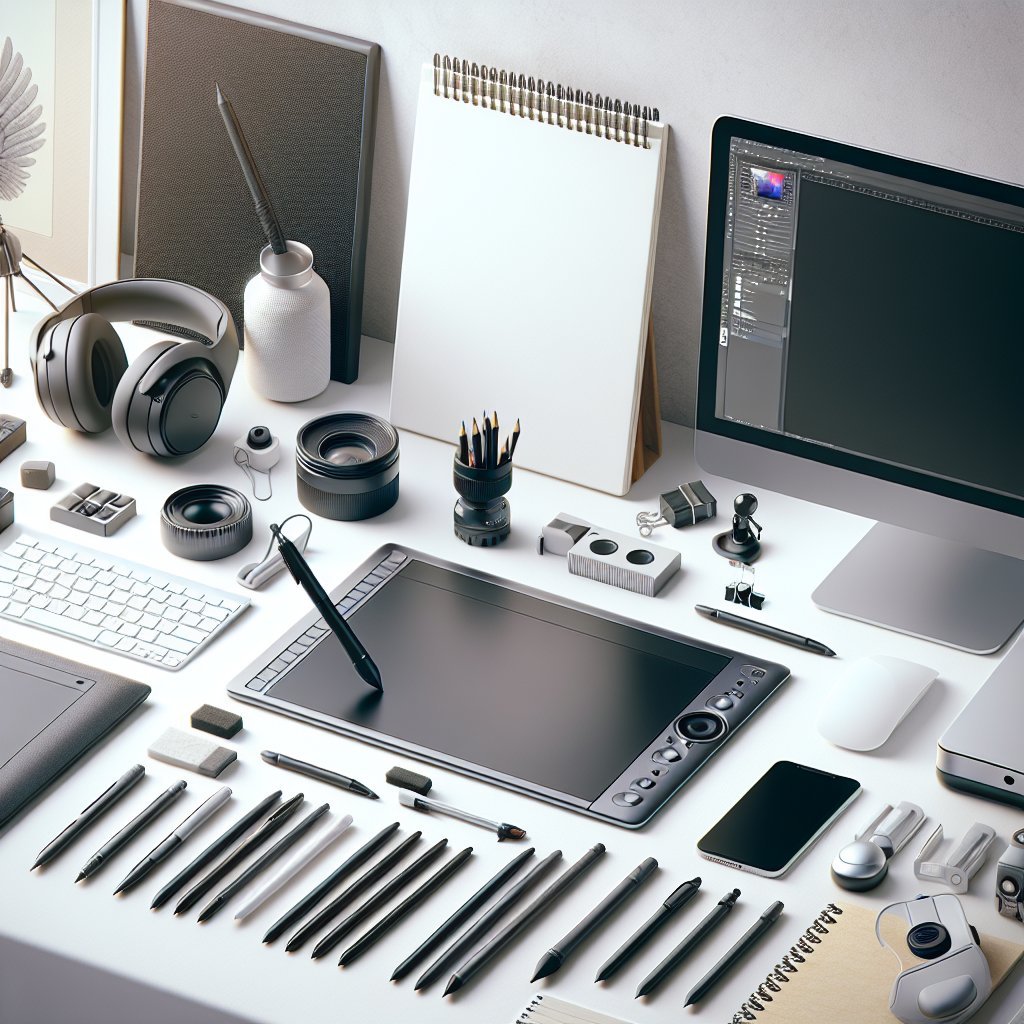
Canva offers a user-friendly approach to graphic design, suitable for both professionals and novices. This online platform is ideal for creating social media graphics, presentations, posters, and more, with a vast library of templates and assets. It simplifies the design process, allowing users to produce visually engaging content quickly. While it may not replace advanced tools for complex projects, Canva is excellent for quick designs and marketing materials.
7. Affinity Designer
Affinity Designer is an affordable alternative to Adobe Illustrator, providing robust vector design capabilities. It supports both vector and raster graphics, and the one-time purchase model makes it appealing to budget-conscious designers. With features like symbol libraries and non-destructive editing, Affinity Designer is a solid choice for professionals looking to expand their design toolkit without breaking the bank.
8. GIMP
GIMP, or GNU Image Manipulation Program, is a powerful, free alternative to Adobe Photoshop. This open-source software provides advanced image manipulation capabilities, making it suitable for everything from photo editing to graphic design. With a customizable interface and a wide range of plugins, GIMP is a versatile option for designers who seek robust editing tools without the associated costs of proprietary software.
9. InVision
InVision is an essential tool for prototyping and collaboration in digital design. It allows designers to create interactive mockups and gather client feedback efficiently. With features for commenting and live updates, InVision bridges the gap between designers and stakeholders. Its integration with other design tools like Sketch and Photoshop makes it easy to enhance the design workflow and ensure that projects stay on track through effective communication.
10. Trello
Trello is not a design tool per se, but it significantly enhances project management for graphic designers. Its visual interface, built around boards, lists, and cards, helps designers organize tasks, collaborate with teams, and track progress on projects. Integrating Trello with other design tools allows for streamlined workflows, ensuring that deadlines are met and projects run smoothly.
Conclusion
Utilizing these tools enables graphic designers to enhance their productivity, unleash creativity, and streamline workflows. By incorporating a blend of powerful software for design, collaboration, and project management, designers can significantly boost their efficiency and output quality, creating stunning visuals that effectively communicate their messages. These tools collectively embody the essential requirements for modern graphic design, catering to the needs of both freelance creatives and established design teams.